
21st.dev
React and Tailwind UI component library for design engineersInstall production-ready components with one command
Highlights
What you can do with it
- A team stands up a product showcase site from ready components
- A marketer builds a campaign page from the landing page section
- A developer assembles a responsive dashboard from UI elements
How to use it
- 1 Visit the 21st.dev website and browse the component catalog.
- 2 Pick the components or templates your project needs.
- 3 Run the npm command to install them into your project.
- 4 Import them into your React codebase.
- 5 Customize the styling and behaviour to fit your design.
- 6 Preview and test across devices and browsers, then deploy.
Who it is for
Pros
- One npm command per component keeps setup short
- Catalog covers both pages and small UI pieces
- Components are responsive out of the box
- Customization is broad enough to fit an existing design system
Limitations
- Only a free trial is offered; ongoing use needs a paid plan
- Tied to React and Tailwind, so other stacks are out of scope
- Component quality varies across a community-style catalog
- You still need to check accessibility and edge cases yourself
What 21st.dev is
21st.dev is a component library aimed at design engineers who build interfaces in React and Tailwind CSS. It is inspired by shadcn/ui and ships professional components, landing page templates, UI elements, and React hooks. Installation is a single npm command per component, which removes most of the copy-and-paste work from setting up a new page. The platform positions itself as a shortcut between a design idea and a working interface, and it offers a free trial with paid plans behind the website.
What you can do with it
- Install professional components with one npm command
- Start a landing page from templates for announcements, backgrounds, and borders
- Pull small UI pieces such as accordions, alerts, avatars, and badges
- Use supplied React hooks for state and side effects
- Customize components heavily and keep them responsive
Who it is for
- Design engineers who work across design and code
- Front-end developers who need a working page the same day
- Teams that want a shared component base across several projects
What to watch out for
A component library speeds up assembly, not decisions. You still need to check accessibility, keyboard behaviour, empty states, and how a piece looks with your real content rather than placeholder text. The catalog is broad, which means quality is uneven: read the code before you ship it. Only a free trial is offered, so ongoing use needs a paid plan, and the stack is limited to React with Tailwind. If your project runs on something else, this will not fit. Run one full task end to end first, then expand once you are comfortable with the workflow and the result quality.
FAQ
Is 21st.dev free?
A free trial is offered. Full pricing details are not in the listing and should be checked on the official site.
How do I install a component?
Each component ships with an npm command, so you copy the command, run it, then import the component into your React project.
What stack does it assume?
React with Tailwind CSS. The components are built for that combination and are inspired by shadcn/ui.
Why it is free
What the official page says: free trial
Free limits, trial length and features are decided by the official site and can change at any time.
Product preview
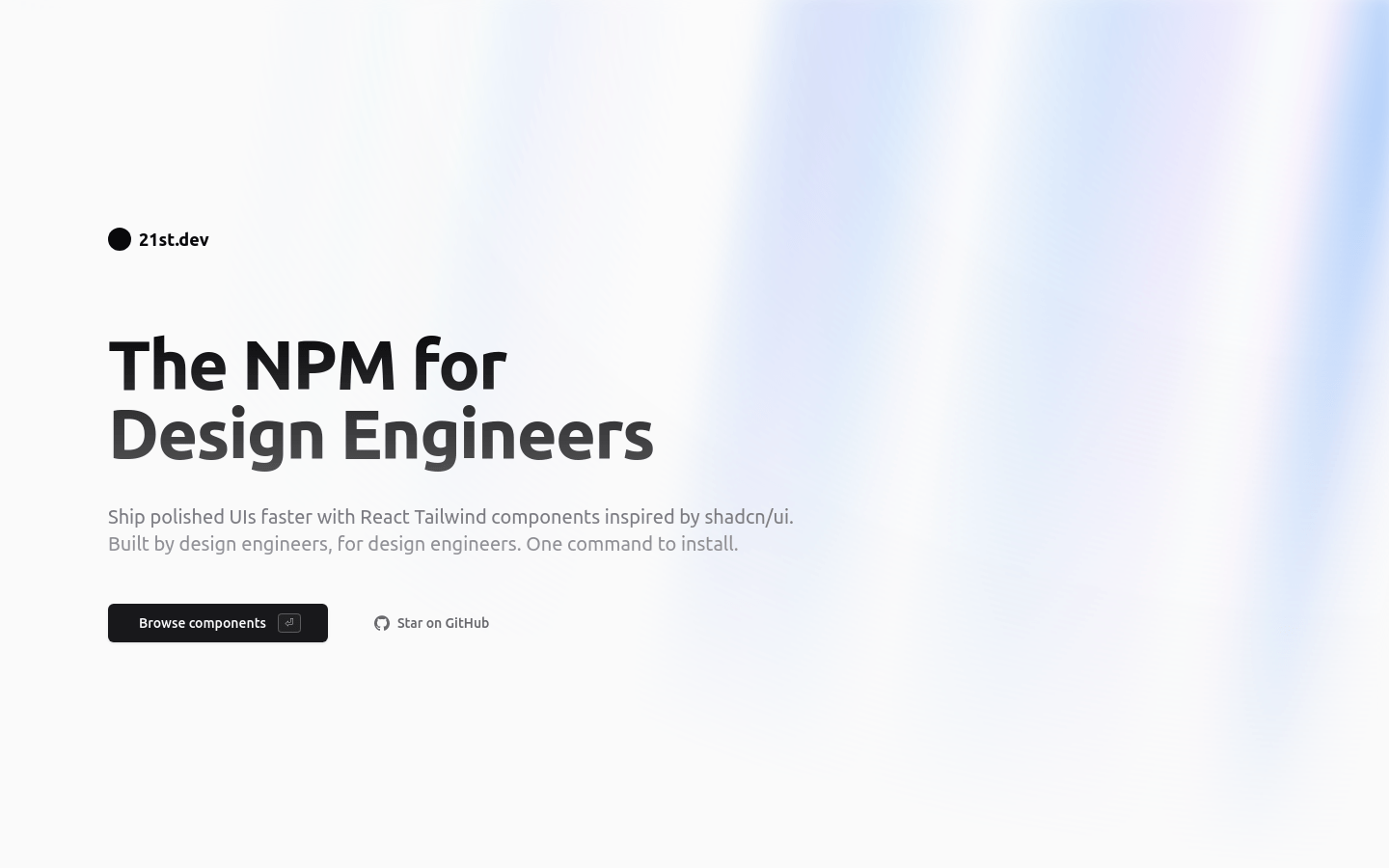
Screenshot archived from the listing page, for preview only.











