
3D Valley
Free AI 3D generator with browser toolsMake, fix, and find 3D assets in your browser
Highlights
What you can do with it
- Turning a photo of a chair into a printable STL, then repairing a gap for 3D printing.
- Cutting a game asset from 20,000 to 5,000 triangles while keeping its textures.
- Finding a seamless wooden floor texture in the CC0 library for a render.
How to use it
- 1 Open the 3D Valley site and start without registering.
- 2 Pick a tool, such as Image to 3D or Text to 3D.
- 3 Upload a file or type a description, then wait about a minute for AI tools.
- 4 Use the built-in repair, retopology, or decimation tools to adjust the model.
- 5 Choose an output format and download, or buy credits if you need more quota.
Who it is for
Pros
- File tools run in the browser and locally, so nothing is uploaded.
- A free daily quota and no-registration start lower the barrier.
- AI generation plus CC0 search covers making, fixing, and sourcing assets.
Limitations
- The AI free quota is daily, and heavier use needs paid credits from 5 cents per model.
- Free quota rules and pricing can change.
- AI models can need cleanup, and browser tools depend on your machine and file size.
What 3D Valley is
3D Valley is a free online platform that combines AI 3D generation, file processing, and CC0 asset search in one place. You can upload a photo or type a one-line description to get a textured 3D model in about a minute, then use browser-based tools to repair, retopologize, and simplify it. All file processing runs locally, so your files are not uploaded, which helps with privacy. The site also searches CC0 models and textures from Poly Haven, ambientCG, and Sketchfab. AI tools come with a free daily quota, and you can start without registering.
What you can do with it
- Turn a single-object photo or a short text prompt into a textured 3D model, exported as GLB, OBJ, or STL.
- Change a model's colors and materials with an image or text while keeping its geometry.
- Reduce triangle counts, fix holes and normals, and rebuild clean topology, all in the browser.
- Search thousands of CC0 models and textures across three libraries and download them without attribution.
Who it is for
- 3D printing enthusiasts who need watertight, printable models and cost estimates.
- Game developers and indie studios that build prototype assets and optimize performance.
- Designers, educators, and students working on 3D concepts, coursework, and visual projects.
What to watch out for
The AI tools are free only up to a daily quota, and heavier use means buying credits that start at 5 cents per model, though there is no subscription. Free quota rules and pricing can change. AI-generated models often need cleanup, so the repair, retopology, and decimation tools matter, and because they run in your browser, speed depends on your machine and the file size. The CC0 library is a search layer over other sites, so what is available can change.
FAQ
Is 3D Valley free?
AI tools have a free daily quota, the browser file tools are free to use, and extra AI runs cost credits from 5 cents per model with no subscription.
Do I need to sign up?
No, you can start using the site without registering.
What formats can I export?
Models can be exported as GLB, OBJ, or STL, and other file tools support STL, OBJ, PLY, GLB, and glTF.
Why it is free
What the official page says: 免费额度免费
Free limits, trial length and features are decided by the official site and can change at any time.
Product preview
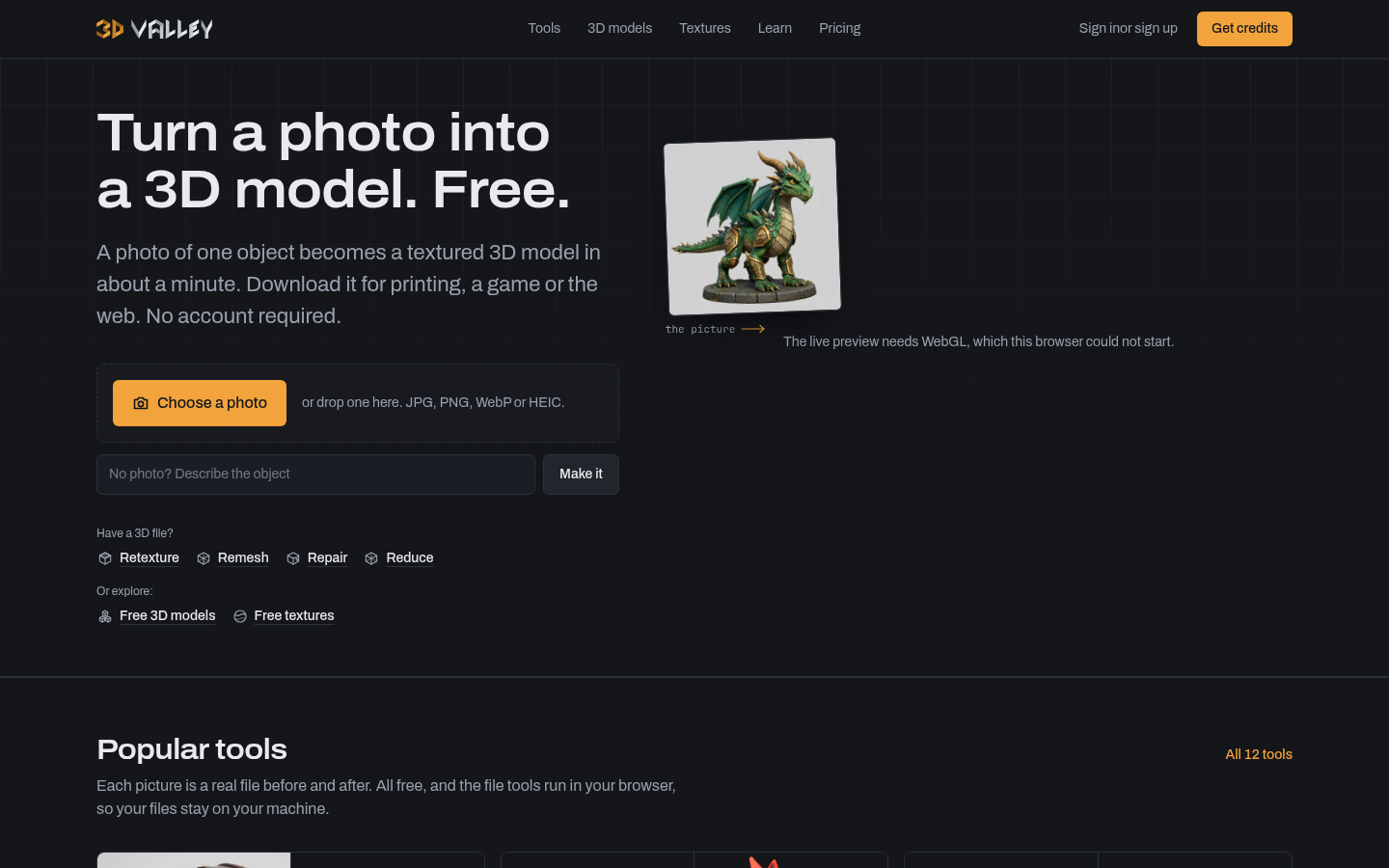
Screenshot archived from the listing page, for preview only.











