Adobe Enhance Speech
Free Adobe AI filter that cleans up spoken audioMake voice recordings sound like they were made in a studio
Highlights
What you can do with it
- Clean up a podcast or interview recording
- Improve voice-over or narration audio
- Tidy up a recorded talk or presentation
How to use it
- 1 Open the Adobe Enhance Speech page.
- 2 Upload the spoken audio file you want to improve.
- 3 Let the AI process and clean up the recording.
- 4 Download the enhanced audio.
Who it is for
Pros
- One-step cleanup with automatic noise removal
- Balances volume and lifts quality without manual editing
- Completely free to use
Limitations
- It is built for speech, so it is not meant for music or complex mixes
- The current free model could change over time
- As an online tool, it depends on the site staying reachable
- Heavy noise or very poor recordings may still show limits
What Adobe Enhance Speech is
Adobe Enhance Speech is a free AI audio filter designed for spoken recordings. It takes voice audio and processes it so it sounds like it was captured in a soundproof studio. The tool automatically removes background noise, adjusts volume balance, and raises overall audio quality, so you do not have to fix these things by hand. You upload an audio file to the platform and the AI optimizes it, and the result is meant to sound more professional without extra equipment. It is suited to broadcasting, podcasting, and audio production, and it is completely free to use. The aim is to let anyone get cleaner voice recordings without deep audio editing knowledge.
What you can do with it
- Remove background noise from a spoken recording
- Balance volume so the voice stays even
- Improve overall audio quality for podcasts and broadcasts
- Clean up voice-over, narration, or recorded talks
Who it is for
- Podcasters and broadcasters who want cleaner audio
- Voice-over artists and audio producers
- Anyone recording spoken content without deep editing skills
What to watch out for
Adobe Enhance Speech is built for speech, so it is not meant for music or complex multi-track mixes. Very noisy or poor source recordings may still show limits, since the tool improves audio but cannot fully rebuild missing detail. It is described as completely free to use, but that free model could change over time. Because it runs online, you also need the website to be reachable when you want to process a file. For best results, start with a small test file and review the output carefully before working on anything important.
FAQ
Is Adobe Enhance Speech free?
Yes, it is described as completely free to use.
What does it do?
It removes background noise, balances volume, and improves spoken audio quality.
What is it for?
Broadcasting, podcasting, and audio production with spoken word.
Why it is free
What the official page says: completely freefree to use
Free limits, trial length and features are decided by the official site and can change at any time.
Product preview
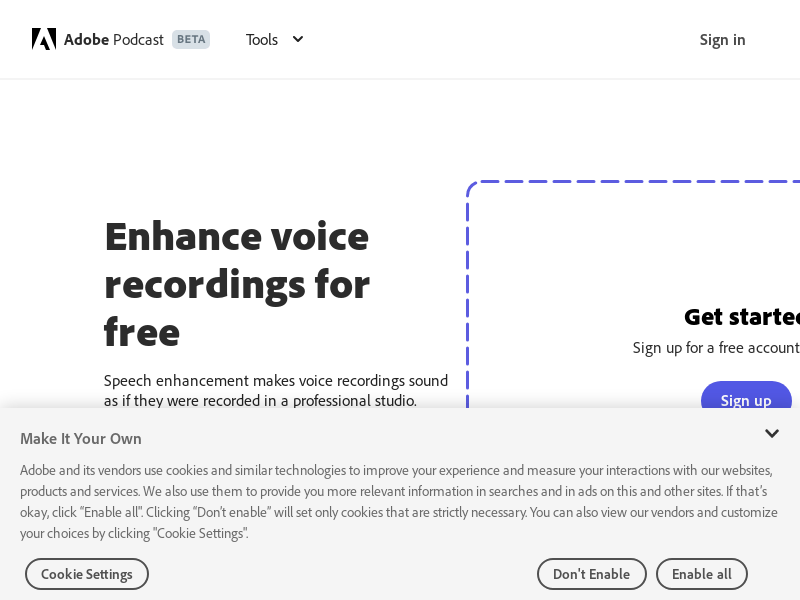
Screenshot archived from the listing page, for preview only.