
AdWorker
Free AI image tool for sellers and creatorsProduct images and edits with no sign-up
Highlights
What you can do with it
- A seller makes plain-background product photos for a marketplace listing
- A designer builds scene-based product images from a single photo
- A creator removes a GIF background for social sharing
How to use it
- 1 Open adworker.ai and pick the tool you need
- 2 Upload the image you want to process
- 3 Set options such as the background color
- 4 Run the tool and download the result
Who it is for
Pros
- Free core tools with no sign-up or card
- Watermark-free downloads
- E-commerce-ready crop presets for major platforms
Limitations
- Advanced or high-volume needs may run into limits
- AI product scenes still need a quality check
- Free features and platform presets can change
What AdWorker is
AdWorker is a free online AI image tool made for creators and sellers. It packs several image jobs into one place: background removal, clean single-color background product shots, ghost model product images, AI product scenes, and GIF background removal, plus compression, format conversion, and cropping. There is no need to install Photoshop or wrestle with complex settings; you upload an image, pick a tool, and get a result in seconds. The core tools are free, no account or credit card is required, and downloaded results come without watermarks. Crop presets for Amazon, Shopify, and eBay make it handy for listing work. It is aimed at anyone who needs clean, ready-to-use images fast, from solo sellers to designers working on product visuals.
What you can do with it
- Remove backgrounds and export clean transparent PNGs or GIFs
- Make plain, single-color background product images for listings
- Generate scene-based product shots from a single photo
- Compress, convert, and crop with platform presets
Who it is for
- E-commerce sellers preparing product images for listings
- Designers building product scenes and marketing visuals
- Everyday users who need quick, free image edits
What to watch out for
The core tools are free, but free offerings can change and heavy or advanced use may run into limits, so check the current terms. AI-generated product scenes and ghost model shots should be reviewed before they go live, since results can vary with the source image. The tool handles image processing, not platform approval, so confirm each marketplace's own listing rules and image standards. Keep your original files as backups before you edit, and do a quality check on every download.
FAQ
Is AdWorker free?
The core tools are free to use, with no account or credit card required.
Are downloads watermarked?
No. The site says downloaded results are not watermarked.
What can it do for e-commerce?
It makes clean-background product images and ghost model shots, with crop presets for Amazon, Shopify, and eBay.
Why it is free
What the official page says: no registrationfree to use
Free limits, trial length and features are decided by the official site and can change at any time.
Product preview
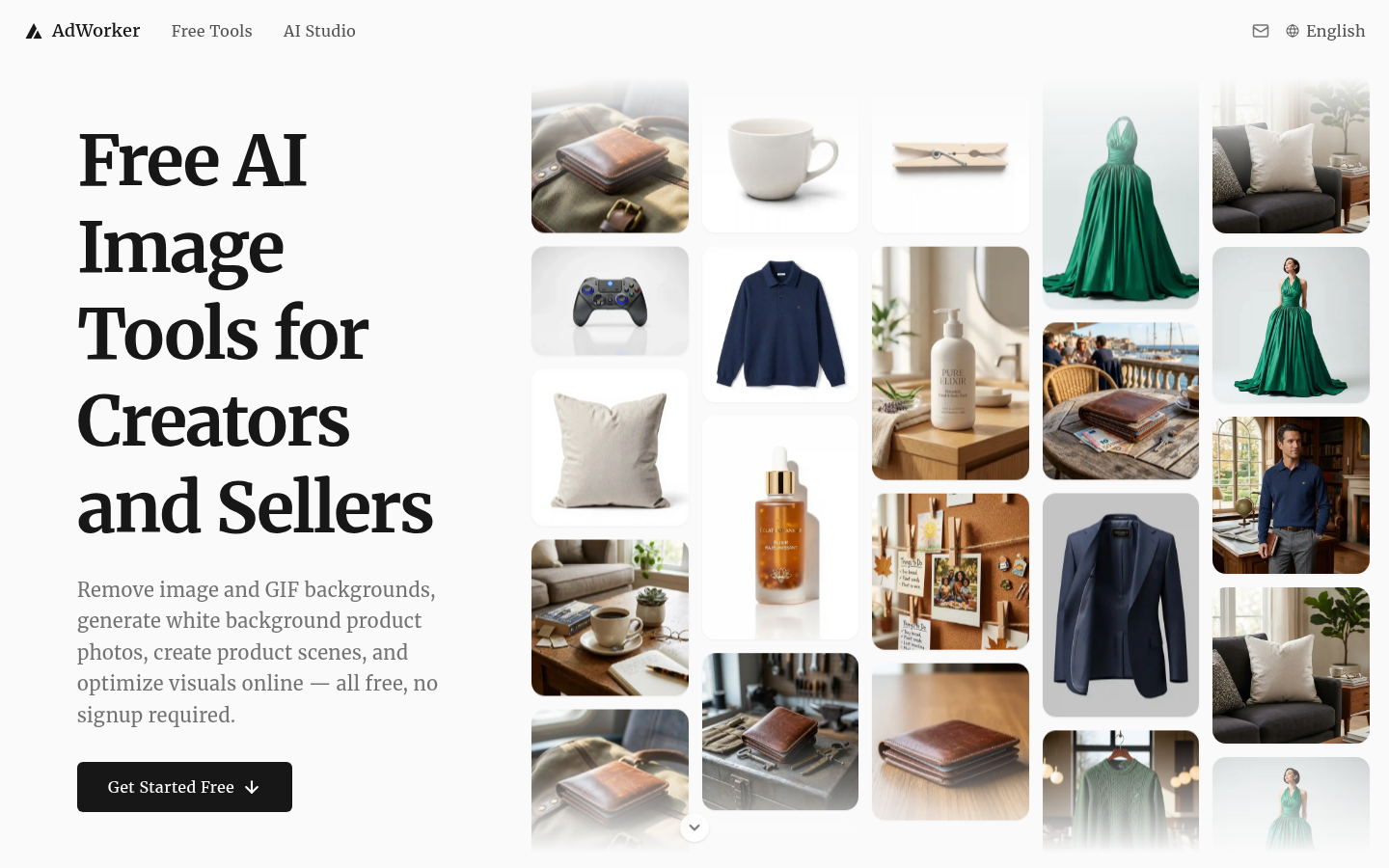
Screenshot archived from the listing page, for preview only.











