
AI Banana
Free AI image editor driven by natural languageEdit photos by describing what you want
Highlights
What you can do with it
- Personal users enhance travel photos with retro filters and color adjustments
- Designers create different style image schemes for clients
- E-commerce merchants add promotional labels to product images
How to use it
- 1 Open the AI Banana website
- 2 Upload the image file you want to edit
- 3 Describe your editing needs in natural language
- 4 Wait for the editor to apply the changes
- 5 Preview the result and adjust with new instructions if needed
- 6 Save the edited image
Who it is for
Pros
- Free to use
- Simple natural language control
- Real-time preview makes iteration quick
- Keeps character features consistent
Limitations
- Free terms can change, and behavior depends on the underlying Gemini 2.5 model
- Complex edits may take several instructions to get right
- Results vary with the original image
- Keep copies of originals before editing
What AI Banana is
AI Banana is a free image editor built on Gemini 2.5 technology. Instead of learning complex editing tools, you describe the change you want in plain language, such as adjusting an image to a retro style or adding a smile, and the editor applies it. The tool focuses on speed, keeps character features consistent when editing images with people, and offers real-time preview so you can adjust as you go. After editing, it outputs high-quality images. AI Banana targets general users as well as professional designers and marketing teams who need quick image changes without paying for software.
What you can do with it
- Edit images with natural language instructions
- Apply fast changes while keeping character features consistent
- Preview edits in real time and refine them
- Export high-quality results for different scenarios
Who it is for
- General users enhancing personal photos
- Designers creating style variants for clients
- Marketing professionals producing images for ads and social media
What to watch out for
The tool is free to use, but free terms can change, and it depends on the underlying Gemini 2.5 model, so behavior may shift when that model updates. Complex edits may take several instructions to get right, and results vary with the original image. Because it runs online, you need a connection, and it is wise to keep copies of your originals before editing. Review outputs before using them in professional or public-facing work. Free tiers and usage limits can change, so check the current rules on the official page before relying on it long term. Processing speed depends on file size and network conditions, so retry later if a task stalls during peak hours.
FAQ
Is AI Banana free?
Yes. It is free to use and built on Gemini 2.5.
How do I edit images?
You describe the change in natural language and the editor applies it.
Does it keep faces consistent?
Yes. It maintains character feature consistency when editing images with people.
Why it is free
What the official page says: free to use
Free limits, trial length and features are decided by the official site and can change at any time.
Product preview
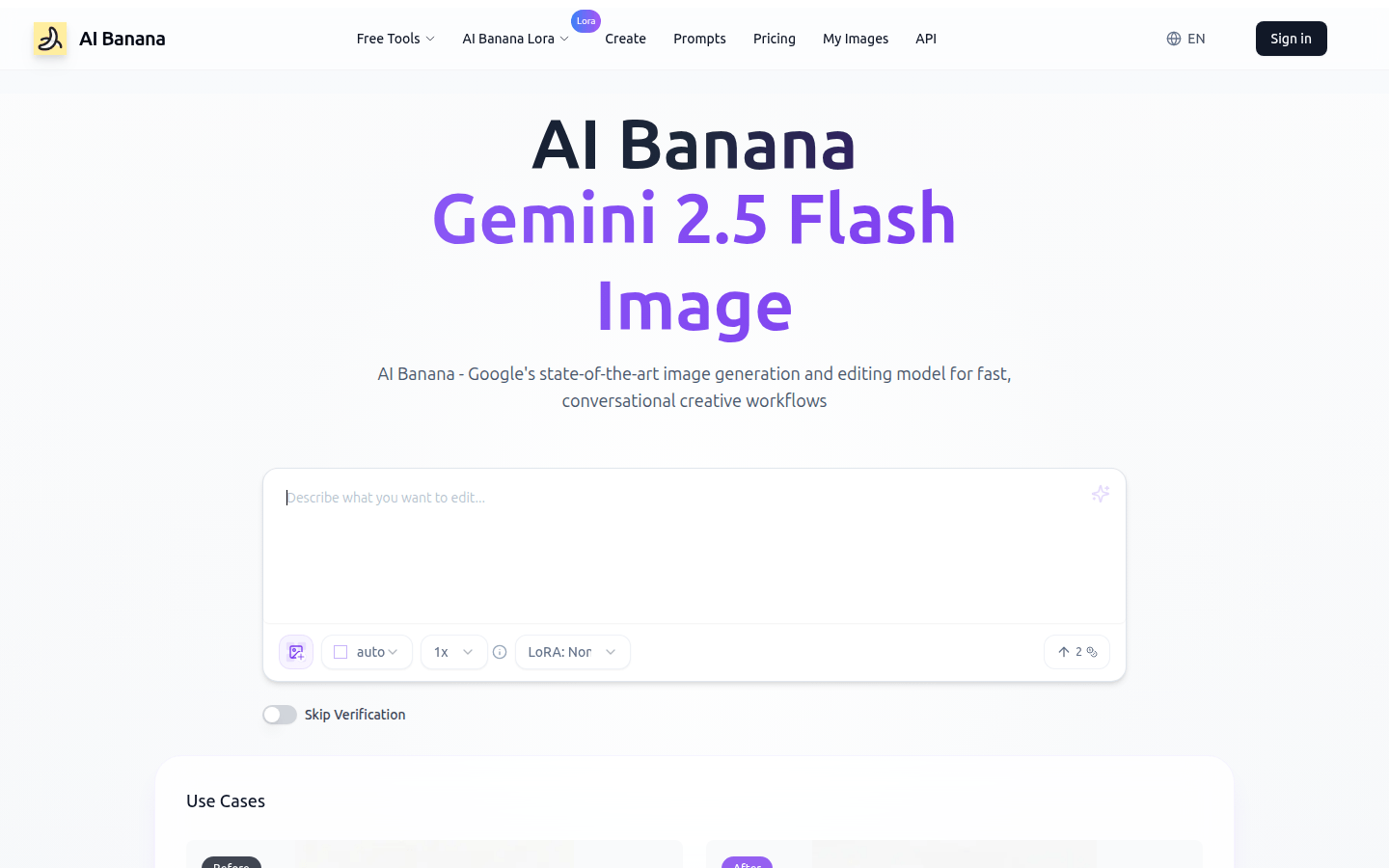
Screenshot archived from the listing page, for preview only.











