AI Cartoon Avatar Generator
Turn photos into anime and cartoon avatars with AIOne-click cartoon avatars from your picture
Highlights
What you can do with it
- Make a 3D Pixar style avatar from a selfie
- Create a cyberpunk cartoon avatar
- Generate a Disney-style cartoon avatar
How to use it
- 1 Open the AI Cartoon Avatar Generator page
- 2 Upload the picture you want to stylize
- 3 Enter an AI prompt and choose an anime style
- 4 Generate and download your avatar
Who it is for
Pros
- Simple upload-and-generate workflow
- Several anime and cartoon styles to choose
- Custom prompts give you creative control
Limitations
- Output quality depends on the source photo
- Free access rules may change over time
- Page availability can vary, so check the live site
What AI Cartoon Avatar Generator is
AI Cartoon Avatar Generator is an AI painting tool from AI Retouch that turns a photo into anime and cartoon style avatars. You upload a picture, type an AI prompt, and generate a stylized avatar in one click. The algorithm supports multiple anime styles, so the same photo can become a soft cartoon look, a bold cyberpunk scene, or a Disney-like character. Custom prompts let you steer the result toward a specific mood or detail. Because the whole process runs from a single uploaded photo, you can get a usable avatar in under a minute, which makes it handy for quick profile updates or gifts. It is aimed at people who want a fresh profile picture or character art without drawing it by hand.
What you can do with it
- Upload a photo and generate anime or cartoon avatars
- Switch between several anime and cartoon styles
- Use custom AI prompts to shape the outcome
- Create profile pictures and character art in one click
Who it is for
- Social media users who want a cartoon profile picture
- Creators making stylized character art and avatars
- Anyone exploring AI painting styles for fun or work
What to watch out for
The final look depends a lot on the source photo, so a clear, front-facing image usually works better than a busy or dark one. As a free web tool, its access rules and available styles can change over time, and the page itself may be unavailable at moments, so confirm the live site before you plan around it. Generated avatars are based on your upload, so only use photos you have the right to edit, and avoid turning images of real people into misleading content. Try a few prompts and styles to see which one flatters the photo best, since small changes in wording can shift the outcome noticeably. Keep expectations realistic: results are stylized, not pixel-perfect copies.
FAQ
Is it free?
It is offered as a free-to-use AI painting tool.
What styles can I make?
Anime and cartoon styles, including Pixar, cyberpunk, and Disney looks.
Do I need to write a prompt?
You can enter an AI prompt to guide the avatar, or start from the built-in styles.
Why it is free
What the official page says: 免费使用免费
Free limits, trial length and features are decided by the official site and can change at any time.
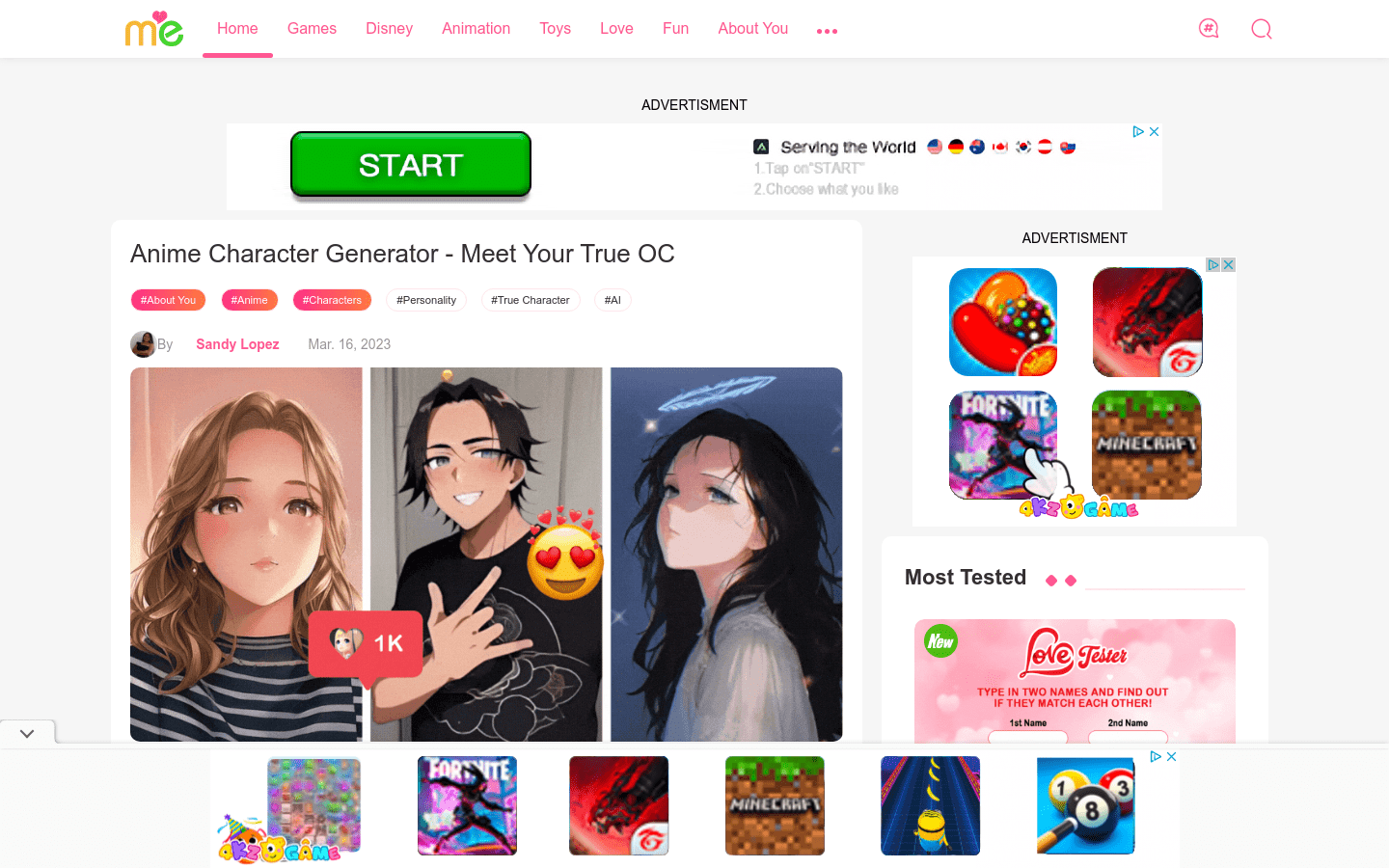
Product preview

Screenshot archived from the listing page, for preview only.