
AI Colors
Tool that builds color palettes from text promptsDescribe a mood, get colors
Highlights
What you can do with it
- Generating a color scheme for a website
- Finding palette inspiration for a project
- Quickly getting colors for a graphic
How to use it
- 1 Open AI Colors
- 2 Type a text description of the mood or theme
- 3 Generate the palette from your prompt
- 4 Use the colors in your design
Who it is for
Pros
- Prompt-to-palette is quick and simple
- Good for fast inspiration
- Free version available
Limitations
- More features and customization need the premium version
- Palettes are a starting point, not a full design system
- Free version limits and pricing may change over time
What AI Colors is
AI Colors is a tool that generates color palettes from text prompts. You type a description of the mood, theme, or idea you have in mind, and the tool returns a matching set of colors. Its purpose is speed and inspiration: instead of hunting through swatches, designers can get a workable scheme in a moment and refine from there. It offers a free version for everyday use and a premium version that adds more features and customization options for people who work with color on a regular basis and want finer control over the output.
What you can do with it
- Generate a color palette from a text prompt
- Get a color scheme quickly for a project
- Find palette inspiration when you are stuck
- Refine and use the colors in your design work
Who it is for
- Web designers choosing colors for a site
- Graphic designers who need palettes fast
- Creatives looking for color inspiration
- Anyone who wants a quick starting scheme
What to watch out for
The palettes are a starting point rather than a complete design system, so you will still need to check contrast, accessibility, and how the colors work together in real use. The more advanced features and deeper customization sit in the premium version, so the free tier is best for quick inspiration. Results are generated from your prompt, so vague descriptions can produce vague palettes, and being specific helps. Free version limits and pricing may also change over time, so confirm current terms if you plan to rely on it for client work. For team use, agree on naming and editing conventions in advance to avoid version conflicts or duplicated work.
FAQ
What does AI Colors do?
It generates color palettes from text prompts to help designers get color schemes quickly.
Is there a free version?
Yes. AI Colors offers a free version and a premium version with more features and customization options.
Who is it for?
It is useful for web designers, graphic designers, and creatives who need color schemes and inspiration.
Why it is free
What the official page says: free version
Free limits, trial length and features are decided by the official site and can change at any time.
Product preview
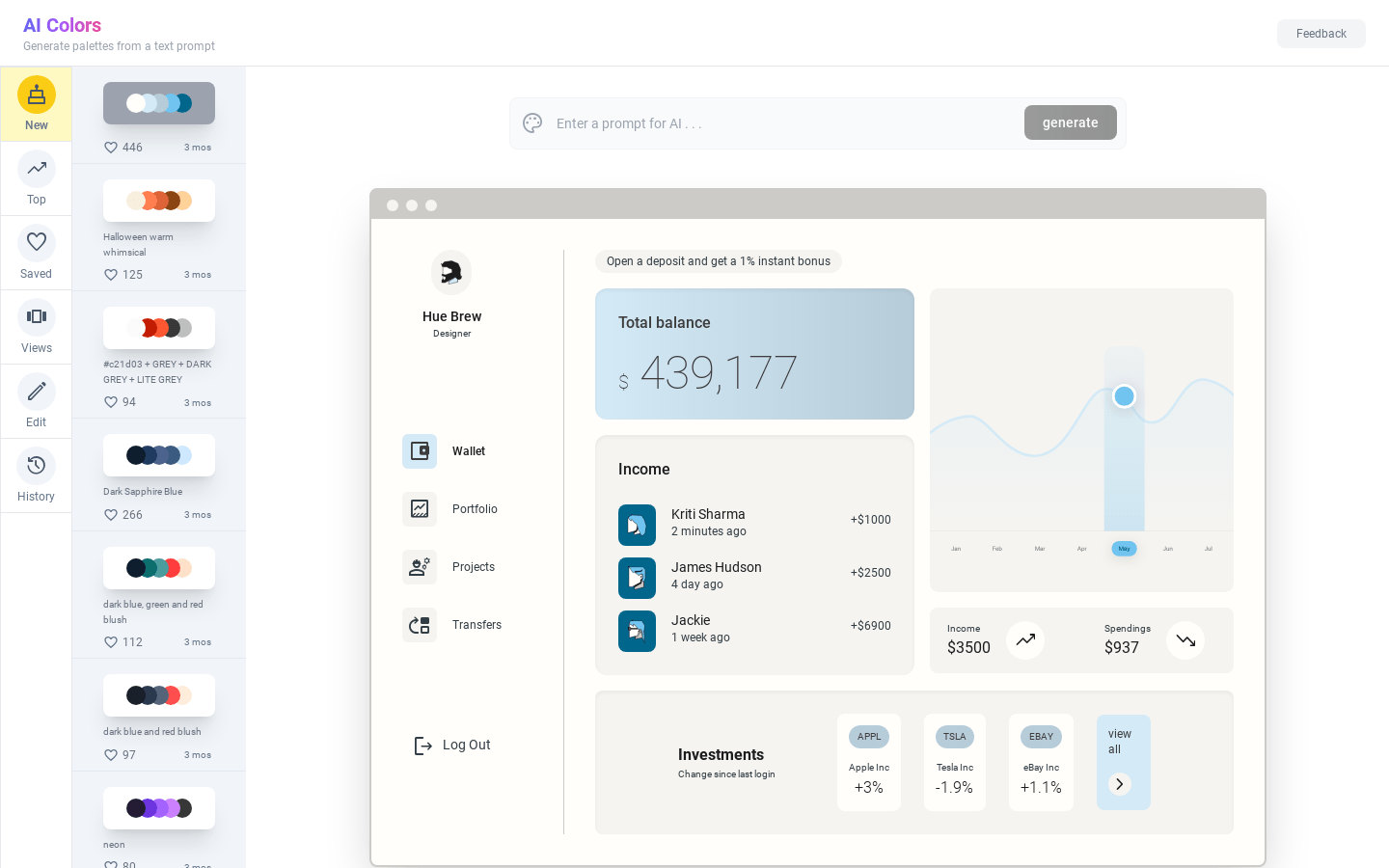
Screenshot archived from the listing page, for preview only.











