
AI Create
Collection of 68 free AI tools that run in the browser.Run AI tools in your browser, free, with no uploads.
Highlights
What you can do with it
- Generate images and remove backgrounds for design work.
- Trim or splice video clips without uploading files.
- Turn scattered notes into a clear business memo or mind map.
How to use it
- 1 Open aicreate.com in your browser.
- 2 Browse the tool categories and pick what you need.
- 3 Enter prompts or add files as the tool asks.
- 4 Wait for it to process, using offline mode if cached.
- 5 Download the finished result.
Who it is for
Pros
- Completely free with no account or daily cap.
- Privacy-friendly; files stay on your device.
- Many tools can run offline.
- Wide range of creative and text tools.
Limitations
- Free tools and availability can change at any time.
- Browser-based tools can be slower or heavier than desktop apps.
- Quality varies by tool and depends on your input.
- Offline use only works after the model is cached.
What AI Create is
AI Create is a platform that offers 68 free AI tools which run directly in the browser. It uses open-source models and libraries, so files stay on your own device and nothing needs to be uploaded. Most tools can run offline once the model is cached, and there is no account requirement, no daily usage limit, and no watermark. The tools cover several areas, including image generation, background removal for images and video, video editing, text writing for business memos, and mind map generation. It is completely free and aimed at creators, students, and business people who want quick, private AI help for everyday tasks.
What you can do with it
- Generate images from text prompts without signing up.
- Remove backgrounds from images or video right in the browser.
- Trim, cut, and splice video clips with no uploads.
- Turn key points into a business memo or a visual mind map.
Who it is for
- Designers and creators who need fast image and video tools.
- Students building mind maps and drafting text.
- Business people turning scattered notes into clear memos.
What to watch out for
Because AI Create is free and run by a third party, the tools and their availability can change at any time, so do not depend on any single tool for critical work, and check the site for the current list since it may grow or shrink. Browser-based tools can be slower or use more memory than desktop apps, and older devices may struggle with heavier models. Offline use only works after the relevant model has been cached, so the first run needs a connection. Quality also varies from tool to tool and depends on your input, so treat the output as a helpful starting point that you refine before you use it.
FAQ
Is AI Create really free?
Yes, it is described as completely free, with no account, no daily limit, and no watermark.
Do I need to upload files?
No. The tools run in the browser and keep files on your device.
Can I use it offline?
Most tools can run offline once the model is cached.
Why it is free
What the official page says: completely free
Free limits, trial length and features are decided by the official site and can change at any time.
Product preview
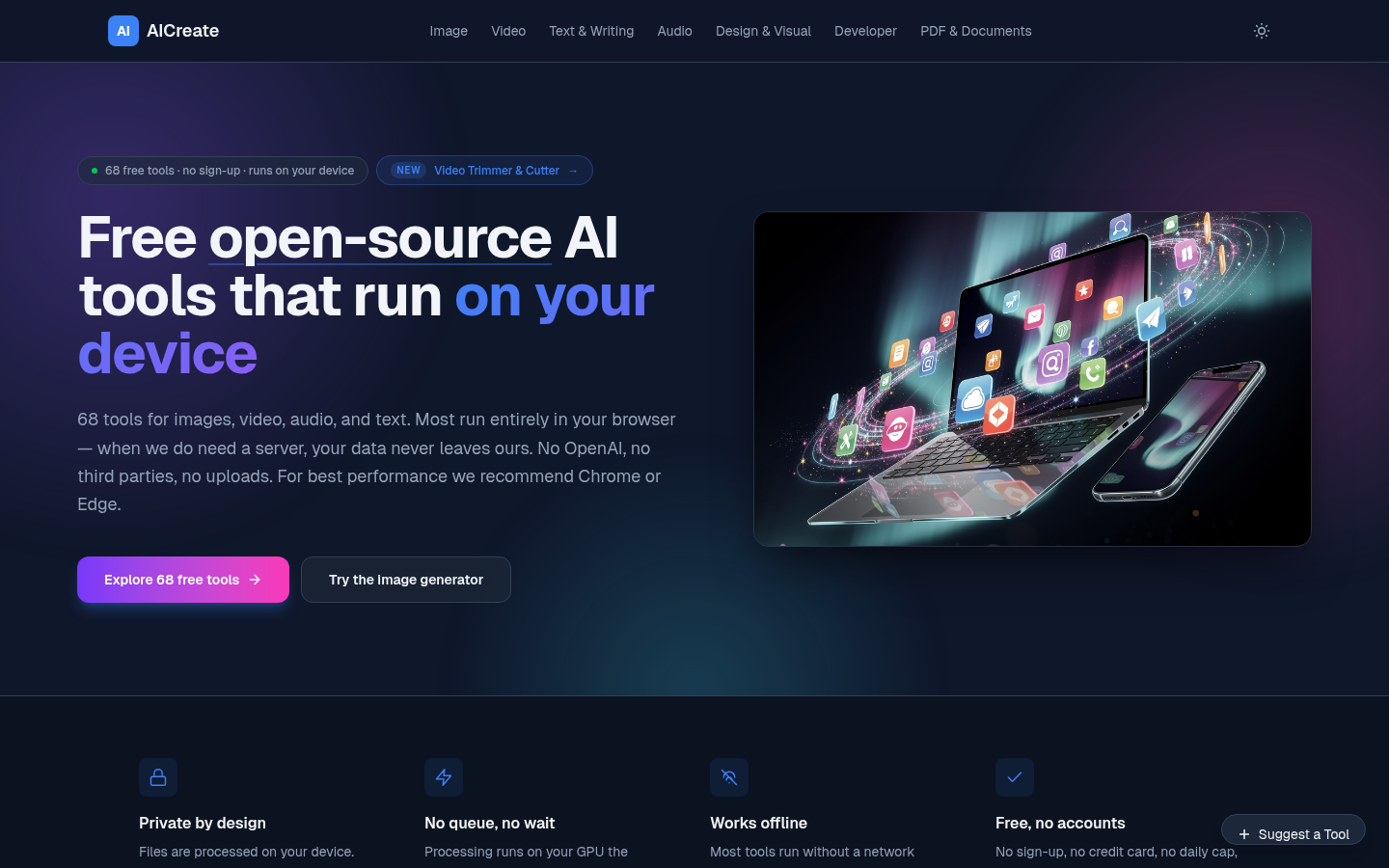
Screenshot archived from the listing page, for preview only.











