
AI Detector
Free online AI text detection toolCheck whether text reads as AI-written
Highlights
What you can do with it
- Check a draft before submitting it as original work
- Review outsourced or AI-assisted writing for naturalness
- Spot stiff or non-original phrasing in submitted text
How to use it
- 1 Open detector.io in your browser
- 2 Paste the text you want to check into the input area
- 3 Run the scan and wait for the result
- 4 Read the verdict and decide on next steps
- 5 Split longer text into sections under 3,000 characters if needed
Who it is for
Pros
- Free and quick with a simple interface
- Looks beyond raw AI output to rewritten or mixed text
- Character limit keeps scans focused and fast
- No software installation required
Limitations
- 3,000-character cap per scan limits long documents
- Detection is probabilistic, so results are guidance rather than proof
- Should not be the sole basis for academic or disciplinary decisions
- Free service rules and accuracy can change
What AI Detector is
AI Detector is a web-based tool at detector.io that checks whether a passage of text appears to be generated by AI. It analyzes text patterns and returns a clear result, and the site says it can also spot AI content that has been rewritten or blended with human writing. Scanning is fast and the tool is completely free, with a limit of 3,000 characters per scan. It was built as AI-generated content became common and people needed a way to check whether writing still sounded original and natural. Everything runs in the browser, so there is nothing to install before you start.
What you can do with it
- Paste text and get a fast read on whether it looks AI-generated
- Check rewritten or human-edited AI content, not just raw output
- Keep individual scans under the 3,000-character limit
- Use results as one input when reviewing drafts or submissions
- Run checks in the browser without installing anything
Who it is for
- Writers and editors reviewing drafts before publication
- Educators and students checking text for originality
- Teams that receive outsourced or AI-assisted copy
What to watch out for
Detection is probabilistic. A result is guidance, not proof, and it should not be the sole basis for academic grades, disciplinary action, or accusations, since mistakes can affect real people. The 3,000-character limit means long documents must be split, and splitting can change context. Model accuracy and free access can change over time, and no detector catches every case. Use it as one check among several, including reading the text yourself, and remember that any decision with consequences for someone else deserves more than a single automated score.
FAQ
Is AI Detector free?
Yes. The tool is described as completely free to use.
How much text can I scan at once?
Each scan is limited to 3,000 characters.
Can it detect rewritten AI text?
The site says its finely tuned model can detect AI-generated content that has been rewritten or mixed with human input.
Are the results conclusive?
No. Treat the output as a reference rather than proof, especially for decisions that affect other people.
Why it is free
What the official page says: 免费使用完全免费免费
Free limits, trial length and features are decided by the official site and can change at any time.
Product preview
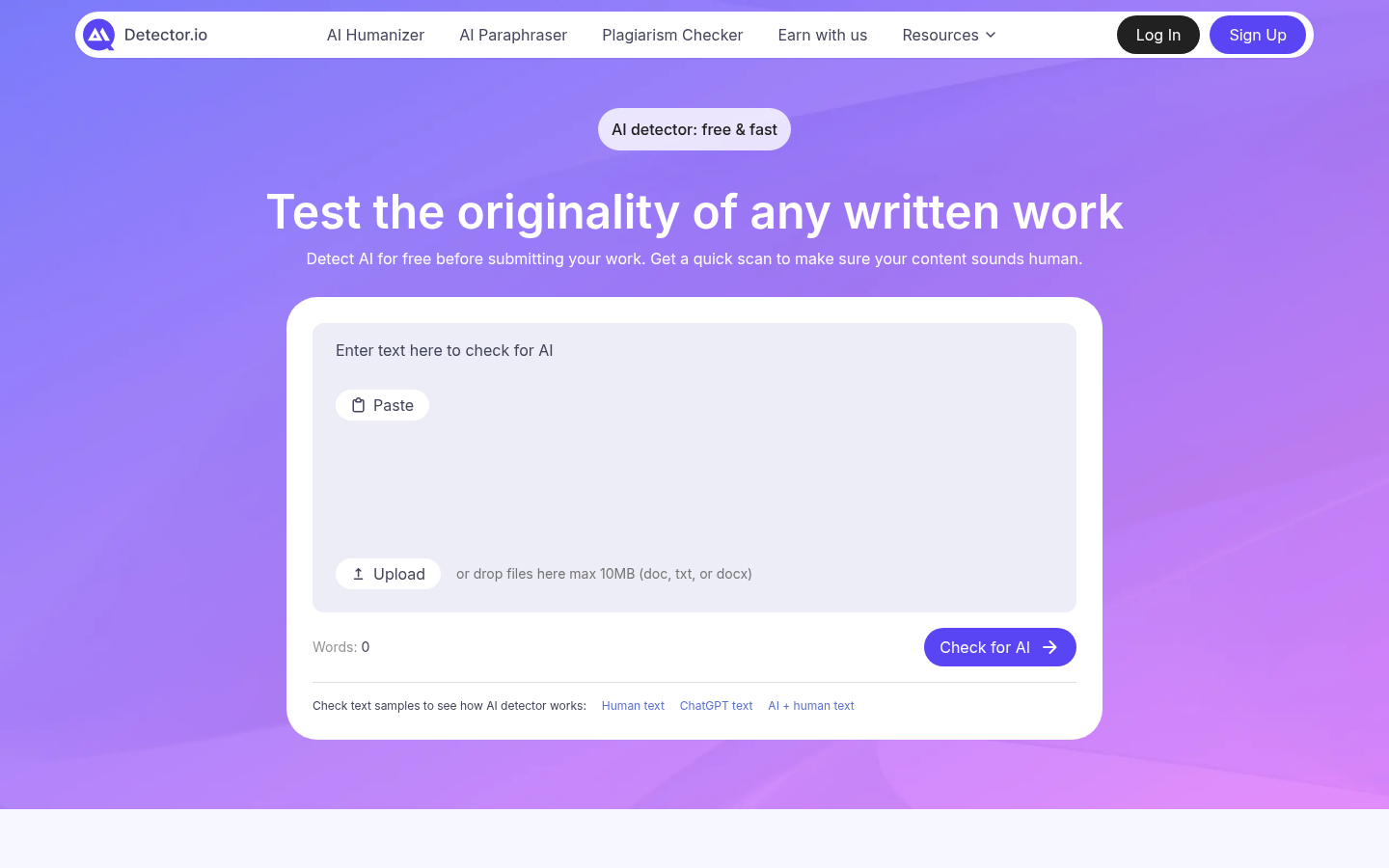
Screenshot archived from the listing page, for preview only.