
AI Detector
AI text detector with plagiarism and source checksCheck text for AI writing, free to try
Highlights
What you can do with it
- Review student submissions for passages that look AI written
- Check submitted or commissioned copy for originality
- Look at written applications alongside source checks
How to use it
- 1 Open aidetector.app in your browser
- 2 Paste the text you want reviewed
- 3 Run the check and read the report
- 4 Compare the AI result with the plagiarism and source findings
Who it is for
Pros
- Covers several major models in a single check
- Combines AI detection with plagiarism and source checks
- Runs in the browser with a free version
Limitations
- The 99.9% accuracy claim is the vendor's own and should not be treated as proof
- Results should not be the only basis for academic or hiring decisions
- Free version limits may change over time
What AI Detector is
AI Detector is an online AI text detection tool at aidetector.app. You paste in a passage and it judges whether the writing looks like output from a large language model. The site says it recognizes content from systems such as ChatGPT, Claude, and Gemini, and it reports 99.9% accuracy in its own description. Alongside that, it bundles plagiarism detection and source verification, so originality and provenance can be reviewed in the same place. There is a free version, and because everything runs in a browser there is nothing to install. The stated audience is educators, content creators, and recruiters who need a fast read on written material.
What you can do with it
- Check a submitted text for signs of AI generation.
- Run plagiarism and source checks in the same session.
- Get a report you can discuss with the person who wrote the text.
Who it is for
- Educators reviewing essays, assignments, and other written work.
- Editors and creators who need to verify originality.
- Recruiters and hiring teams screening written submissions.
What to watch out for
Detection tools make mistakes, and the 99.9% figure is the vendor's own claim rather than an independent result, so treat it as marketing copy. A flagged text is not proof, and a clean text is not proof either. If you use it on student work, follow your school's academic integrity policy and give the writer a chance to explain, since decisions based only on detector output can be challenged and responsibility for them stays with you. The same applies to hiring and publishing decisions. Free version limits can also change, so check the current rules before you rely on the tool for high volume review.
FAQ
Which models can it detect?
The description names ChatGPT, Claude, and Gemini among the systems it recognizes.
Is there a free version?
Yes, and it runs online with no installation.
Can I fail a student based on the result?
Use it as one input, not proof, and follow your institution's academic integrity policy first.
Why it is free
What the official page says: 免费版免费
Free limits, trial length and features are decided by the official site and can change at any time.
Product preview
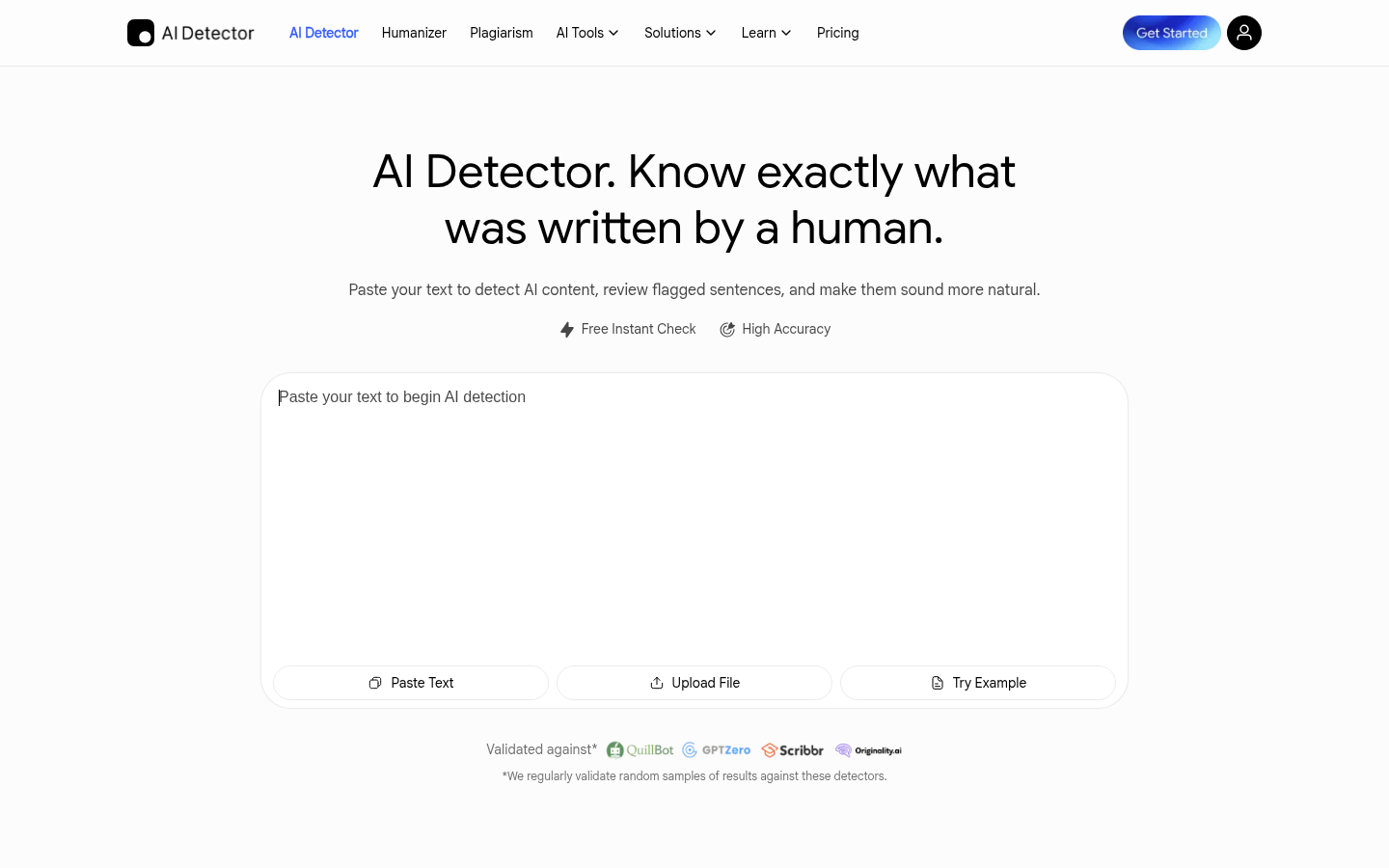
Screenshot archived from the listing page, for preview only.