AI Disturbance Overlay
Protect art from AI copyingAdd invisible layers that disrupt AI models
Highlights
What you can do with it
- Protect a digital painting before release
- Stop AI models from mimicking a comic style
- Safeguard illustrations from being replicated
How to use it
- 1 Visit the AI Disturbance Overlay site and register
- 2 Choose a subscription plan
- 3 Upload the artwork in your browser
- 4 Select the type and intensity of the overlay
- 5 Preview, then save and download the protected file
Who it is for
Pros
- Near-invisible to viewers but disruptive to AI
- Survives screenshots and some editing
- Simple browser-based workflow
Limitations
- No protection is permanent; tools that defeat overlays can improve over time
- Premium features need a paid subscription
- It does not replace legal copyright protection
What AI Disturbance Overlay is
AI Disturbance Overlay is an online tool that helps artists protect original work from being copied by AI models. It adds textures and filters that are nearly invisible to people but disrupt AI vision, an approach based on adversarial examples. The protection is designed to survive screenshots and image editing, so the layer keeps working even after an image is captured or altered. You upload images in the browser with no complex software install. Pricing ranges from free to premium subscriptions, so you can start without paying and upgrade if you need more.
What you can do with it
- Add a near-invisible protective layer to your artwork
- Disrupt AI models that would otherwise copy your style
- Keep protection after screenshots or image editing
- Upload and process images in the browser
Who it is for
- Digital artists releasing work online
- Comic and illustration creators protecting a style
- Photographers and designers worried about AI copying
- Anyone who wants a technical layer of defense for images
What to watch out for
No protection is permanent. Tools and methods that defeat overlays can improve over time, so a layer that works today may be less effective later. Premium features need a paid subscription, and the pricing and plans can change. Most importantly, this tool does not replace legal copyright protection; it is a technical hurdle, not a legal right. Use it alongside proper registration and licensing, and do not assume it makes your work impossible to copy. When quality matters, export a small draft first to confirm the result before producing the final file. Generated suggestions are for reference only, so verify anything that affects professional judgment or important data.
FAQ
How does it protect my art?
It adds textures that are nearly invisible to people but disrupt AI models using adversarial examples.
Does it survive screenshots?
It is designed to stay effective even after screenshots or image editing.
Is there a free option?
Yes. Pricing ranges from free to premium subscriptions.
Why it is free
What the official page says: 免费
Free limits, trial length and features are decided by the official site and can change at any time.
Product preview
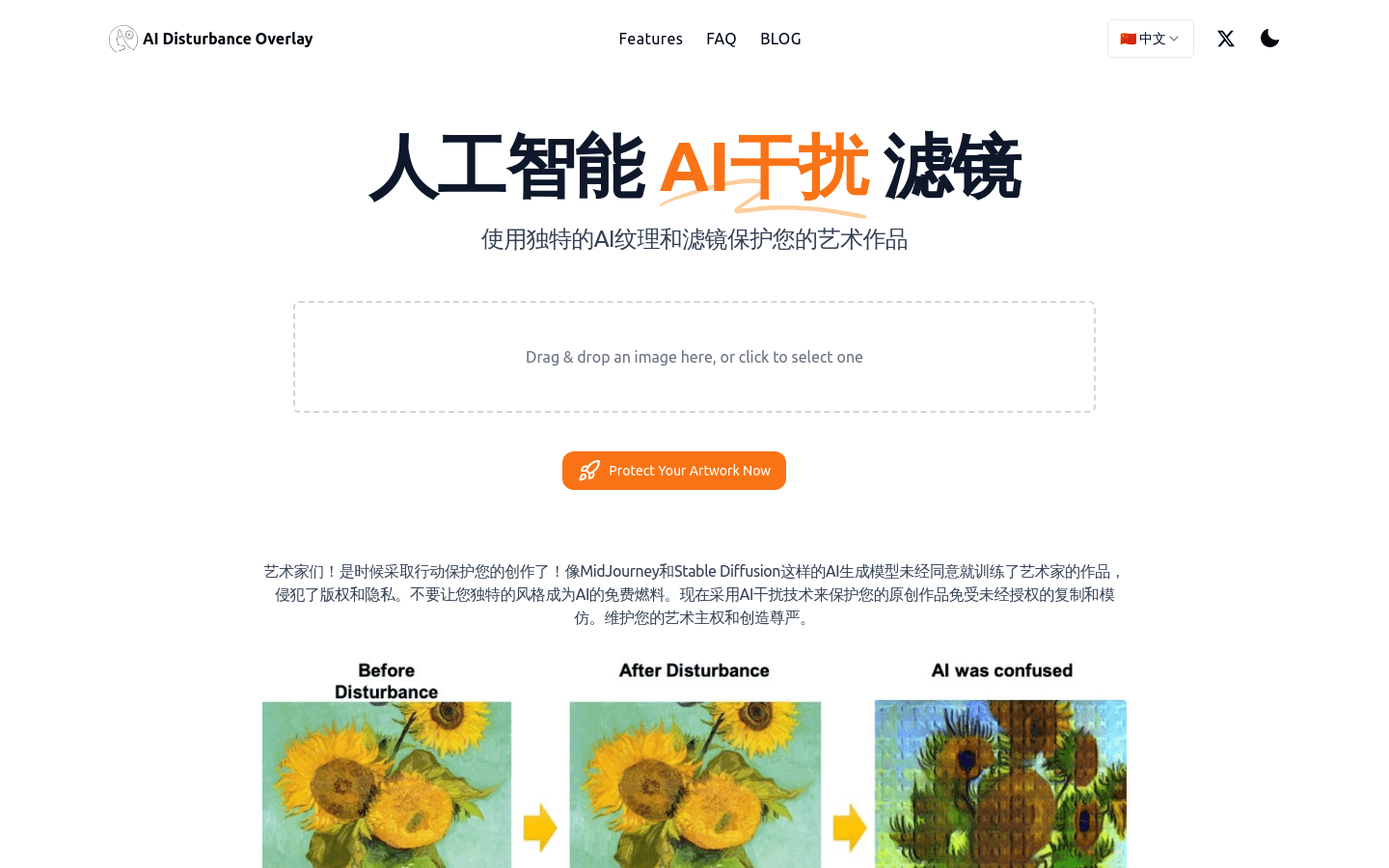
Screenshot archived from the listing page, for preview only.











