
AI Emoji
Free AI emoji generator from your photosTurn photos into personalized emojis fast
Highlights
What you can do with it
- Make personal emojis for livelier social chats
- Create work-themed emojis for team communication
- Design holiday emojis for greetings
How to use it
- 1 Upload a clear photo
- 2 Pick a style, such as Ghibli or Pixar 3D
- 3 Optionally switch to a themed template
- 4 Generate and download your emoji
Who it is for
Pros
- Simple, fast, and free to start
- Many styles and themed templates
- Downloads are ready to use immediately
Limitations
- Free quota is limited, and more creations need payment that can change
- Results depend on photo clarity and style choice
- A fun, novelty tool rather than a professional design suite
What AI Emoji is
AI Emoji is a free online tool that turns your photos into personalized emojis. You upload a picture, and the AI analyzes it and restyles it into looks such as flat illustrations, Ghibli style, cute Q-version, or Pixar 3D. You can add text overlays and switch between theme templates made for social chats, work, daily life, and holidays. Generation is quick and the finished emoji downloads right away, and the tool accepts several common image formats. There is a free package with a limited quota, and you can purchase more quota when you need extra creations.
What you can do with it
- Turn a photo into an emoji in styles like Ghibli or Pixar 3D
- Add text overlays and switch themed templates
- Make emojis for social, work, and holiday use
- Download results immediately in common formats
Who it is for
- Social media users who want custom, lively chat emojis
- Professionals who want to soften work communication
- Students and anyone sending festive greetings
What to watch out for
The free package comes with a limited quota, so once you use it up you will need to pay for more creations, and that quota can change. The quality of the final emoji depends a lot on your photo clarity and the style you pick, so some combinations will look better than others. This is a fun, novelty tool rather than a professional design suite, so keep expectations modest. Check the site for the current free quota and paid options before you rely on it for regular use. For best results, start with a small test file and review the output carefully before working on anything important.
FAQ
Is AI Emoji free?
There is a free package with a limited quota, and you can buy more if needed.
What styles can I choose?
Options include flat illustration, Ghibli, cute Q-version, and Pixar 3D.
What photos work best?
Clear photos in supported formats give the best emoji results.
Why it is free
What the official page says: 免费免费套餐
Free limits, trial length and features are decided by the official site and can change at any time.
Product preview
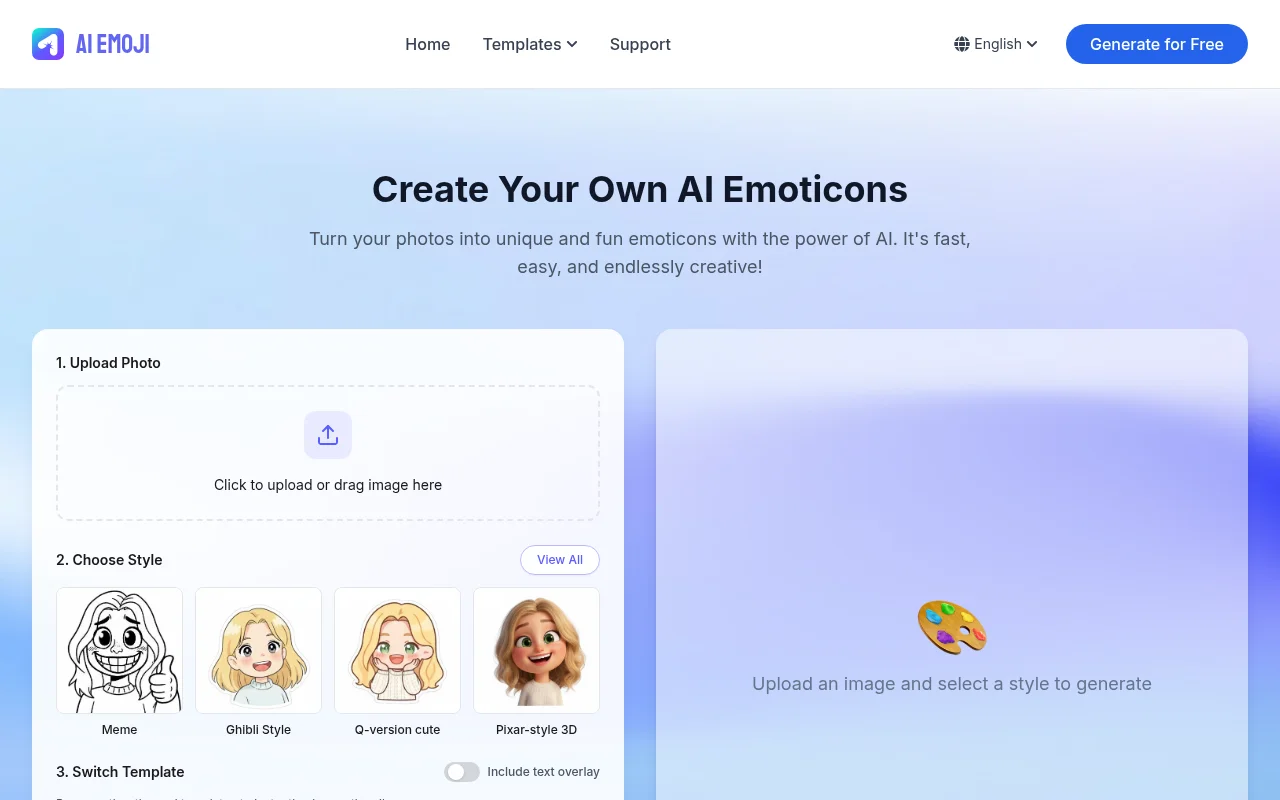
Screenshot archived from the listing page, for preview only.











