
AI Enhanced Image
Online AI image enhancer to 4KSharper photos in your browser
Highlights
What you can do with it
- Photographers improving landscape photos
- Designers upscaling low-resolution material to 4K for posters
- Users restoring old, blurry photos
How to use it
- 1 Open the website in your browser
- 2 Upload the image you want enhanced
- 3 Wait for the AI to process it
- 4 Check the enhanced result
- 5 Download the image if you are satisfied
Who it is for
Pros
- Works in the browser with no registration or install
- Pushes low-resolution images toward 4K
- Detail restoration helps old or soft photos
- Free trial for the first photo
Limitations
- The free trial covers only the first photo
- Later pricing is not stated, so costs are unclear
- Results depend on source image quality
- It is a single-purpose tool, not a full editor
What AI Enhanced Image is
AI Enhanced Image is an online image enhancer powered by AI algorithms. You open the site, upload a photo, and wait for the system to process it. The tool works on clarity and color, and it can push low-resolution images toward 4K while restoring details that were lost or blurred. There is nothing to install and no registration step, so the whole flow happens in the browser. The first photo can be tried for free to check the effect before deciding whether to continue using the service.
What you can do with it
- Improve clarity and color in a photo
- Upscale low-resolution images toward 4K
- Restore detail in old or blurry pictures
- Try the first enhancement for free
Who it is for
- Photographers cleaning up images after a shoot
- Designers who need higher-resolution material
- Anyone bringing older or soft photos back to life
What to watch out for
The free trial covers only the first photo, and pricing after that is not stated, so budget is unclear. Output quality depends heavily on the source: very small or heavily damaged images will not become perfect. The tool is focused on enhancement rather than full editing, so cropping, retouching, and design work still happen elsewhere. Free trial terms can change, so confirm current conditions before regular use. For best results, start with a small test file and review the output carefully before working on anything important. Free tiers can change over time, so it is worth checking the current limits on the official page before you rely on the tool daily. If the result is not quite right, try adjusting your input description or settings and run the task again.
FAQ
Is it free?
The first photo can be tried for free. What happens after that is not stated.
Do I need to install anything?
No. It runs online and asks for no registration or download.
How much can images be improved?
Low-resolution images can be enhanced toward 4K, with blurred or lost details restored, though results depend on the source.
Why it is free
What the official page says: for freeno registration
Free limits, trial length and features are decided by the official site and can change at any time.
Product preview
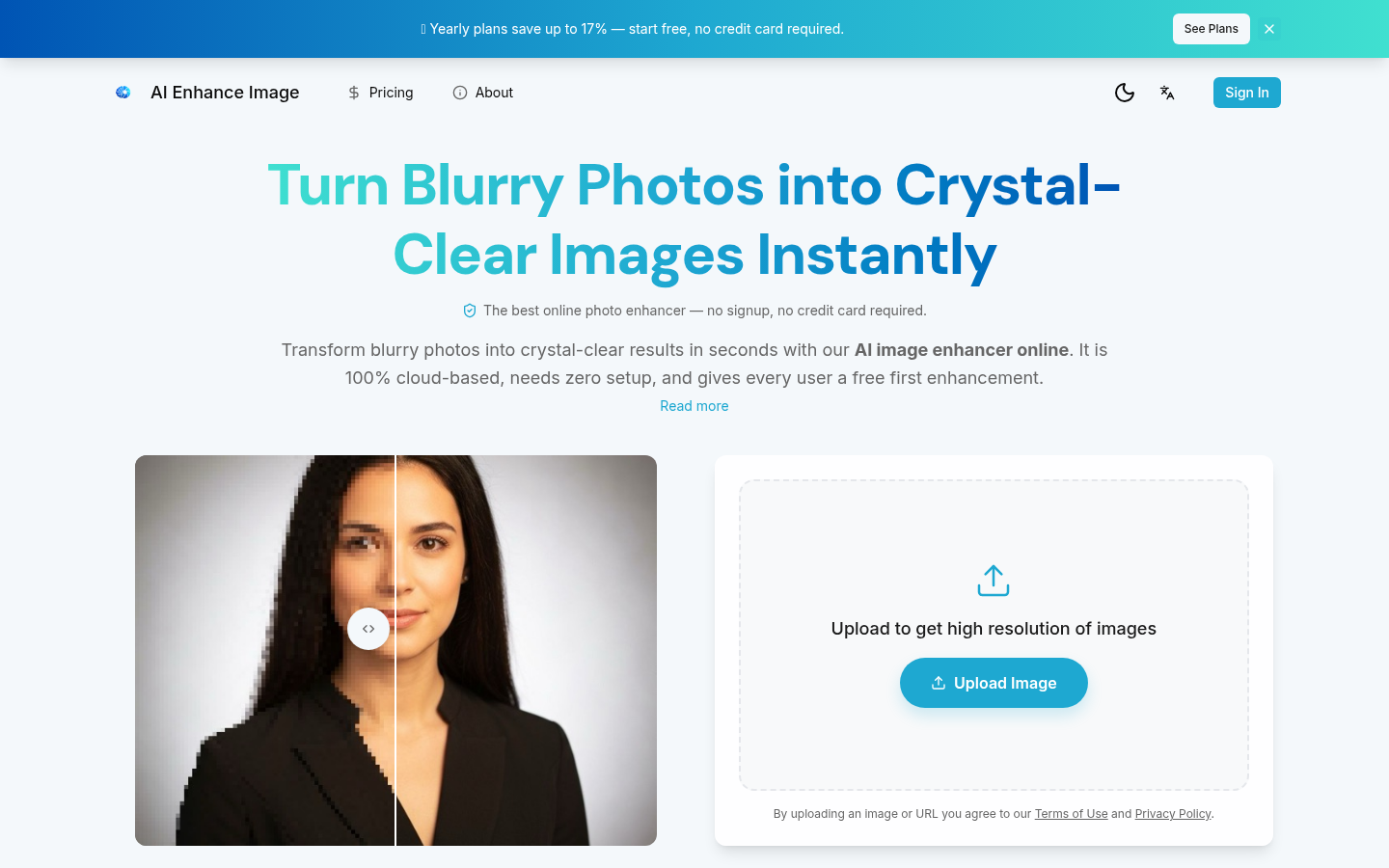
Screenshot archived from the listing page, for preview only.











