
AI Image Editor
Text prompt photo editor with commercial rightsType what you want changed, free editing
Highlights
What you can do with it
- Adjust colors and remove backgrounds for ad creative
- Turn a plain product photo into a campaign image
- Edit listing images for an online store
How to use it
- 1 Open the PiCrafts AI Image Editor page
- 2 Upload the image you want to change
- 3 Describe the edit in a text prompt
- 4 Apply the result and download the image
Who it is for
Pros
- No expensive software or design background required
- Prompt based editing instead of layers and masks
- Commercial usage rights stated on generated images
Limitations
- Prompt editing takes practice to control precisely
- Free access rules may change
- Confirm the commercial rights claim before client work
What PiCrafts AI Image Editor is
PiCrafts AI Image Editor is an image editing tool at picrafts.com that works from text prompts. Instead of learning layers, masks, and adjustment panels, you upload a photo and type what you want changed, and the tool applies it. The site says the editor is powered by Nano Banana and that it removes the need for expensive software or professional design skills, which is the main reason it is pitched at marketing, social media advertising, and e-commerce work rather than at studios. It is described as free to use, and the site states that generated images come with full commercial usage rights, which is the part that matters most for people producing ad creative.
What you can do with it
- Change colors, backgrounds, and scene details by typing a prompt.
- Turn a plain product shot into something usable in a campaign.
- Produce listing and social images without a designer in the loop.
Who it is for
- Marketers and social media managers making ad creative.
- E-commerce sellers who need clean listing photos.
- Non designers who want professional looking edits without software training.
What to watch out for
Prompt editing is fast but imprecise until you learn how to phrase requests, so expect a few tries before the output lines up with what you had in mind. Free access rules can change, and the commercial usage rights statement should be confirmed on the site before you build client work on it. Because the tool generates imagery rather than retouching in place, you remain responsible for the source photo and for checking the result before publishing, especially when a person or a brand appears in the frame. Keep a copy of the original upload so you can redo an edit if the model drifts away from your prompt.
FAQ
How do I edit an image?
Upload the image and describe the change you want in a text prompt.
Is it free?
The site says the tool is free to use.
Can I use the output commercially?
The site states generated images come with full commercial usage rights; confirm before client work.
Why it is free
What the official page says: 免费使用免费
Free limits, trial length and features are decided by the official site and can change at any time.
Product preview
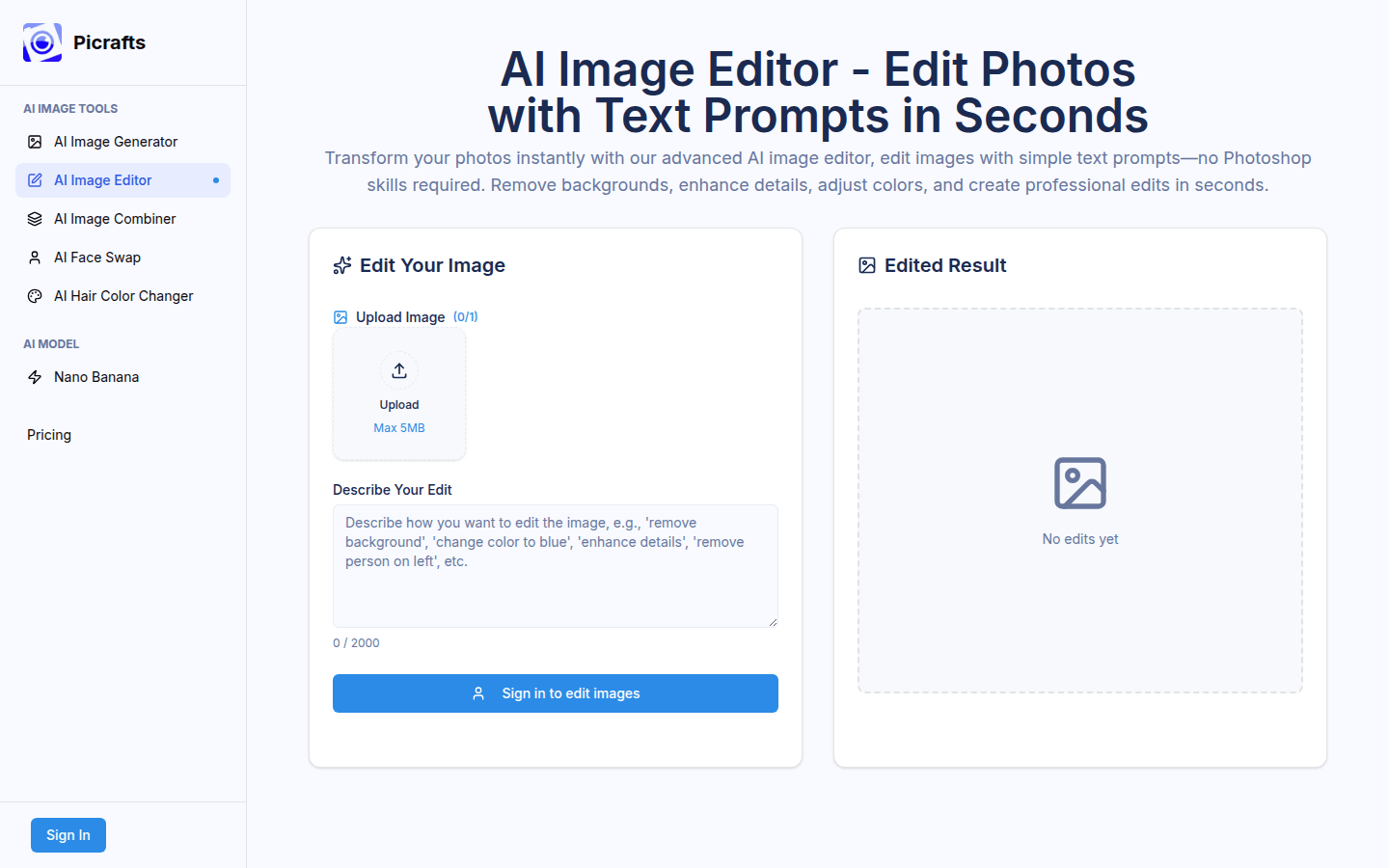
Screenshot archived from the listing page, for preview only.