
AI Image Make
Free online AI image generator, no registration, no watermarkText prompts to HD images, no watermark
Highlights
What you can do with it
- Create a dreamy album cover with a glowing nebula and a singer silhouette
- Produce product promo shots such as purple denim overalls on a marshmallow background
- Generate artistic portraits with cut-outs and soft edge lighting
How to use it
- 1 Write a text prompt describing theme, lighting, color, and style
- 2 Pick the aspect ratio and rendering model for your target platform
- 3 Click Generate, preview the artwork, and download it without a watermark
Who it is for
Pros
- Free entry with no account or credit card
- No watermark on downloads
- Aspect ratio presets match common social and design formats
- Several models and styles in one browser tab
Limitations
- Daily free credit limit caps how much you can generate
- Batch processing, 4K upscaling, and commercial rights need the paid plan
- Prompt quality heavily influences results, so expect iteration
- Free access rules and quotas can change
What AI Image Make is
AI Image Make is a free online AI image generator that runs in the browser. You type a description of the scene you want, covering details like theme, lighting, color, and visual style, and the platform's text-to-image engine turns it into a high-definition image. There is no software to download, no account to create, and no credit card to bind. Downloads come without a watermark. The service is backed by daily free credits, and a professional plan exists for users who need batch processing, 4K upscaling, or commercial copyright. The platform targets creators, marketers, and designers who want to turn ideas into visuals quickly.
What you can do with it
- Convert text prompts into HD images, digital art, anime, and product graphics
- Export in 16:9, 9:16, 1:1, or 4:3 aspect ratios for different platforms
- Switch between AI models and styles such as realistic photography, 3D rendering, digital painting, and anime
- Use image-to-image conversion and style transfer without registration
- Generate AI portraits and avatars, with studio-level options on the paid plan
Who it is for
- Bloggers, self-media creators, and content teams who need fast visuals
- Marketers producing campaign and advertising images
- Designers creating concept art and previews
What to watch out for
The free tier is credit-limited each day, so large volumes push you toward the professional plan. Batch processing, 4K upscaling, and commercial copyright are paid features, which matters if you plan to use images in client or revenue work. Results depend on how precisely you write the prompt, so rough ideas usually need several tries. The platform is young, so free quotas, models, and access rules can change, and uptime or feature availability may shift as the service develops.
FAQ
Do I need to register?
No. The free mode works without an account, credit card, or software download.
Will downloads have a watermark?
No. Images download without a watermark.
What aspect ratios are supported?
16:9 widescreen, 9:16 vertical, 1:1 square, and 4:3 standard photo formats.
What needs the professional plan?
Batch processing, 4K upscaling, and commercial copyright are paid features. Free use comes with a daily credit limit.
Why it is free
What the official page says: no registrationcompletely freefree to use
Free limits, trial length and features are decided by the official site and can change at any time.
Product preview
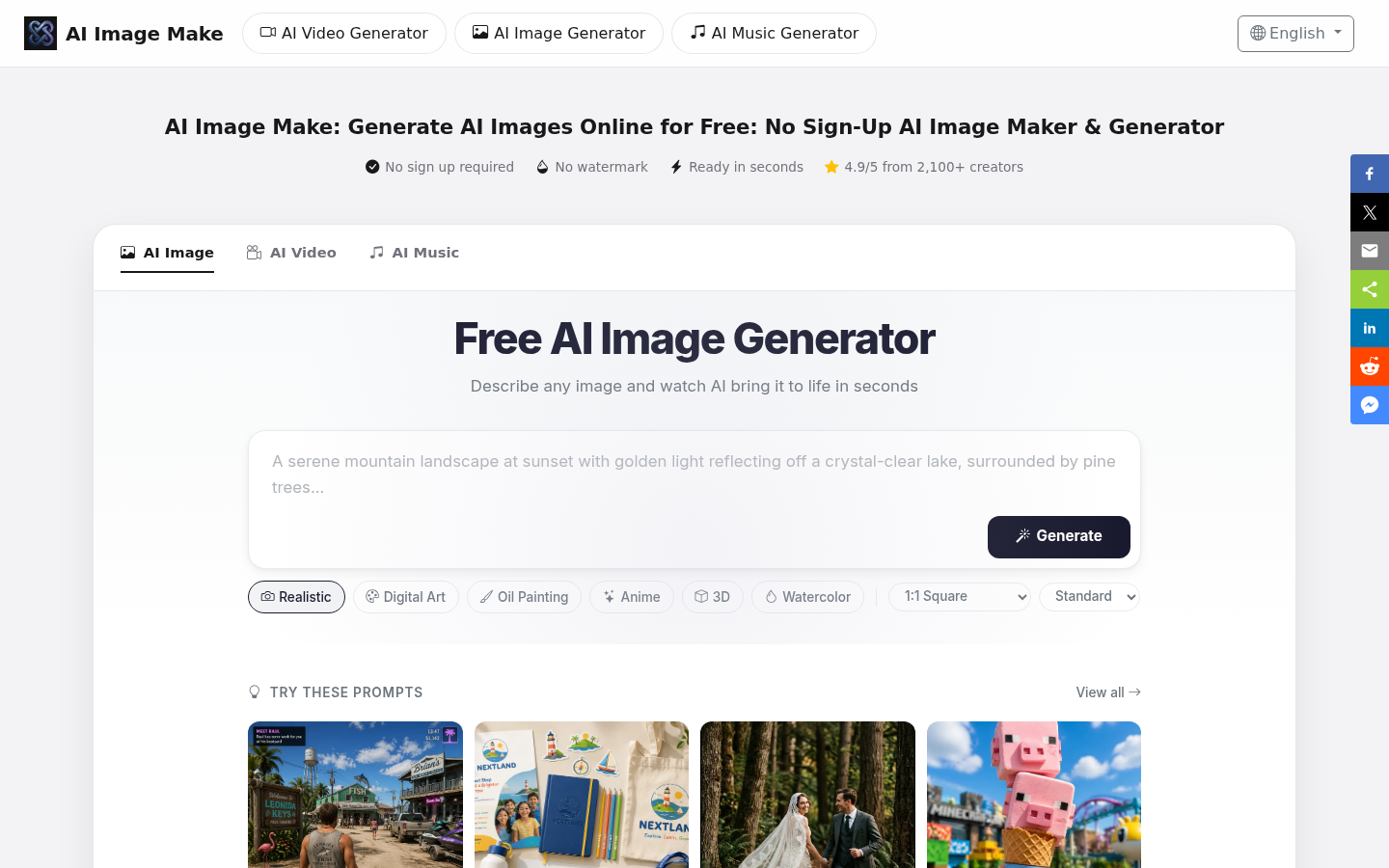
Screenshot archived from the listing page, for preview only.











