
AI Remove Glare From Photo
Free AI glare removerClear sun glare, flare and reflections
Highlights
What you can do with it
- Clean up travel and landscape photos taken into the sun
- Fix glasses reflections in an identification photo
- Remove blown highlights from product shots
How to use it
- 1 Open the tool page.
- 2 Click Upload Glare Photo.
- 3 Choose a JPG, JPEG, PNG, WEBP or BMP file under 20MB.
- 4 Wait for the AI to process the image.
- 5 Preview the result and download it.
Who it is for
Pros
- No cost and no signup
- Works on several common image formats
- Addresses a narrow but frequent photo problem
Limitations
- Results depend on how severe the glare is
- It is a page inside a larger tool site, so availability follows the parent domain
- Automatic repair can look flat, so manual retouching may still be wanted
What AI Remove Glare From Photo is
AI Remove Glare From Photo is a free browser tool for photos spoiled by strong light. You upload an image and the AI targets sun glare, lens flare, window reflections and stray light spots. Beyond removing them, it claims to recover detail that the glare was hiding, such as facial features and surface texture, and to even out brightness so the frame is not partly overexposed. Supported formats are JPG, JPEG, PNG, WEBP and BMP, with a 20MB limit, and the page says no registration is needed. The tool handles one image at a time, and after processing you can preview the result and download it if you are happy.
What you can do with it
- Remove sun glare and lens flare from a photo
- Clear window reflections that hide a face or background
- Restore detail in areas that strong light covered
- Balance brightness across the whole frame
Who it is for
- Photographers repairing lighting problems after a shoot
- Social media users tidying everyday pictures
- Sellers and small teams that need cleaner product photos
What to watch out for
Severe blowouts cannot always be recovered, because the information may simply not be in the file. Automatic balancing can leave the picture looking flat, so a manual pass may still be wanted. The tool is one page inside a larger website, so its availability follows the parent domain, and the free access it offers today is not guaranteed to stay. Test on a copy rather than your only original. For best results, start with a small test file and review the output carefully before working on anything important.
FAQ
What formats and sizes are accepted?
JPG, JPEG, PNG, WEBP and BMP, with a maximum file size of 20MB.
Is it free?
The page says the online tool can be used for free without registration.
Will it recover lost detail?
It aims to restore details masked by glare and balance strong light, but heavily blown areas may not come back fully.
Why it is free
What the official page says: 免费使用免费无需注册
Free limits, trial length and features are decided by the official site and can change at any time.
Product preview
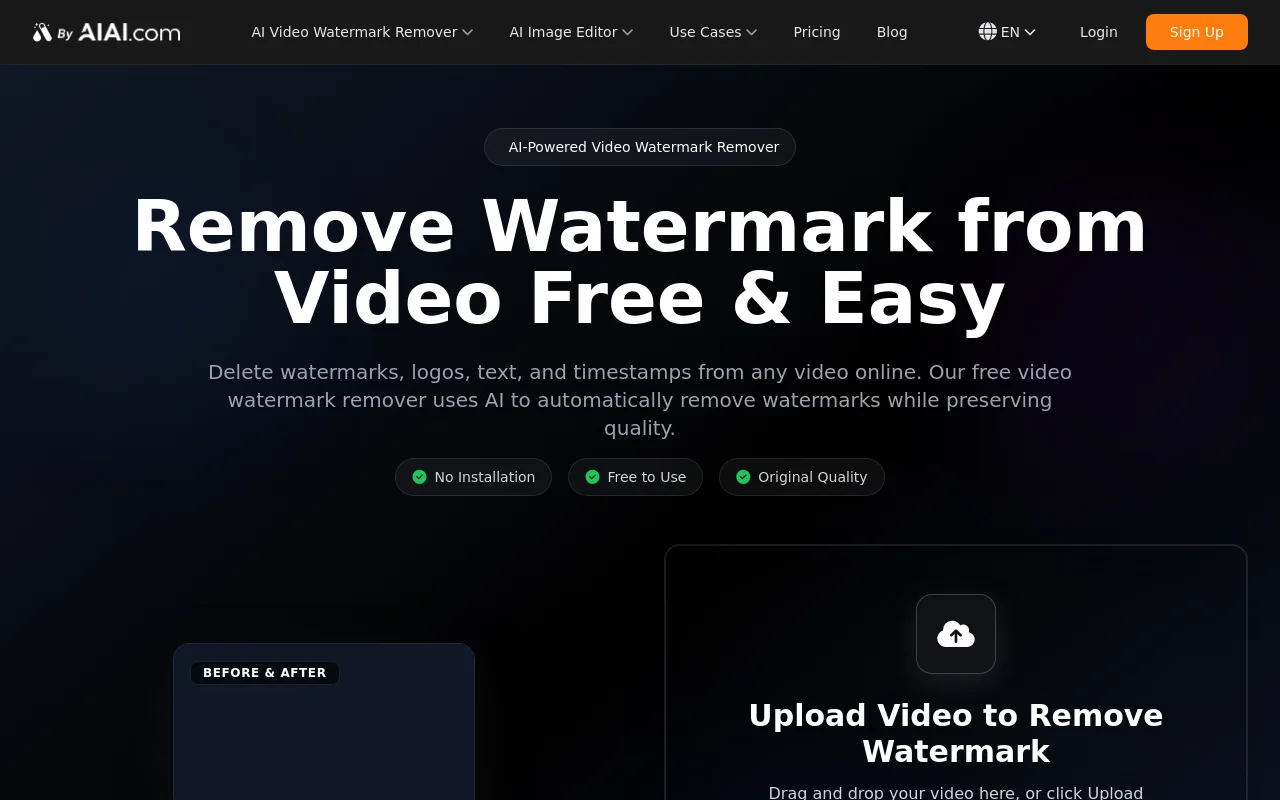
Screenshot archived from the listing page, for preview only.











