
AI Signature Generator.com
Free AI signature makerType your name, get a signature
Highlights
What you can do with it
- Add a personal AI signature to social media or email.
- Drop a generated signature into client design projects.
- Give company documents a uniform electronic signature.
How to use it
- 1 Visit the AI Signature Generator website.
- 2 Enter your full name or initials in the input field.
- 3 Click Generate to let the AI create signature styles.
- 4 Pick a design and adjust size and color in the editor.
- 5 Copy it to your clipboard or download it as a PNG.
Who it is for
Pros
- Free to use with no payment required.
- No design skills needed to get a polished result.
- Export as PNG or copy straight to the clipboard.
Limitations
- Focused on name-based signatures, not full document signing or legal workflows.
- Free availability and output formats could change over time.
- Style quality depends on the name input and the AI presets.
What AI Signature Generator.com is
AI Signature Generator.com is a free online tool that builds personalized signatures with artificial intelligence. You type your full name or initials, and the AI returns a set of signature styles to choose from. The whole service is completely free and needs no payment, and you do not need any design training to get a clean, usable result. It is built for anyone who wants an electronic signature quickly, whether for personal use or for business paperwork, and it removes the usual hassle of hiring a designer or hand-drawing a mark.
What you can do with it
- Enter your name or initials and let the AI create several signature styles at once.
- Open the online editor to adjust size, color, and style until the look fits your taste.
- Copy the finished signature to your clipboard or download it as a PNG file.
- Drop the signature straight into digital documents for a consistent, professional look.
Who it is for
- Individuals who want a personal signature for social media, email, or personal branding.
- Designers who need a signature graphic to place inside client projects.
- Employees and teams who want one uniform electronic signature across company documents.
- Anyone new to design who wants a polished mark without learning complex software.
What to watch out for
This tool turns names into signature graphics; it is not a legally binding document signing service and does not handle identity verification or digital certificates. The result quality depends on the name you type and the presets the AI offers, so you may need to generate and compare a few styles before you settle. Because the tool is free to use, its features, export formats, and availability can change at any time, so treat it as a quick option rather than your only signing method.
FAQ
Is the AI Signature Generator free?
Yes. It is completely free and no payment is required to generate or download signatures.
What do I need to provide?
Just your full name or initials. The AI turns that into multiple signature styles to choose from.
Can I use the signature in documents?
Yes. Generated signatures work in digital documents, and you can copy them or download a PNG file.
Why it is free
What the official page says: for freecompletely free
Free limits, trial length and features are decided by the official site and can change at any time.
Product preview
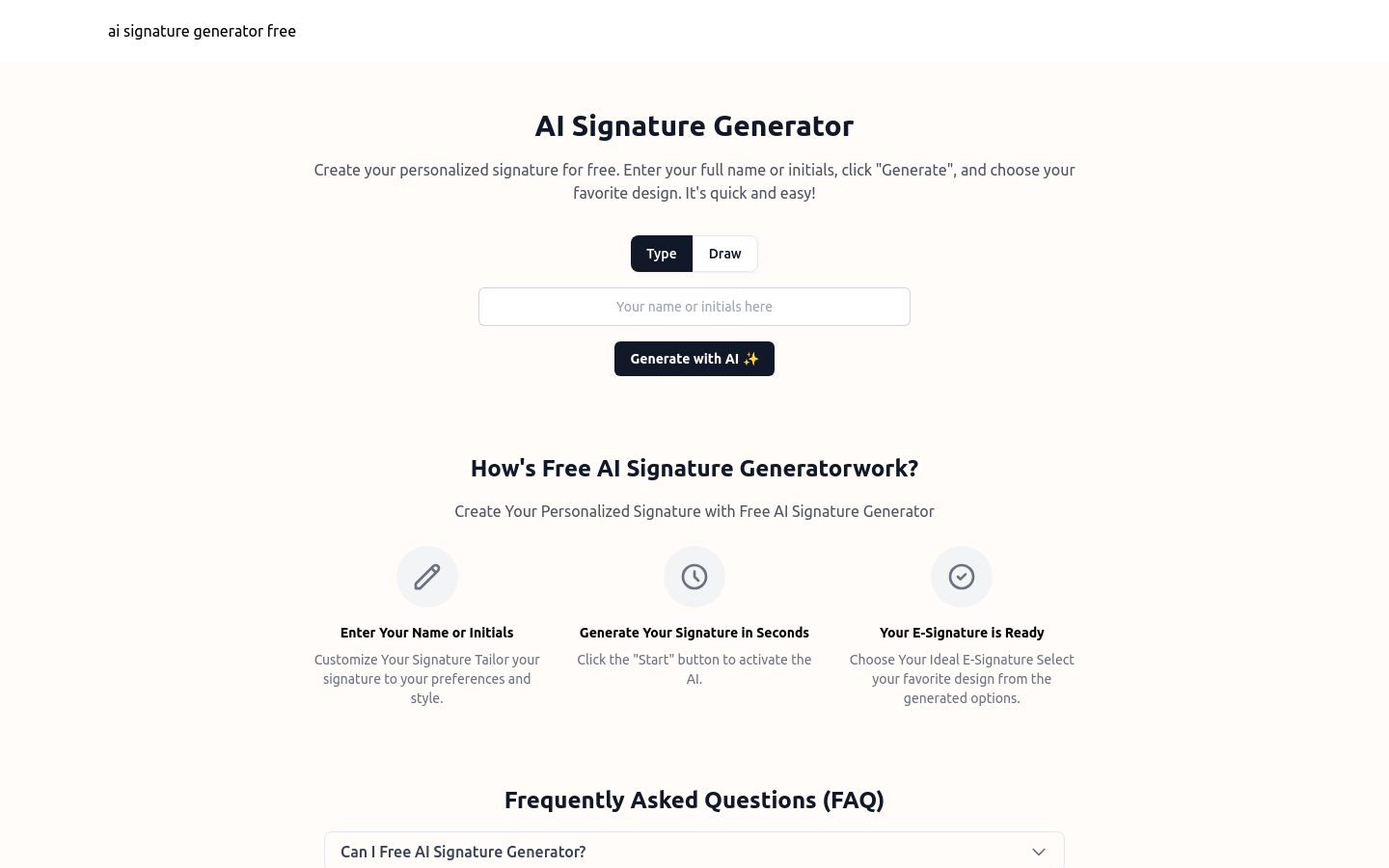
Screenshot archived from the listing page, for preview only.











