
AI Stickers
Custom AI sticker makerTurn text or a photo into stickers
Highlights
What you can do with it
- Turn pet photos into stickers for social avatars
- Generate design elements with text-to-sticker
- Create brand visuals for marketing campaigns
How to use it
- 1 Open AI Stickers and pick text or face mode
- 2 Enter a prompt or upload a clear front-facing photo
- 3 Click Generate and wait for the AI to process
- 4 Preview the sticker and adjust the style
- 5 Download it or share it on social media
Who it is for
Pros
- Turns both text and faces into stickers
- Free to use with instant preview and download
- High-resolution output for print and digital
Limitations
- Uploading faces raises privacy concerns, so only use photos you have the right to share
- It is in a research preview stage, so features and free access may change or stop
- Aimed at personal, academic, or experimental use rather than heavy commercial work
What AI Stickers is
AI Stickers is an online platform that uses AI to turn text prompts or facial photos into personalized stickers, and it is free to use. Text-to-sticker turns a short description into art, while face-to-sticker uses a clear front-facing photo. It creates high-resolution, print-ready designs for both digital use and physical items. The interface is simple, processing is fast, and it supports multiple resolution outputs. You can pick from several artistic styles, preview results instantly, and download or share stickers on social media. The platform is described as being in a research preview stage, mainly for personal, academic, or experimental use.
What you can do with it
- Turn a text prompt into a custom sticker.
- Transform a front-facing photo into a personalized sticker.
- Choose from multiple artistic styles and preview instantly.
- Download stickers or share them on social media.
Who it is for
- People who want custom stickers for chat and social media.
- Designers who need quick sticker elements for projects.
- Brands creating visual content for marketing campaigns.
What to watch out for
Uploading faces raises privacy concerns, so only use photos you have the right to share, and be careful about turning images of other people into stickers without their consent, since that may break platform rules and the user carries any consequences. It is in a research preview stage, so features and free access may change or stop without notice. The tool is aimed at personal, academic, or experimental use rather than heavy commercial work, so check the terms before you use stickers in a paid product. Output quality also depends on the photo or prompt, so a clear input tends to give a cleaner sticker, and preview-stage tools can be uneven.
FAQ
What can AI Stickers make?
It turns text prompts or facial photos into personalized stickers in various styles.
Is it free?
Yes, it is described as free to use, with free download and sharing.
Can I use a face photo?
Yes, the face-to-sticker mode uses a clear front-facing photo, but only upload images you have the right to use.
Why it is free
What the official page says: 免费使用免费
Free limits, trial length and features are decided by the official site and can change at any time.
Product preview
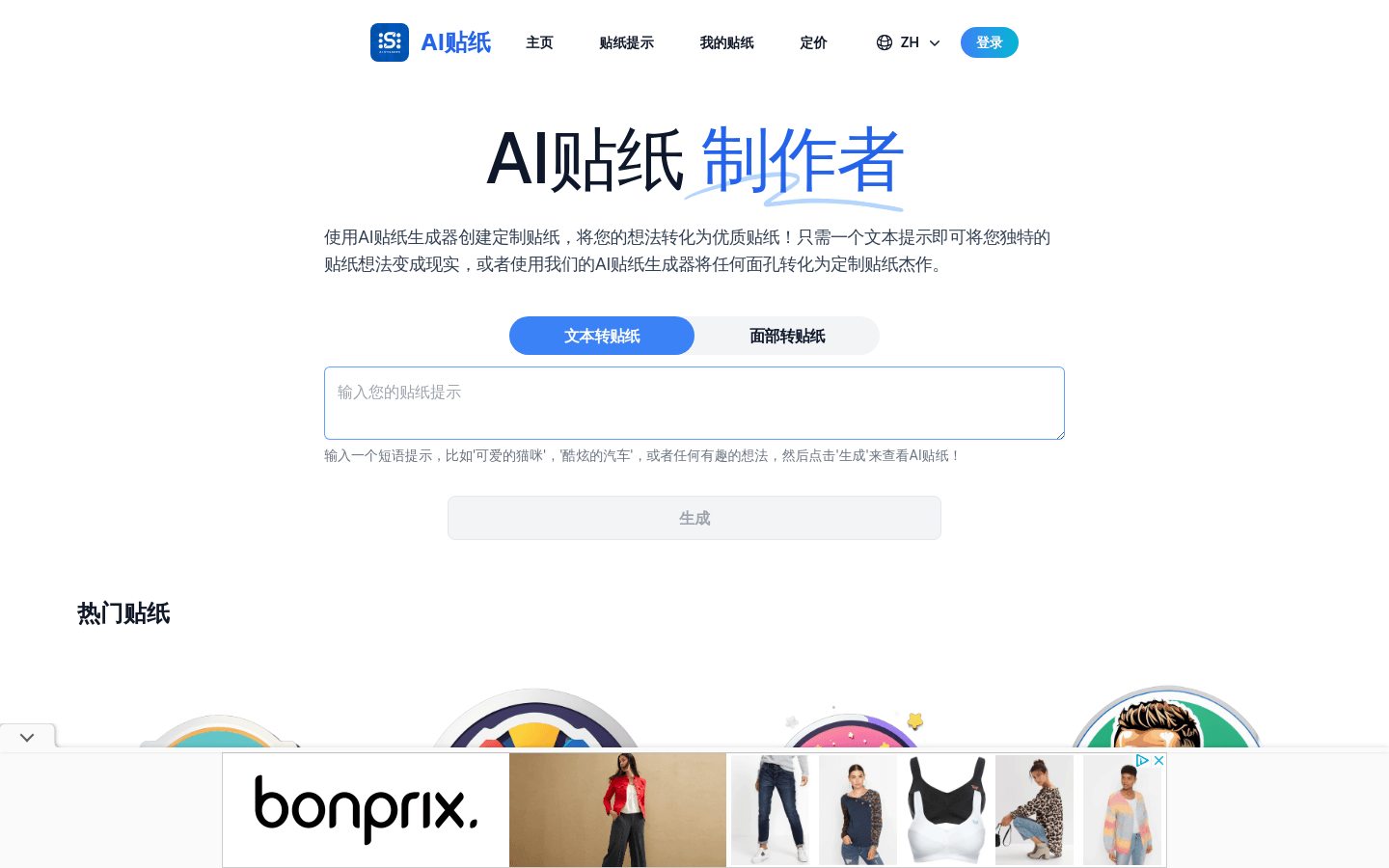
Screenshot archived from the listing page, for preview only.











