AI Summarizer
Multi-format AI summarizerSummarize text, PDF, and video
Highlights
What you can do with it
- Summarizing textbooks and research papers
- Extracting key points from technical documentation
- Summarizing video content before editing or sharing
How to use it
- 1 Open the AI Summarizer site
- 2 Choose the summary type you need
- 3 Upload the document or paste the content
- 4 Select short or long summary length
- 5 Click summarize, then review and save the result
Who it is for
Pros
- Covers several input formats in one place
- Broad language coverage
- Privacy claim of no storage or sharing
- Chrome extension for summarizing while browsing
Limitations
- Summaries can omit nuance that matters
- Accuracy varies by source and format
- Video summary quality depends on audio clarity
- Free versus paid limits are not described
What AI Summarizer is
AI Summarizer is a summarization tool that handles several input formats. You choose whether you need a text summary, article summary, PDF summary, book summary, or video summary, then upload the file or paste the content and pick a short or long output. The stated mechanism is advanced algorithms that extract key information rather than rephrasing everything, which is what makes the output shorter than the source. It supports over 50 languages, and the vendor claims 100% privacy and security with no storage or sharing of uploaded files and content, which is the main reason to prefer it over pasting sensitive documents into a general chatbot. A free Chrome extension is included for summarizing while browsing.
What you can do with it
- Summarize long text or an article into key points
- Extract the important content from a PDF
- Condense a book into its main insights
- Get the gist of a video without watching it in full
- Switch between short and long summary lengths
- Summarize pages directly from the Chrome extension
Who it is for
Students working through long reading lists are the clearest audience, since the listed use case is summarizing textbooks and research papers. Developers reading technical documentation can extract key insights without reading every page. Video creators condensing long footage benefit from the video summary type before editing. Researchers triaging a stack of papers can use summaries to decide what to read in full.
What to watch out for
Summaries compress, and compression loses nuance. A summary of a methods section or a legal document can drop the qualifier that changes the meaning, so never treat the output as a substitute for the source when precision matters. Accuracy also varies by format, and video summaries depend heavily on audio clarity, so noisy or heavily accented audio will degrade results. The privacy claim is the vendor's own and is not independently verified in the listing, so avoid uploading genuinely confidential material. Free versus paid limits are not described, which makes it hard to judge how much use the free tier allows.
FAQ
What can it summarize?
Text, articles, PDFs, books, and videos, with summary types for each.
How many languages are supported?
The listing says over 50 languages.
Are my files stored?
The vendor states 100% privacy and security with no storage or sharing of uploaded files and content.
Is there a browser extension?
Yes, a free Chrome extension is offered for quick access to the summarization features.
Why it is free
What the official page says: 免费
Free limits, trial length and features are decided by the official site and can change at any time.
Product preview
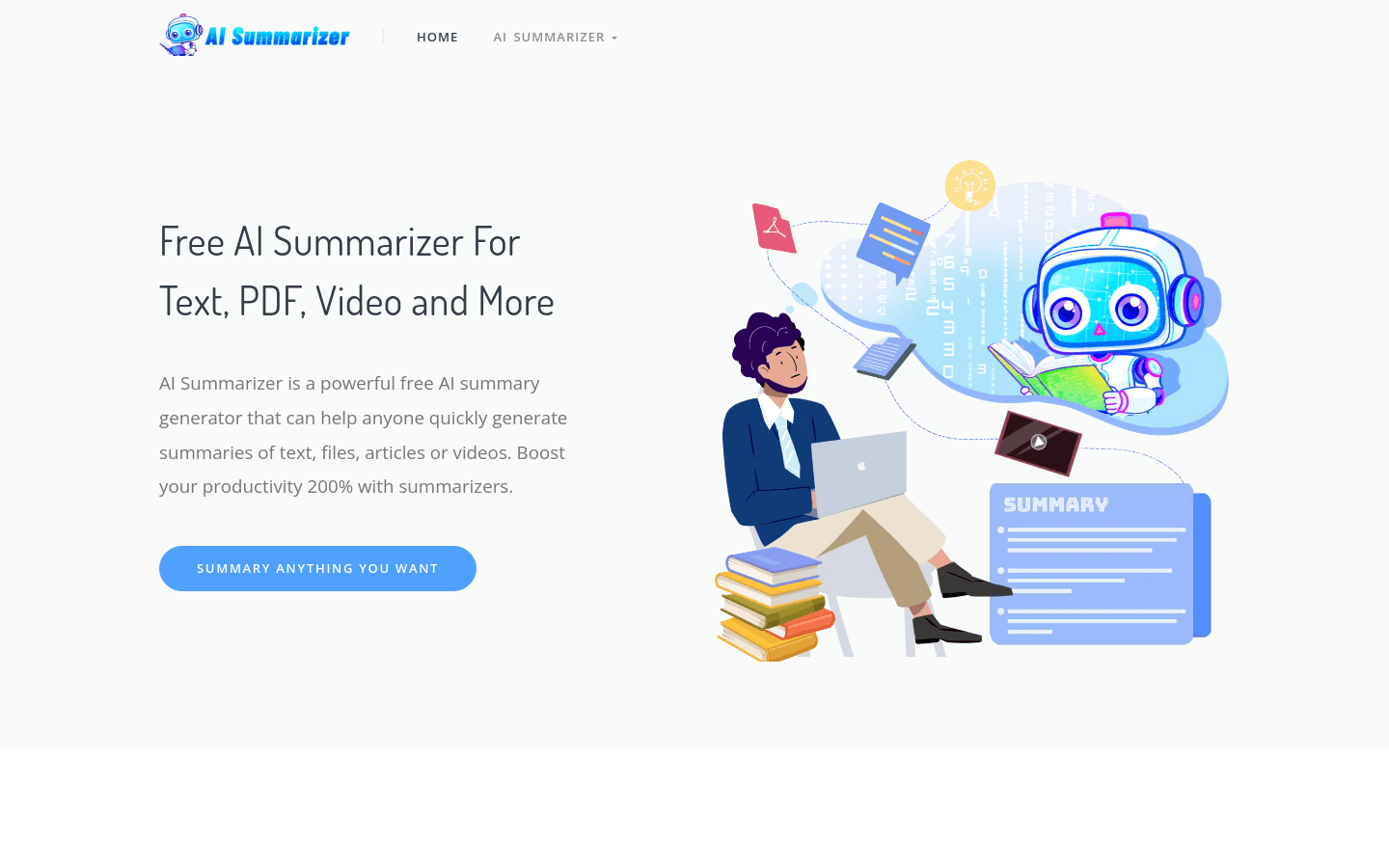
Screenshot archived from the listing page, for preview only.