
AI Voice Generator by AIVocal
All in one AI voice toolkit for podcast and audio workGenerate, edit, and transcribe voice in one place
Highlights
What you can do with it
- Podcast production, from script to finished episode audio
- Narration and voiceover work for videos or presentations
- Editing and transcription of existing voice recordings
How to use it
- 1 Open AIVocal and pick the voice task you need
- 2 Paste your script or upload your audio
- 3 Choose a voice and adjust the settings
- 4 Generate, then edit the result in the same workspace
- 5 Export the finished audio
Who it is for
Pros
- One workspace for generation, editing, and transcription
- Free trial and free core features
- Simple enough for beginners, deep enough for professionals
- Plans for individuals, teams, and enterprises
Limitations
- Free access is a trial plus core features only, and paid plans cover the rest
- Free trial terms can change or end without notice
- The full feature list and usage limits are not detailed on the page
- Generated voices should only be used with consent, since misuse can break platform rules
What AI Voice Generator by AIVocal is
AIVocal is an all in one AI voice assistant that brings voice generation, editing, transcription, and related audio tasks into a single workspace. It is aimed at creators, speakers, and professional audio workers who need spoken audio quickly and accurately. The site stresses that the tool is easy to use and fast, with core features available for free and a free trial to start with. Paid plans scale up from solo creators to teams and enterprises, so a small project can begin without a contract and grow into a team setup later.
What you can do with it
- Generate spoken voice from a script for narration or podcast work
- Edit existing voice recordings inside the same tool
- Transcribe audio into text for notes, captions, or repurposing
- Handle podcast production from draft to finished audio
Who it is for
- Podcasters and video creators who need voice tracks fast
- Speakers and narrators preparing audio content
- Professional audio workers who edit and transcribe regularly
What to watch out for
Free access is a trial plus free core features, not the whole product, and the exact limits are not spelled out on the page. Trial terms and free feature sets can change without notice, so verify before you build a workflow around them. Voice tools carry real risk: only generate or clone a voice you own or have written permission to use. Creating audio that impersonates a real person without consent can break platform rules and local law, and the consequences sit with you, not the tool. For best results, start with a small test file and review the output carefully before working on anything important.
FAQ
Is AIVocal free?
There is a free trial and core features are available for free. Paid plans exist for creators, teams, and enterprises.
What can it do?
It covers voice generation, editing, transcription, and other voice related tasks such as podcast production.
Who is it for?
Creators, speakers, and professional audio workers.
Can I use any voice I like?
No. Only use voices you own or have written permission to use. Impersonating someone without consent can break rules and laws.
Why it is free
What the official page says: 免费使用免费试用免费
Free limits, trial length and features are decided by the official site and can change at any time.
Product preview
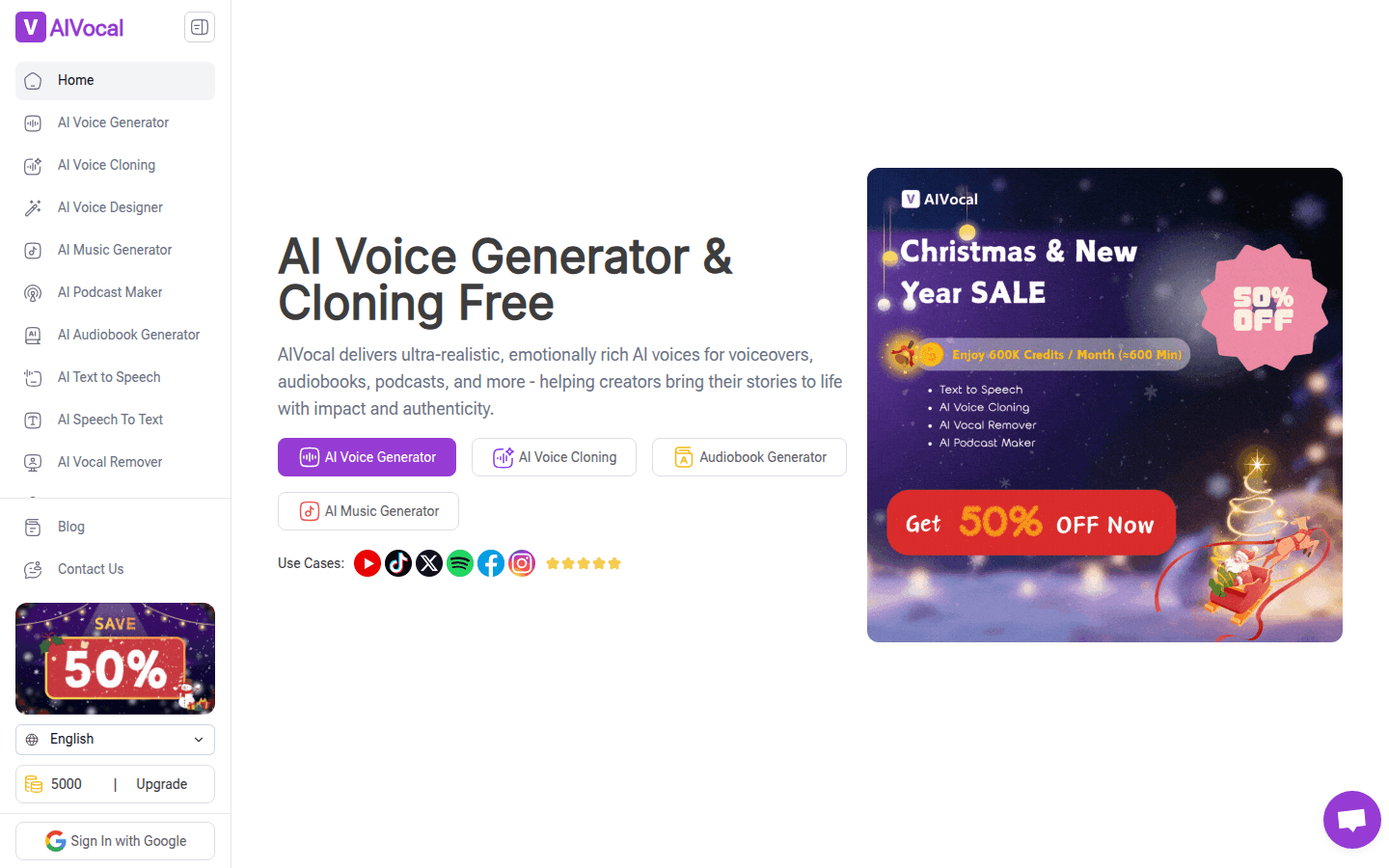
Screenshot archived from the listing page, for preview only.