
AICartoonGenerator.org
Free photo and text to cartoon generatorTurn photos into cartoon art in seconds
Highlights
What you can do with it
- Turning a personal photo into a cartoon avatar for social media
- Generating custom cartoon illustrations for a marketing campaign
- Creating fun cartoon avatars for a virtual classroom
How to use it
- 1 Visit aicartoongenerator.org
- 2 Choose Upload Photo or Enter Text
- 3 Pick a cartoon style like Disney or anime
- 4 Adjust style strength and color if you want
- 5 Click Generate, wait a few seconds, then download
Who it is for
Pros
- Free version with fast, seconds-long generation
- Many styles and adjustable settings
- Says uploaded photos are not shared or stored
Limitations
- Advanced features require a paid upgrade
- Face-heavy photos work best, so odd angles may suffer
- AI output can miss exact likeness or detail
What AICartoonGenerator.org is
AICartoonGenerator.org is an online tool that turns ordinary photos or text into cartoon images using AI. Under the hood it uses deep learning to read facial features and expressions, then redraws them in an artistic cartoon style. You can pick from several looks, including Disney, Pixar 3D, Japanese anime, and watercolor anime, and adjust the style strength and color to taste. Generation takes only seconds, and results come out at high resolution, which makes them usable for social media, personal avatars, or commercial projects. A free version is available, and paid plans add more advanced features. The site says uploaded photos are only used for processing and are not shared or stored.
What you can do with it
- Upload a photo or type text and get a cartoon image back.
- Choose from styles like Disney, Pixar 3D, anime, and watercolor.
- Adjust style strength and color for a personal touch.
- Convert several photos at once with batch processing.
- Download high-resolution images for print or social use.
Who it is for
- Social media users who want a standout cartoon avatar.
- Marketers who need quick custom illustrations without a designer.
- Teachers building fun avatars for a virtual classroom.
- Anyone who wants a fast, free way to cartoonize a photo.
What to watch out for
The strongest features sit behind the paid tier, so the free version has limits. Results depend heavily on the input, so clear, front-facing photos convert better than unusual angles or heavy shadows. AI cartooning will not capture an exact likeness every time, and small details can shift. Since it is an online service that accepts uploads, review the current privacy terms before sending anything sensitive.
FAQ
Is AICartoonGenerator.org free?
It offers a free version, with paid advanced features available.
What styles can I pick?
Styles include Disney, Pixar 3D, Japanese anime, and watercolor anime, among others.
Are my photos kept private?
The site states uploaded photos are only used for processing and are not shared or stored.
Why it is free
What the official page says: free version
Free limits, trial length and features are decided by the official site and can change at any time.
Product preview
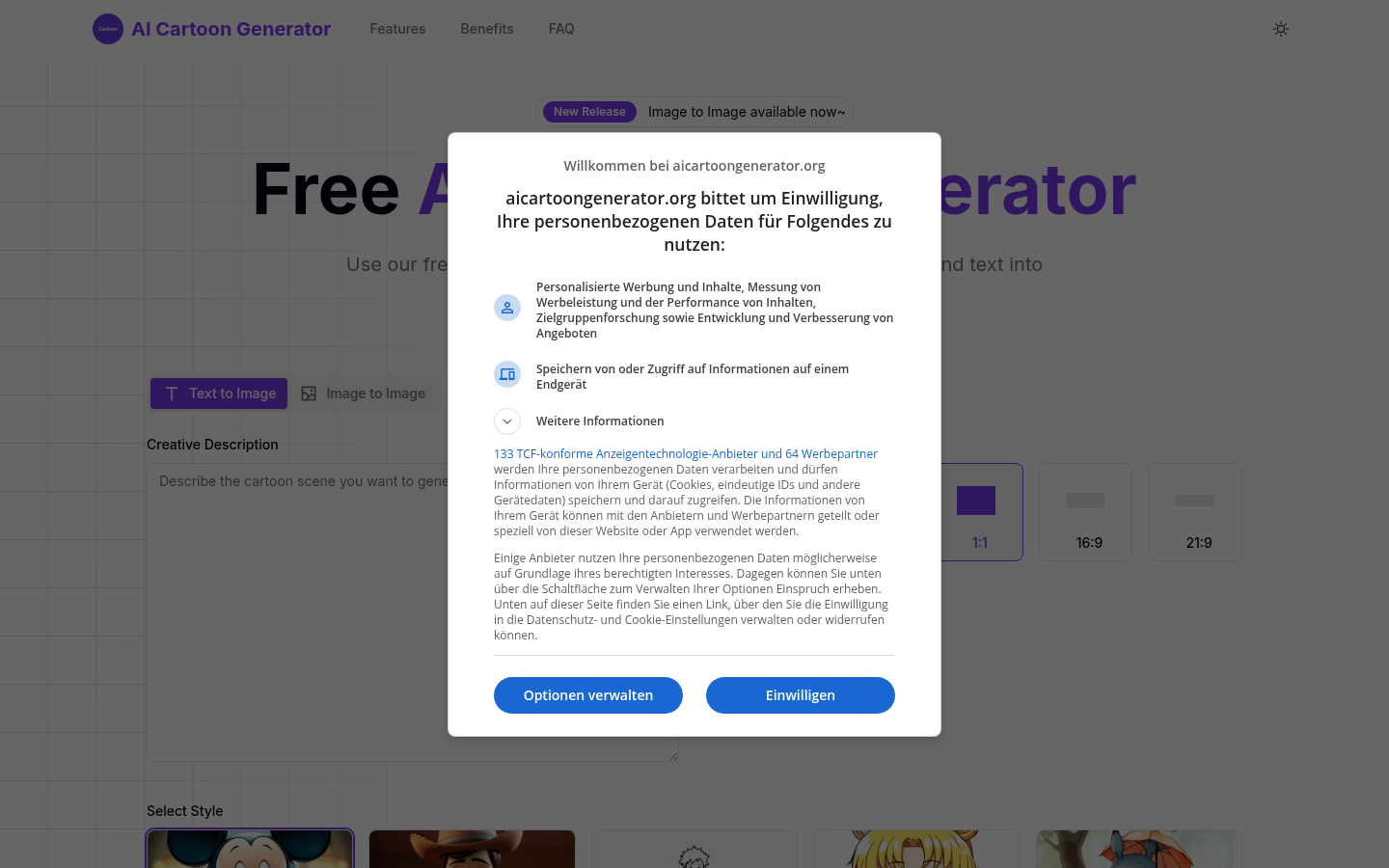
Screenshot archived from the listing page, for preview only.











