AIChangeHair
AI hair and style previewSee a new look before you dye
Highlights
What you can do with it
- Preview hair colors and styles before a wedding or other big event.
- Add different hair looks to a character during creative design work.
- Show salon clients a realistic preview of a style before cutting or dyeing.
How to use it
- 1 Upload a clear, front-facing portrait with visible hair and good lighting.
- 2 Choose a color, a hairstyle preset, or type a custom hair prompt.
- 3 Preview the result, then download the image or copy the link.
Who it is for
Pros
- Keeps the face, lighting, and background untouched while editing the hair.
- Many presets plus custom prompts cover both subtle and bold looks.
- A free quota lets you test the preview before paying.
Limitations
- The free quota is limited and paid upgrades are needed for regular use.
- Preview accuracy depends on the input photo angle, lighting, and hair visibility.
- Free terms and available features may change as the service updates.
What AIChangeHair is
AIChangeHair is an online AI tool for previewing hair color and hairstyle changes without actually dyeing or cutting. You upload a portrait, and the editor concentrates on the hair while holding the face, pose, clothing, lighting, and background in place. From there you can choose a realistic or bold color, try one of 180 hairstyle presets for women, men, and children, or type a short prompt describing the look you want. The system can also study your face shape, head shape, and current hair length and color to suggest styles that fit. A free quota is available for trying it out, and paid plans cover heavier or professional use.
What you can do with it
- Swap hair color, from natural shades to bold creative tones or a custom HEX value.
- Try 180 hairstyle presets across women, men, and children categories.
- Describe a custom hair look in a prompt and let the AI edit only the hair area.
- Read an AI hair report with style and color suggestions based on your photo.
Who it is for
- Individuals who want to see a new color or cut before booking a salon visit.
- Creators and designers who add hair variations to character artwork.
- Salons and stylists who want a quick visual to share with clients.
What to watch out for
The free quota is limited, and paid upgrades are needed for regular or professional use. Results lean heavily on the input photo: a clear, well-lit, front or three-quarter portrait with visible hair gives the most natural preview, while low-quality or heavily angled photos can distort the outcome. Because the tool edits the hair region only, complex backgrounds or hair accessories may not blend perfectly. The service depends on upstream AI models, so output can shift as they update. Check the site for current free limits and pricing before relying on it for client work.
FAQ
What kind of photo works best?
A clear portrait where the hair is visible, with good lighting and a front or three-quarter angle.
Can I pick an exact hair color?
Yes. There are natural, warm, cool, and creative palettes, and you can also enter a custom HEX color.
Is there a free option?
There is a free quota to try the tool, with paid upgrade options for more use.
Why it is free
What the official page says: 免费额度免费
Free limits, trial length and features are decided by the official site and can change at any time.
Product preview
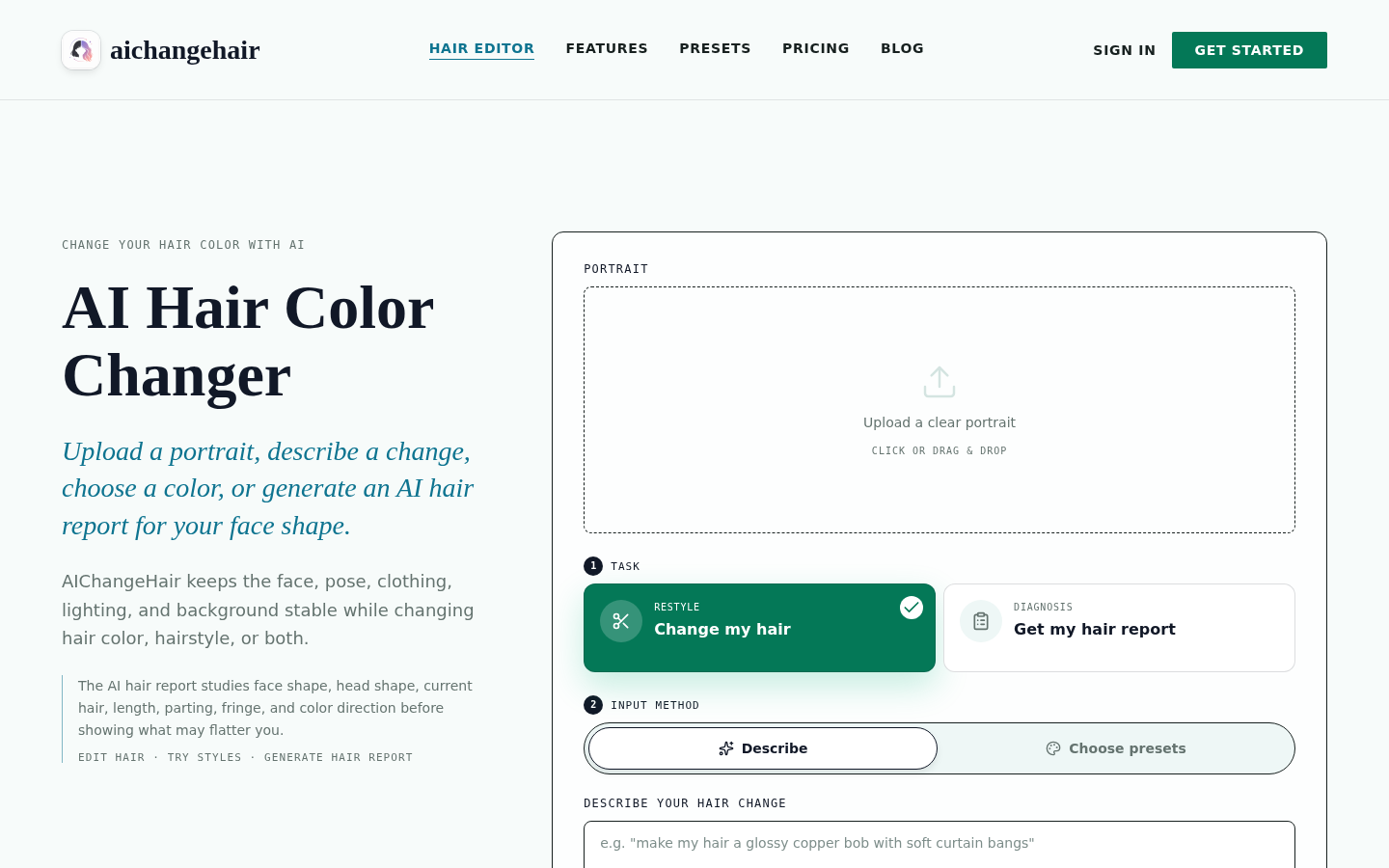
Screenshot archived from the listing page, for preview only.











