
AIDesign
AI logo and VI designThree steps to a brand design
Highlights
What you can do with it
- Create a brand logo for a new small business
- Draft corporate VI materials without hiring a designer
- Generate logo options to compare before a rebrand
How to use it
- 1 Open AIDesign and enter your brand name
- 2 Pick the style direction you prefer
- 3 Let the tool generate logo options
- 4 Refine colors and layout, then generate VI pieces
- 5 Download the files you need
Who it is for
Pros
- Logo and VI generation are free to use online
- Three step flow keeps it simple for non designers
- Wide range of styles to compare quickly
Limitations
- Advanced design services require payment, and free limits can change
- AI output still needs a human check before you register a trademark
- It suits logos and VI, not full page layout or print production
What AIDesign is
AIDesign is an intelligent design platform developed by Tencent that produces brand logos and corporate visual identity online. The workflow is described as three simple steps: enter your brand name, choose a style direction, and let the tool generate options. Basic logo and VI generation is free, while some advanced design services require payment. The site lists ease of use, a rich variety of design styles, and fast generation as the main advantages. It is positioned for individual users and small to medium sized businesses that need brand assets quickly and without a large design budget. The result is a starting point meant to be edited further rather than a finished identity system.
What you can do with it
- Generate logo options from your brand name in a few steps.
- Compare several style directions side by side before deciding.
- Draft corporate VI pieces such as colors and basic applications.
- Move to advanced paid services when the free tools run out.
Who it is for
- Individual users starting a personal or side project brand.
- Small and medium sized businesses that need design fast.
- Teams exploring logo directions before commissioning formal work.
What to watch out for
Free use covers the basics, and some advanced design services require payment, with limits that can change. AI generated logos are not automatically safe to register; two companies can end up with similar marks, so run a proper check before you file a trademark and consider a professional review. The tool is aimed at logos and corporate VI rather than full page layouts, packaging, or print production, so complex jobs will still need a designer. Treat the output as a draft and refine it with your own typography and color decisions.
FAQ
Who makes AIDesign?
It is a design platform developed by Tencent.
What can I make?
Brand logos and corporate VI, among other design work.
How much does it cost?
Basic use is free, and some advanced design services require payment.
Why it is free
What the official page says: 免费使用免费
Free limits, trial length and features are decided by the official site and can change at any time.
Product preview
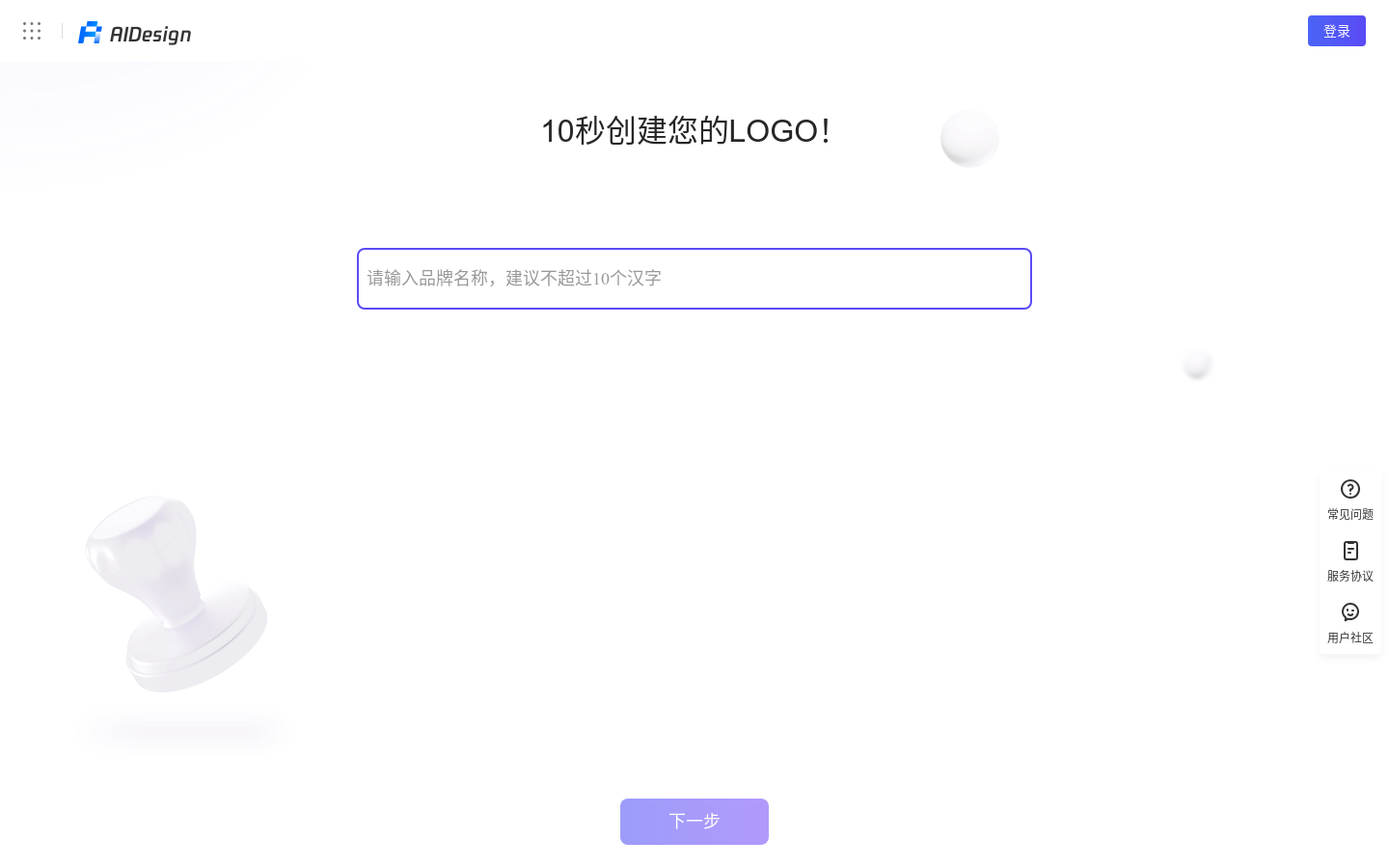
Screenshot archived from the listing page, for preview only.











