
aiimageedit.ai
Free AI image editorEdit and reimagine images with AI
Highlights
What you can do with it
- Turn product photos into styled images for ad posters.
- Create multiple logo variants for brand promotion.
- Convert landscape photos into a retro style.
How to use it
- 1 Upload a clear, well lit photo that fits your target ratio.
- 2 Write a prompt describing the style and changes you want.
- 3 Adjust conversion strength, output count, and other settings.
- 4 Generate single or batch outputs and download the files.
Who it is for
Pros
- Free to use online with a monthly allowance.
- Keeps faces and brand elements consistent.
- Batch generation up to 20 images saves time.
- Text prompt editing needs no manual masking skill.
Limitations
- Free users have a monthly conversion limit, and paid plans cost extra.
- Paid limits and pricing can change over time.
- Best results need clear, well lit source photos.
- AI edits can drift from what you intended, so review each output.
What aiimageedit.ai is
aiimageedit.ai is a free online AI image editor. You upload an existing photo and use text prompts to reimagine it, swap backgrounds, change styles, or create new variations while the tool tries to keep the core structure and composition intact. It uses neural networks that understand the source image and your prompt, which helps it hold on to faces, proportions, and brand elements while it explores new looks. You can edit precise areas rather than the whole frame, and you can generate up to 20 images in a single batch. Free users get a monthly conversion limit, and paid plans offer higher limits with flexible purchase options.
What you can do with it
- Reimagine a photo with text prompts while keeping its structure.
- Change backgrounds, poses, or styles while holding faces steady.
- Edit precise areas with pixel level control.
- Generate up to 20 variants at once and download high quality files.
Who it is for
- Marketing professionals who need styled product and ad images.
- Designers creating logo and brand variants.
- Photographers and bloggers restyling existing photos.
- Enterprise teams that need consistent brand imagery across assets.
What to watch out for
Free use comes with a monthly conversion limit, and going past it means paying for a plan, so budget accordingly if you have a large project. Free limits and paid pricing can change over time, so check the current terms before you rely on them. The strongest results come from clear, well lit source photos that match your target ratio, so poor inputs will give weaker outputs. Because edits are AI generated, they can drift from what you intended, so review each image before you publish it.
FAQ
Is aiimageedit.ai free?
There is a free online editor, but free users have a monthly conversion limit. Paid plans raise the limit.
How many images can I make at once?
Batch generation supports up to 20 images per run.
Will faces stay consistent?
It is designed to keep facial features, proportions, and brand elements consistent when you change backgrounds or styles.
What kind of photos work best?
Clear, well lit images that match your target aspect ratio give the strongest conversion results.
Why it is free
What the official page says: 免费免费用户
Free limits, trial length and features are decided by the official site and can change at any time.
Product preview
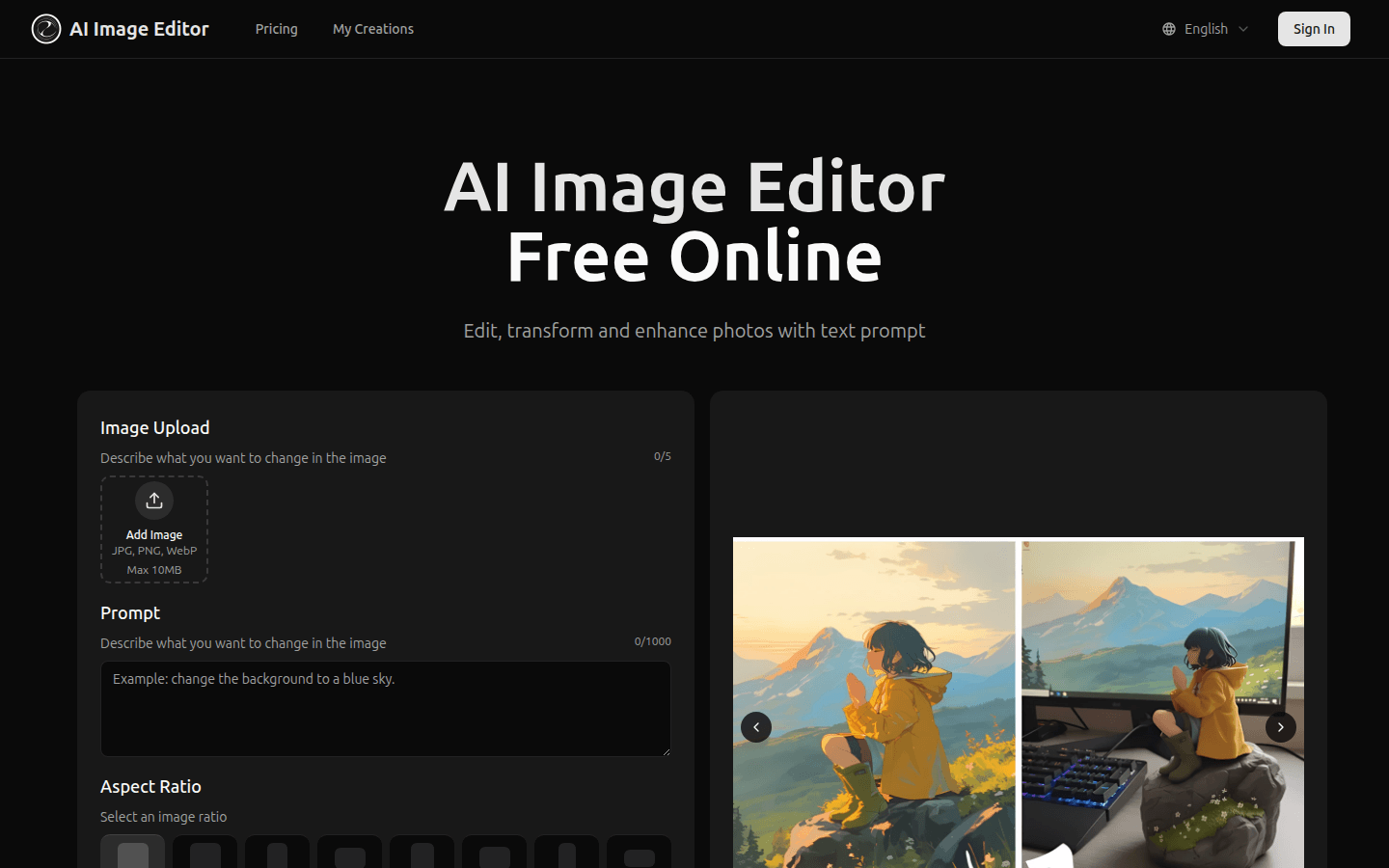
Screenshot archived from the listing page, for preview only.











