Aijia Writing
Free local AI writing software for long textLong drafts on a normal PC, no GPU
Highlights
What you can do with it
- Authors draft novels quickly
- Marketers generate marketing copy and advertisement content
- Students get help with papers and reports
How to use it
- 1 Download the runtime and installer from the official site and install it.
- 2 Download the ChatGLM model file, which is large, via the provided cloud storage link.
- 3 Place the model in the software's model directory.
- 4 Let the software load the model on first use, or preload it from the menu.
- 5 Start writing and adjust prompts or advanced options as needed.
Who it is for
Pros
- Free software with no GPU requirement
- Runs locally, so it works without a connection
- No Python setup or command line
- Text copyright is granted to the user
Limitations
- The model file is large and downloaded separately
- First use waits while the model loads
- Speed and quality depend on your computer's hardware
- Installation and model setup take effort up front
What Aijia Writing is
Aijia Writing is free desktop software for generating long form text. It runs the ChatGLM large language model on your own machine, accelerated by chatglm.cpp so that the model can work on a consumer grade CPU. There is no Python environment to set up and no command line to learn, and no graphics card is required: the listing mentions ordinary desktops with 4 to 8G of RAM. Generation happens locally and offline, and the software states that full text copyright goes to the user. Both Chinese and English are supported, and prompts plus other advanced options can be adjusted. The install is separate from the model, which you download on its own.
What you can do with it
- Generate long drafts on a normal computer.
- Write in Chinese or English with the same tool.
- Adjust prompts and advanced options to steer output.
- Work offline once the model is installed locally.
Who it is for
- Authors who need long drafts without a powerful PC.
- Marketers producing copy in volume.
- Students writing papers and reports.
- Anyone who wants AI writing that keeps working without a connection.
What to watch out for
Setup has two parts. You install the software, then download the ChatGLM model separately, and that file is large, so plan for the time and the disk space. First use waits while the model loads, and that pause is normal. Speed and output quality depend on your hardware, so a modest laptop will be slower and less capable than a desktop with more RAM, and very long outputs take patience. Because everything runs locally, updates to the model and the software come from the vendor's release channel and you will need to fetch them yourself. Generated text still needs editing before it is publishable, and the copyright statement covers the text, not any third party material you paste in.
FAQ
Is Aijia Writing free?
Yes, it is described as free software.
Do I need a graphics card?
No. It runs on CPUs and the listing mentions desktops with 4 to 8G of RAM.
Does it work offline?
Yes, generation is local and offline, though the model has to be downloaded first.
Who owns the generated text?
The software grants complete text copyright to the user.
Why it is free
What the official page says: 免费
Free limits, trial length and features are decided by the official site and can change at any time.
Product preview
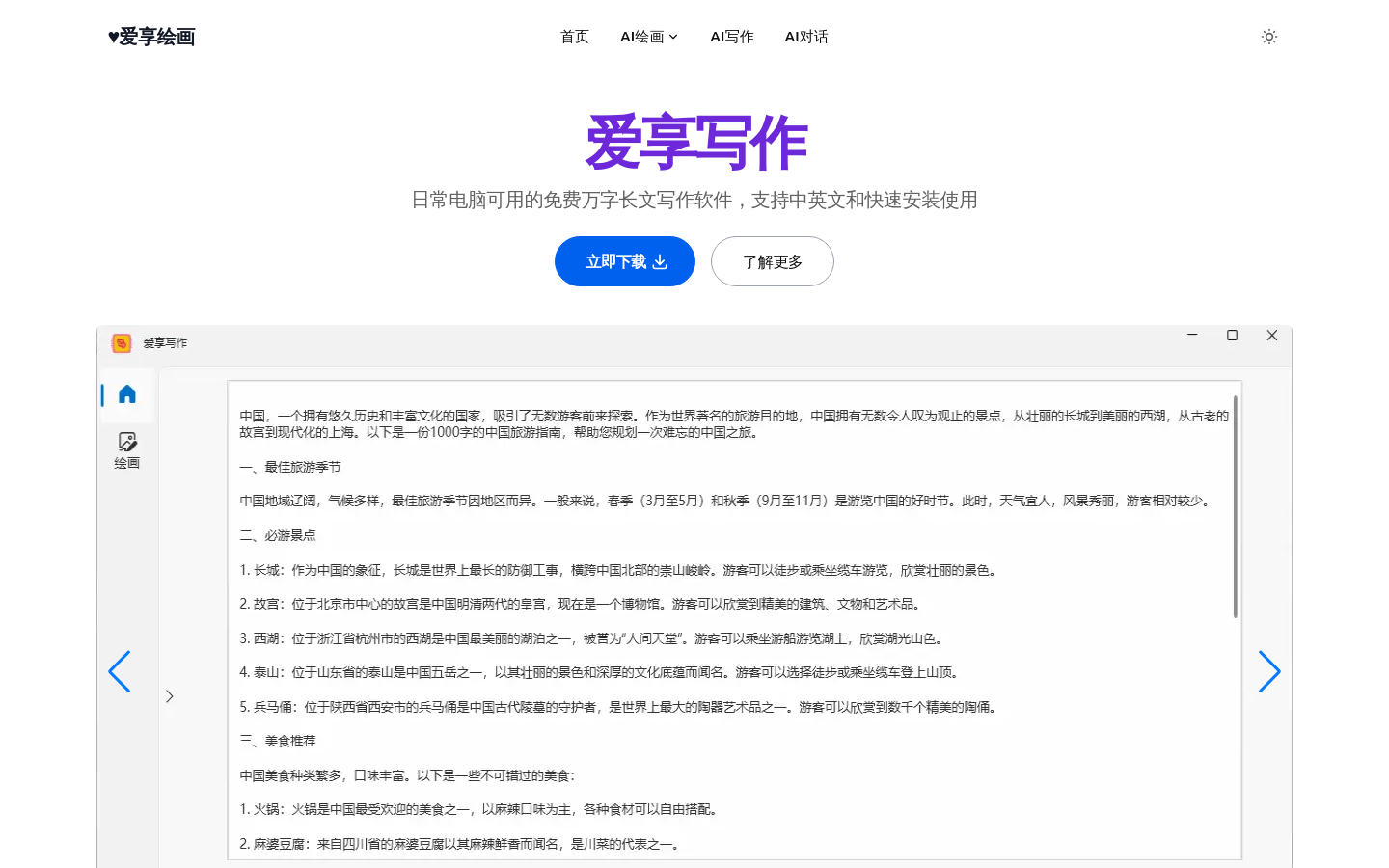
Screenshot archived from the listing page, for preview only.