
AiMP
Online Markdown editor that styles WeChat articlesWrite Markdown, publish a styled article
Highlights
What you can do with it
- Formatting a WeChat article from a Markdown draft
- Switching theme styles for a cleaner look
- Exporting a styled article to publish elsewhere
How to use it
- 1 Open AiMP in your browser
- 2 Paste or type your Markdown text
- 3 Pick a theme style and adjust the font size
- 4 Export the formatted article in the format you need
Who it is for
Pros
- Markdown in, styled article out
- Theme styles and font control included
- Free to use
Limitations
- Focused on article formatting, not full editing
- Export options depend on the platform you publish to
- Free status and available themes may change over time
What AiMP is
AiMP is an online editor that uses AI to help you format articles for WeChat Official Accounts. Rather than styling each block by hand, you input Markdown and the tool automatically recognizes the syntax and turns it into a clean, visually appealing layout. It provides multiple theme styles and font size adjustment so you can shape the reading experience, and it supports exporting to several formats so you can publish where you need. The service is free to use and is positioned as a practical tool for public account authors and operators who want a tidy result without spending time on manual styling.
What you can do with it
- Turn Markdown input into a styled article layout
- Switch between multiple theme styles
- Adjust font size for the reading experience
- Export the formatted article in several formats
- Publish to a WeChat Official Account or other channels
Who it is for
- WeChat Official Account writers and operators
- Anyone who drafts in Markdown and wants a styled result
- Creators who need quick, tidy article formatting
- People who publish regularly and want to save layout time
What to watch out for
The tool is focused on formatting rather than full writing or image editing, so you still handle the content and any visuals yourself. Export options depend on the platform you publish to, so check that the format you need is supported before you rely on it. Because it is a free tool, the available themes and export choices may change over time, and uptime can vary. Preview your article after formatting to make sure headings, lists, and quotes render the way you expect before you publish.
FAQ
What does AiMP do?
It is an online editor that recognizes Markdown input and automatically formats it into a visually appealing layout for articles.
Can I change the look?
Yes. It provides multiple theme styles and lets you adjust font size.
Is it free?
Yes. AiMP is free to use and is positioned as a tool for public account authors and operators.
Why it is free
What the official page says: free to use
Free limits, trial length and features are decided by the official site and can change at any time.
Product preview
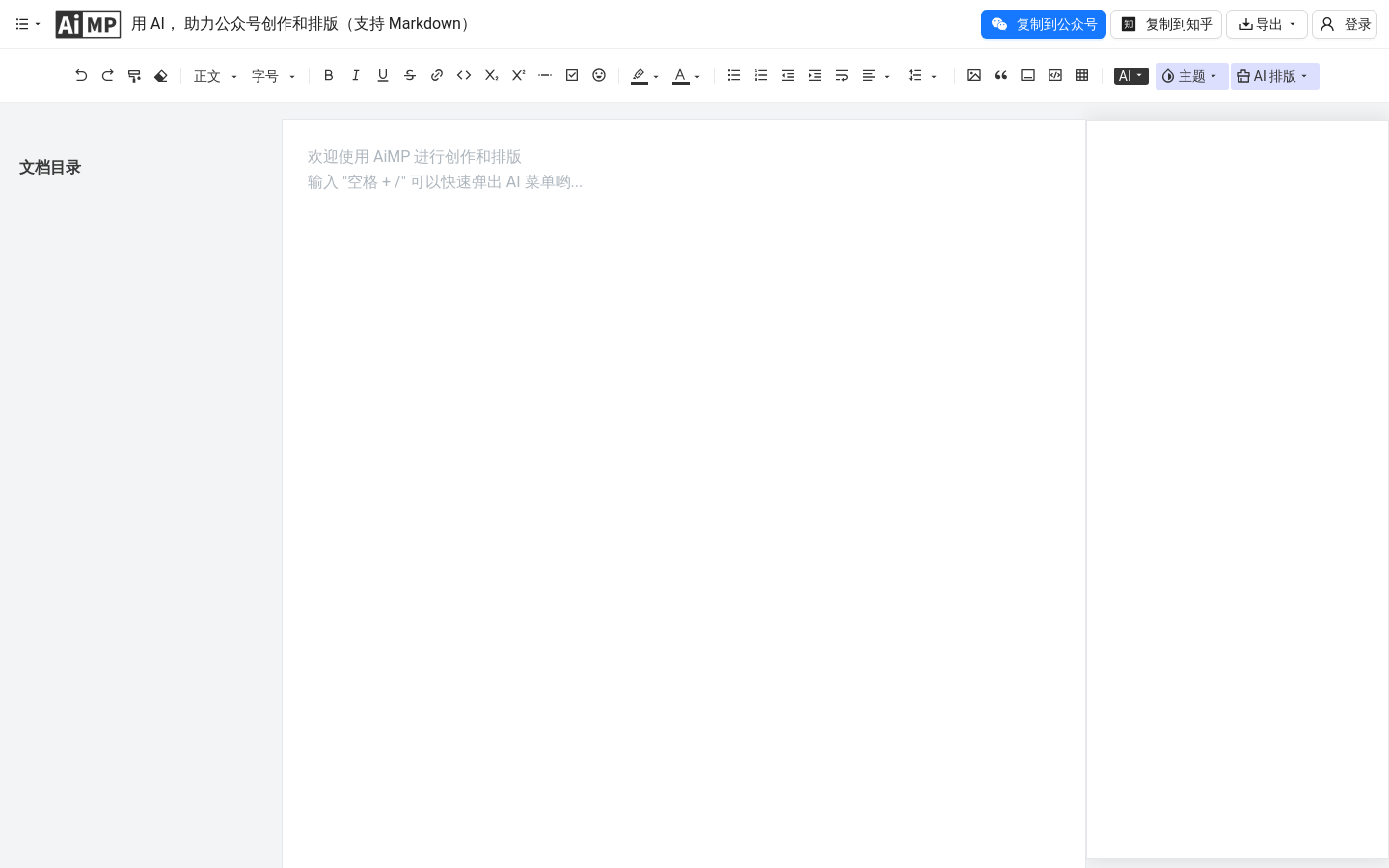
Screenshot archived from the listing page, for preview only.











