
AIRemover
AI background remover in secondsRemove image backgrounds automatically, free
Highlights
What you can do with it
- Remove product backgrounds for listings
- Create ID photos from portraits
- Make posters from animal photos
How to use it
- 1 Go to the AIRemover site
- 2 Upload the image you want to edit
- 3 Let the AI remove the background automatically
- 4 Download the result
Who it is for
Pros
- Completely free and automatic
- Fast, around 5 seconds
- Supports many image types
- No manual selection needed
Limitations
- Free rules may change over time
- Depends on upstream providers Replicate and Bytescale
- Newer service, so stability may vary
What AIRemover is
AIRemover is an AI-powered online image background removal tool. It can automatically remove the background of an image in about 5 seconds, so you do not have to select pixels by hand. You upload the image and the AI does the work. The tool supports all kinds of images, including portraits, products, and animals, and it is completely free to use. It is powered by Replicate and Bytescale and was created with AI, and it is meant for users who need fast, intelligent background removal.
What you can do with it
- Remove the background of product images for listings
- Cut out portraits to make ID photos
- Remove backgrounds from animal photos for posters
- Get a clean result in seconds without manual selection
Who it is for
- Sellers who need tidy product images
- People making ID or portrait photos
- Anyone who wants quick, automatic background removal
- Users who prefer a free, browser-based tool
What to watch out for
Because AIRemover is completely free, its rules and limits may change over time, so check the site before you rely on it for regular work. The service depends on upstream providers, Replicate and Bytescale, so any change or outage on their side can affect the tool. It is a newer service, so stability and the quality of results can vary, especially on complex images with fine edges like hair or fur. Always review the cutout before you use it, and avoid uploading sensitive images since files are processed online. For best results, start with a small test file and review the output carefully before working on anything important. Free tiers can change over time, so it is worth checking the current limits on the official page before you rely on the tool daily.
FAQ
Is AIRemover free?
Yes, it is completely free.
How fast is it?
It can remove backgrounds in about 5 seconds.
What images does it support?
Portraits, products, animals, and other images.
What powers it?
It is powered by Replicate and Bytescale.
Why it is free
What the official page says: completely free
Free limits, trial length and features are decided by the official site and can change at any time.
Product preview
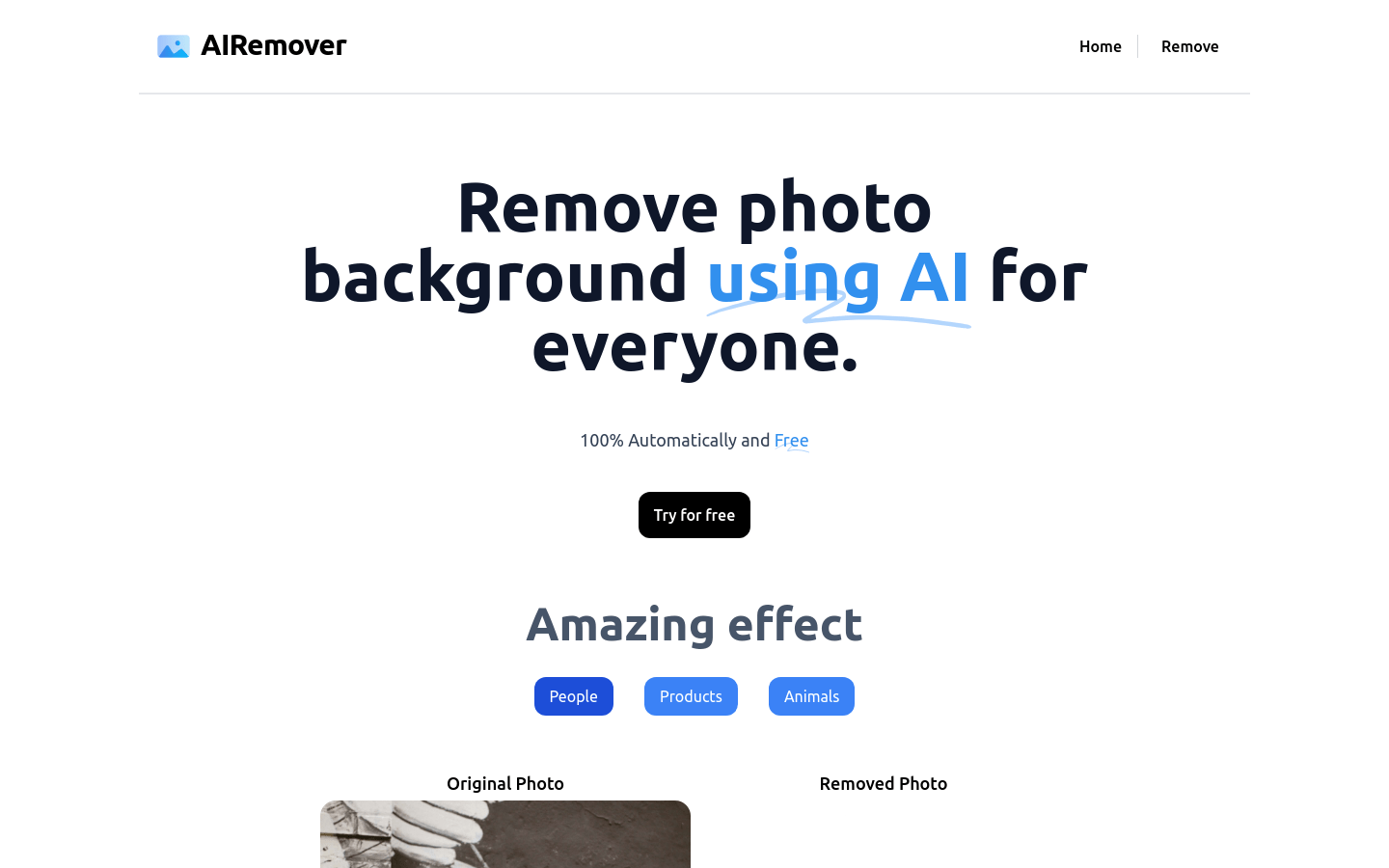
Screenshot archived from the listing page, for preview only.











