
AirMusic
AI music generator with vocal and edit toolsCreate original music and vocals with AI
Highlights
What you can do with it
- Video creators make background music for short videos
- Independent musicians get ideas and build new songs
- Podcast hosts add intro and background music
How to use it
- 1 Visit the site and register if a feature needs it
- 2 Upload the mood, style, or scene to generate music
- 3 Use extension, vocals, or cover tools as needed
- 4 Download and save your finished track
Who it is for
Pros
- Free to use with an optional Pro plan
- Many tools in one place, from generation to vocal removal
- Simple inputs lower the barrier to making music
Limitations
- AI cover singing with a real person's voice can break rules and rights, with consequences on you
- Free use may have limits, and Pro pricing can change
- Generated music still needs mixing and polishing to sound finished
What AirMusic is
AirMusic is an online AI music generator built to help anyone create original music. You provide the mood, style, or scene you want, and the AI produces a unique track. Beyond generation, it can extend songs, add vocals to your own beats, remove vocals from any song by splitting it into separate tracks, and create AI covers with different vocal styles. It is free to use, with a paid Pro plan for those who need more. The goal is to lower the barrier so more people, from hobbyists to content producers, can make music without a full studio.
What you can do with it
- Generate original music from a simple description
- Extend tracks and add vocals to your beats
- Separate vocals and instruments from a song
- Create cover versions with different vocal styles
Who it is for
- Music creators who want one tool for many jobs
- Content producers who need music for videos and podcasts
- Music lovers making songs without deep training
What to watch out for
AI cover singing can imitate real voices. Do not use a real artist's or a person's voice without permission, as that can break copyright and platform rules and harm others, with the consequences falling on you, and label AI vocals clearly. Free use may come with limits, and the Pro plan pricing can change. Also, generated music usually still needs mixing and polishing before it sounds finished, so treat the output as a strong starting point rather than a final master. For best results, start with a small test file and review the output carefully before working on anything important. Free tiers can change over time, so it is worth checking the current limits on the official page before you rely on the tool daily.
FAQ
Is AirMusic free?
It offers free use plus a paid Pro plan.
Can I make covers with any voice?
No. Only use voices you have the right to use; imitating real artists without permission can cause legal and ethical issues.
What tools are included?
Music generation, extension, adding vocals, vocal removal, and AI cover singing.
Why it is free
What the official page says: 免费使用免费
Free limits, trial length and features are decided by the official site and can change at any time.
Product preview
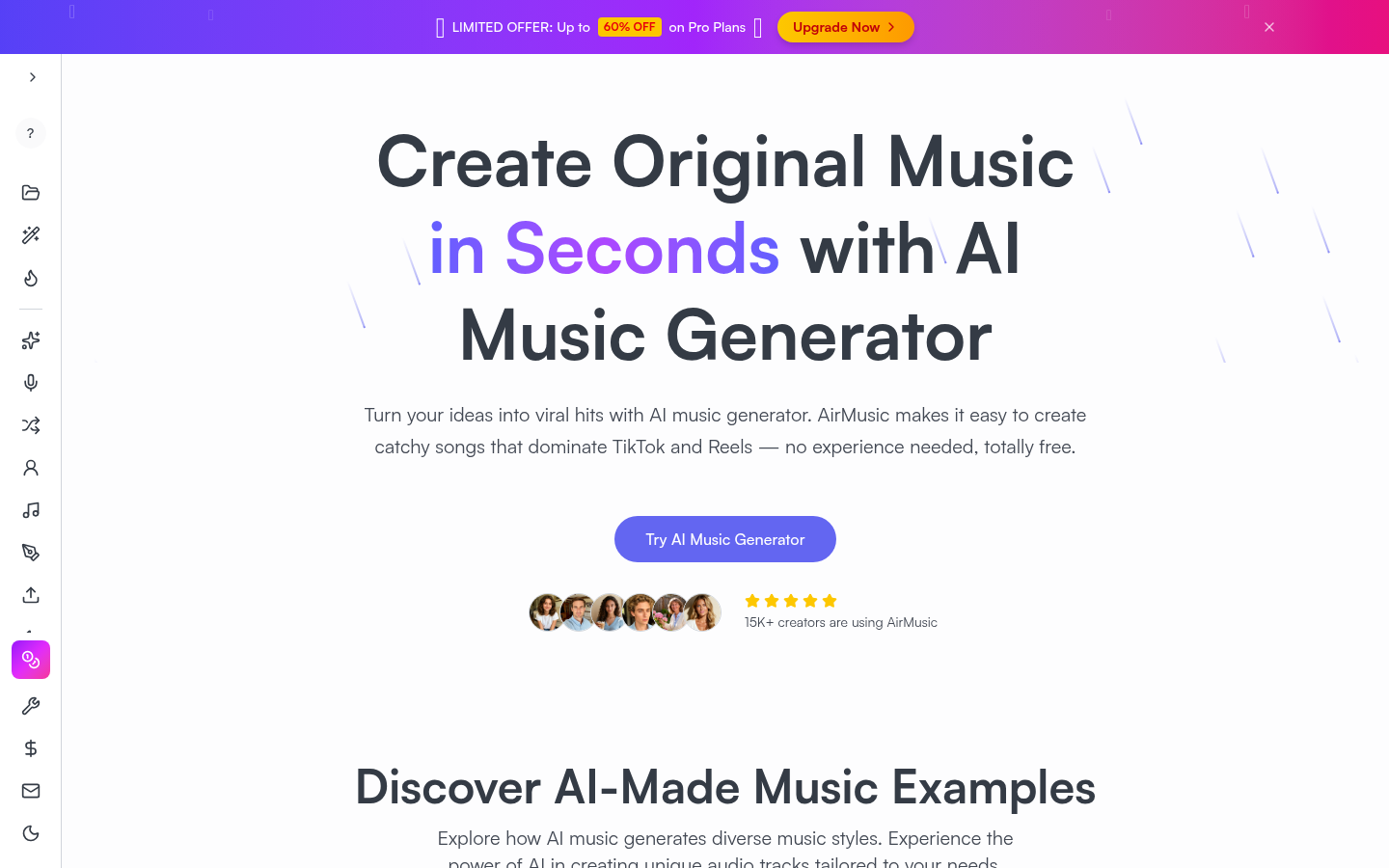
Screenshot archived from the listing page, for preview only.










