
Alex Sidebar
Free AI sidebar assistant for XcodeWrite, search, and fix code faster in Xcode
Highlights
What you can do with it
- Developers interact with code segments using Command+L
- Designers turn design images into code with Image Chat
- Developers locate code modules fast with codebase search
How to use it
- 1 Install the Alex Sidebar plugin on macOS 14 or later
- 2 Open Xcode and launch the sidebar
- 3 Use Command+L to chat with selected code
- 4 Drag images in for Image Chat or search the codebase
Who it is for
Pros
- Free to use during the Beta phase
- Semantic search and code generation in one sidebar
- Image to code speeds up design handoff
Limitations
- Free Beta access may change to paid after launch
- Requires macOS 14 or later and Xcode
- Generated code still needs review before use
What Alex Sidebar is
Alex Sidebar is a smart sidebar plugin designed for Xcode. It helps developers write code faster and more intelligently with features like semantic search, code generation, and automatic error fixing. It is backed by Combinator and is free to use during its Beta phase. You can select code with Command+L for instant chat, drag images into the sidebar to generate code from a design, search the whole codebase by meaning, and fix errors with one click. It requires macOS 14 or later, so it targets developers on recent Apple machines.
What you can do with it
- Chat with selected code using Command+L
- Turn design images into code with Image Chat
- Search the codebase and apply code quickly
- Fix errors with one click autofix
Who it is for
- Xcode developers who want to move faster
- Designers who need visuals turned into code
- Developers who want quick code search and fixes
What to watch out for
It is free only during the Beta phase, and pricing may change once it launches, so do not count on it staying free forever and plan your budget accordingly. It needs macOS 14 or later and Xcode, so older setups cannot use it. Generated code should always be reviewed, since AI output can contain mistakes you will need to catch, and you remain responsible for what ships in your app. For best results, start with a small test file and review the output carefully before working on anything important. Free tiers can change over time, so it is worth checking the current limits on the official page before you rely on the tool daily.
FAQ
Is Alex Sidebar free?
It is free to use during its Beta phase.
What do I need to run it?
macOS 14 or later with Xcode installed.
What can it do?
Semantic search, code generation, image to code, and one click error fixing.
Why it is free
What the official page says: for freefree to use
Free limits, trial length and features are decided by the official site and can change at any time.
Product preview
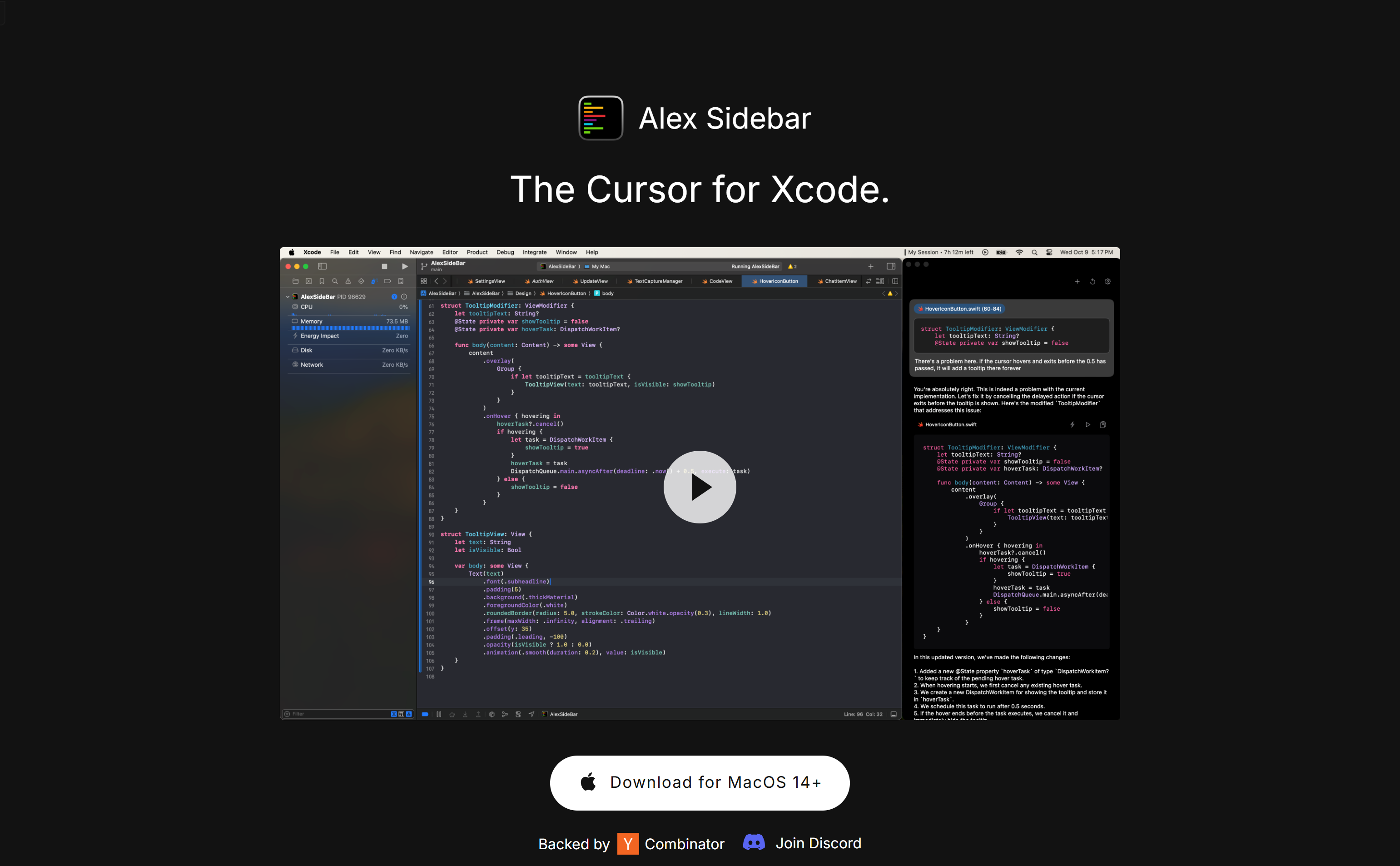
Screenshot archived from the listing page, for preview only.











