AmyMind
Free AI mind mapping and whiteboard appTurn ideas and documents into clear mind maps
Highlights
What you can do with it
- Turn ideas into a clear mind map quickly
- Convert a document into an organized map
- Draw flowcharts and UML diagrams on a whiteboard
How to use it
- 1 Open AmyMind in your browser.
- 2 Start a new map or upload a document.
- 3 Let AI turn your ideas or file into a mind map.
- 4 Edit the map and add flowcharts or diagrams.
- 5 Export to PowerPoint, PDF, or Word.
Who it is for
Pros
- Free to start with AI mind map generation
- Converts documents into organized maps
- Exports to PowerPoint, PDF, and Word
- Clean whiteboard for flowcharts and UML
Limitations
- Free version is limited and pro features cost more
- AI map structure may need manual adjustment
- Document conversion quality depends on the file
- Depends on the vendor platform staying available
What AmyMind is
AmyMind is a free AI application for creating and sharing mind maps, flowcharts, and UML diagrams. Using AI, it quickly turns ideas into complete mind maps, and it can convert documents into clear, organized maps. You can export to PowerPoint, PDF, or Word, which makes it easy to move a map into a presentation or report. It also offers a clean, modern whiteboard tool and a cross-platform design. Users can use it for free or upgrade to a pro version for more features. It is aimed at students, professionals, and teams who organize ideas visually.
What you can do with it
- Turn ideas into a clear mind map with AI.
- Convert a document into an organized map.
- Draw flowcharts and UML diagrams on a whiteboard.
- Export your work to PowerPoint, PDF, or Word.
Who it is for
- Students organizing notes and ideas.
- Professionals planning projects and workflows.
- Teams mapping processes and systems.
- Anyone who thinks visually with diagrams.
What to watch out for
The free version is limited, and pro features cost more, and pricing can change over time. AI-generated map structure may need manual adjustment to match how you actually think, and document conversion quality depends on the source file. As a hosted, cross-platform tool, availability and features can shift, so export important maps and confirm current terms on the official site before relying on it. Start with a small sample to confirm the output meets your expectations before processing the full batch. Free tiers and usage limits can change, so check the current rules on the official page before relying on it long term.
FAQ
Is AmyMind free?
It is a free AI application, and you can upgrade to a pro version for more features.
What can I create?
You can create mind maps, flowcharts, and UML diagrams, and convert documents into maps.
Can I export my work?
Yes. You can export to PowerPoint, PDF, or Word.
Who is it for?
It suits students, professionals, and teams who organize ideas visually.
Why it is free
What the official page says: 免费
Free limits, trial length and features are decided by the official site and can change at any time.
Product preview
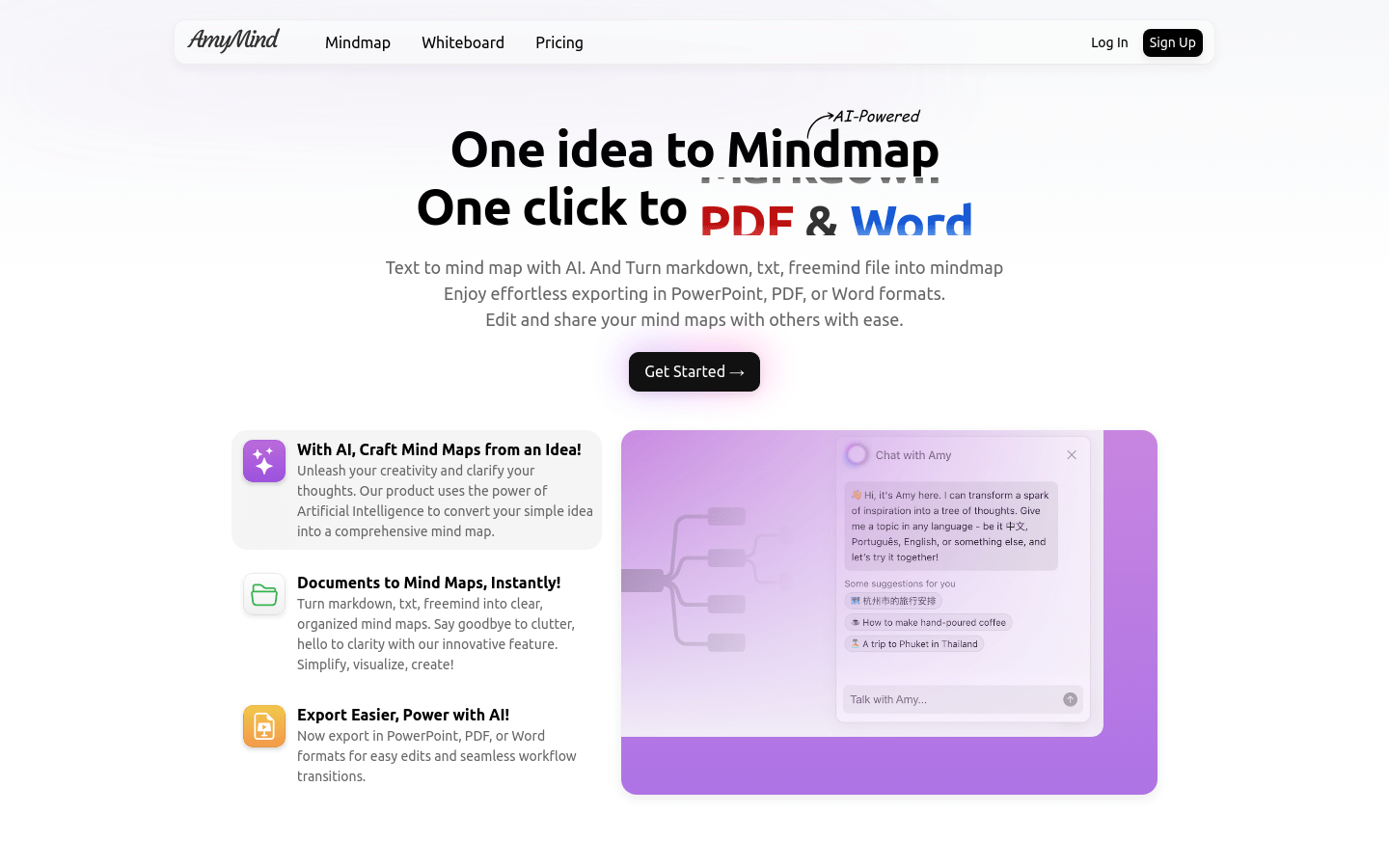
Screenshot archived from the listing page, for preview only.