
Animate Image AI
Turn still photos into 4K animated videos with AIAnimate a static photo in seconds, no editing skills
Highlights
What you can do with it
- Marketers turning product photos into short video ads
- Content creators animating stills for social posts
- Businesses producing client work without an animation team
How to use it
- 1 Upload the photo you want to animate
- 2 Choose the model or motion style you want
- 3 Let the AI render the animated clip
- 4 Preview the result and adjust if needed
- 5 Export the video at up to 4K
Who it is for
Pros
- Turns a single photo into video without specialist skills
- Several strong models behind the output
- 4K resolution and no watermark on results
- Suitable for commercial and client projects
Limitations
- Pricing is not stated on the page, so the free level is unclear
- Free trial or free use terms can change at any time
- Results depend on the source photo quality and the model chosen
- Depends on third party models such as Kling, Veo, Runway, and Sora, which can change availability
- Motion control is narrower than what manual animation editing offers
What Animate Image AI is
Animate Image AI is a platform that converts static photos into animated videos. You upload a still image, and the platform applies AI models including Kling, Veo, Runway, and Sora to add motion, returning a clip that can reach 4K resolution with no watermark. The stated aim is to cut the time and cost of animation production for content creators, marketers, and businesses, so a single photo can become video material without a specialist on staff. Output is described as professional and suitable for commercial projects and client work. The listing flags free to use and free trial, though pricing is not clearly stated on the page.
What you can do with it
- Turn a still photo into a short animated clip
- Choose between models such as Kling, Veo, Runway, and Sora
- Export video at up to 4K with no watermark
- Produce commercial or client facing animation without an animation team
Who it is for
- Content creators who have stills but need video
- Marketers who want quick product or promo animation
- Businesses and agencies delivering client video work
What to watch out for
Pricing is not stated clearly on the page, so how much is genuinely free is uncertain; treat any free access as a trial until you confirm it. Free terms can change without notice. Because the platform leans on third party models such as Kling, Veo, Runway, and Sora, model availability, speed, and output can shift when those providers update. Result quality depends heavily on the source photo, and control over the motion is narrower than what you would get from manual animation editing, so complex camera moves are out of reach.
FAQ
Is Animate Image AI free?
The listing shows free to use and free trial notes, but the page does not state pricing clearly, so check the site for current terms.
What resolution does it output?
Animations can reach up to 4K and the page says results carry no watermark.
Which models power it?
The platform lists Kling, Veo, Runway, and Sora.
Can I use the output commercially?
The page describes the output as suitable for commercial projects and client work.
Why it is free
What the official page says: 免费使用免费试用免费
Free limits, trial length and features are decided by the official site and can change at any time.
Product preview
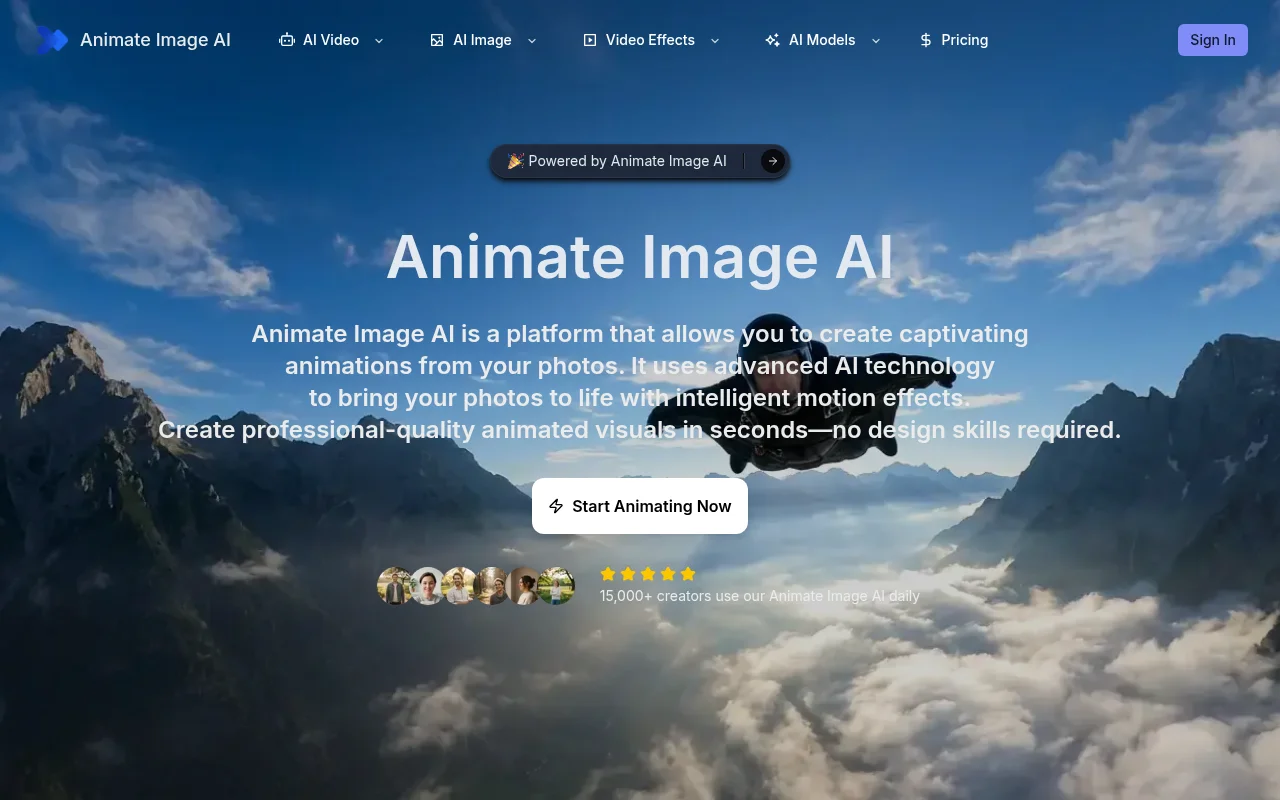
Screenshot archived from the listing page, for preview only.