Any Image Anywhere
AI image compositing toolPlace any image in any scene
Highlights
What you can do with it
- Show a logo on a product photo or billboard
- Place a design on a shirt or screen
- Build a quick mockup for a campaign
How to use it
- 1 Open the Any Image Anywhere link
- 2 Register or log in to unlock more features
- 3 Upload your image and describe the target scene
- 4 Adjust position, size, and angle
- 5 Preview, then save or share your work
Who it is for
Pros
- Simple prompt based compositing
- Twenty free uses every day
- Remix and sharing features included
Limitations
- Can be misused to place images on people without consent
- Free daily limit caps heavy use
- Compositing quality depends on the prompt and image
What Any Image Anywhere is
Any Image Anywhere is an AI tool that places an input image into a new scene using simple text prompts. For example, you can put a logo onto a product photo, a billboard, a shirt, or a screen to create a realistic composite. The goal is to make quick mockups for designers, marketers, and content creators without complex editing software. It offers twenty free uses per day and includes tools to adjust position, size, and angle, plus a remix option to rebuild existing works and share your results.
What you can do with it
- Composite an image into a new scene with a prompt
- Build product, billboard, and apparel mockups
- Adjust position, size, and angle of the placed image
- Remix existing works and share your results
Who it is for
- Designers who need fast image mockups
- Marketers creating product placement visuals
- Creators experimenting with AI compositing
- Anyone who wants quick concept previews
What to watch out for
This tool can place images onto surfaces and people, so it should never be used to create misleading, defamatory, or non-consensual imagery, and any consequences of misuse fall on the user. The free tier caps use at twenty composites per day, so heavy workloads need another plan or tool. Result quality depends heavily on the prompt and the input image, so expect to adjust and retry. Confirm usage rights and current limits on the official site before commercial use. For best results, start with a small test file and review the output carefully before working on anything important. Free tiers can change over time, so it is worth checking the current limits on the official page before you rely on the tool daily.
FAQ
What is Any Image Anywhere?
It is an AI tool that places an input image into a new scene using text prompts, such as a logo on a product or billboard.
How many free uses do I get?
The tool offers twenty free uses per day.
What can I place and where?
You can composite images onto products, screens, shirts, and other surfaces to build realistic mockups.
Why it is free
What the official page says: 免费使用免费
Free limits, trial length and features are decided by the official site and can change at any time.
Product preview
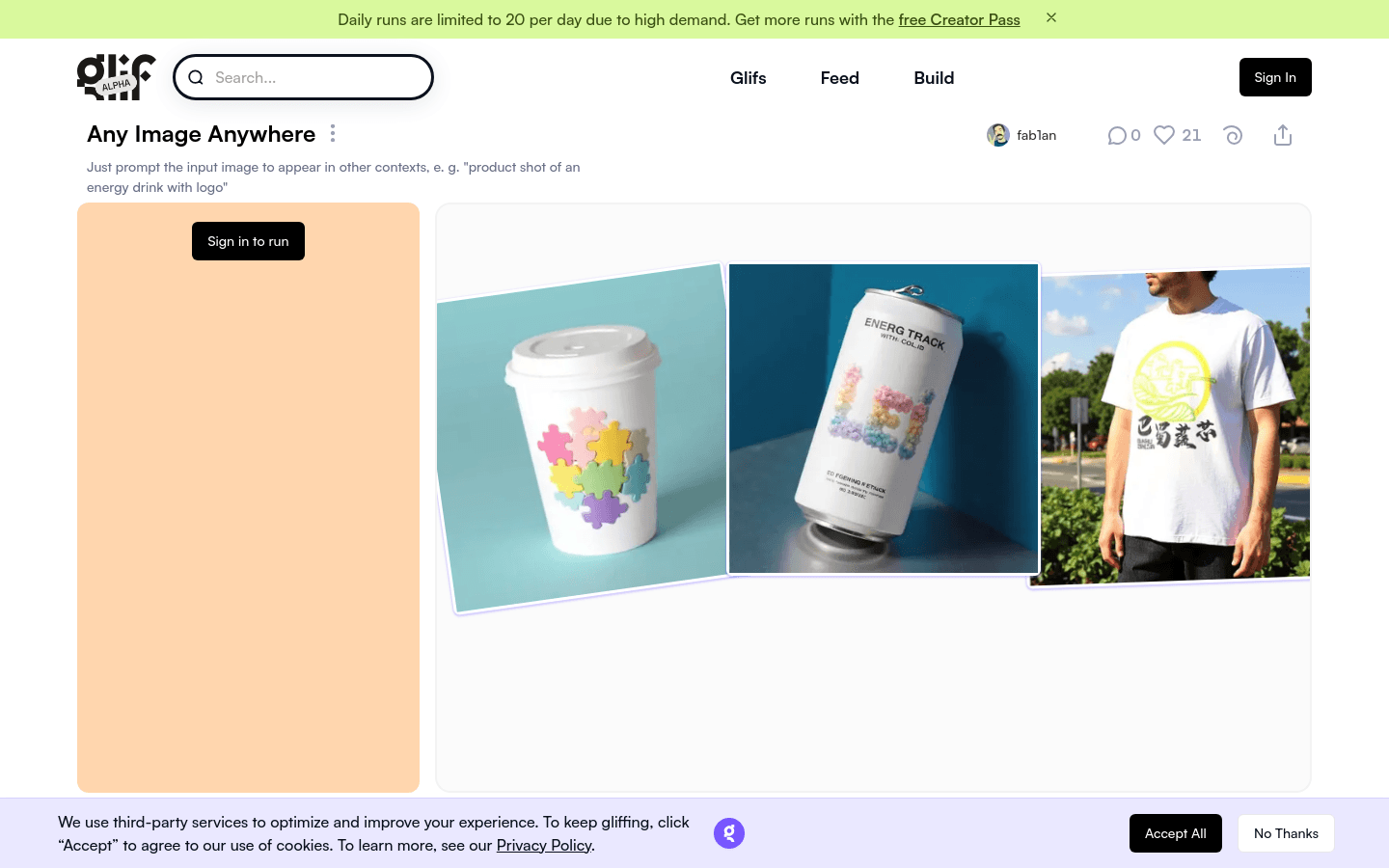
Screenshot archived from the listing page, for preview only.











