
Argo
Desktop client for local LLM and RAGRun your own models and knowledge base
Highlights
What you can do with it
- A personal writing assistant running locally
- An internal document knowledge base for a team
- Wiring a model into your own application
How to use it
- 1 Download the macOS or Windows client from the site
- 2 Install and launch the application
- 3 Download a model through ollama or connect a hosted API
- 4 Import your files into the RAG knowledge base
- 5 Chat with the documents or call the API for what you need
Who it is for
Pros
- Local deployment keeps data on your own machine
- Supports both local open-source and hosted models
- Broad file format support for the knowledge base
Limitations
- No pricing information is published
- Local models need real hardware and RAM
- Setup assumes a degree of technical comfort
What Argo is
Xark-Argo is a desktop client for building and using your own large language model setup. It integrates ollama, which means open-source models can be downloaded in one click and run on your machine, and it also connects to hosted APIs such as ChatGPT, Claude, and Siliconflow when you would rather not run anything locally. A RAG knowledge base ingests pdf, docx, md, csv, txt, and json files, so you can hold a conversation with a single document or an entire library. Extensible tool plugins let you configure restful APIs for function calls, and clients exist for macOS and Windows. No pricing is published on the page.
What you can do with it
- Download and run open-source models locally through ollama
- Connect hosted model APIs alongside local ones
- Build a RAG knowledge base from common document formats
- Chat with a single file or a whole knowledge base
- Extend the model with restful API plugins
Who it is for
- Individual users who want a private writing or research assistant
- Enterprises that need documents to stay inside their own network
- Developers wiring a language model into an existing application
What to watch out for
Running models locally is hardware-dependent. A capable GPU and plenty of RAM make the difference between a responsive assistant and an unusable one, and large models will strain a modest laptop. The setup is not beginner-friendly: you will be choosing models, managing downloads, and configuring APIs. No pricing is published, so the free listing should be treated as provisional until you confirm the commercial terms. Data staying local is a genuine advantage, but only if you actually configure it that way rather than routing through a hosted API.
FAQ
What operating systems does Argo support?
The description lists macOS and Windows (x64) clients.
Can it use cloud models as well as local ones?
Yes, it supports large model APIs such as ChatGPT, Claude, and Siliconflow alongside local ollama models.
What file types can the knowledge base take?
pdf, docx, md, csv, txt, json, and similar formats.
Why it is free
What the official page says: 免费
Free limits, trial length and features are decided by the official site and can change at any time.
Product preview
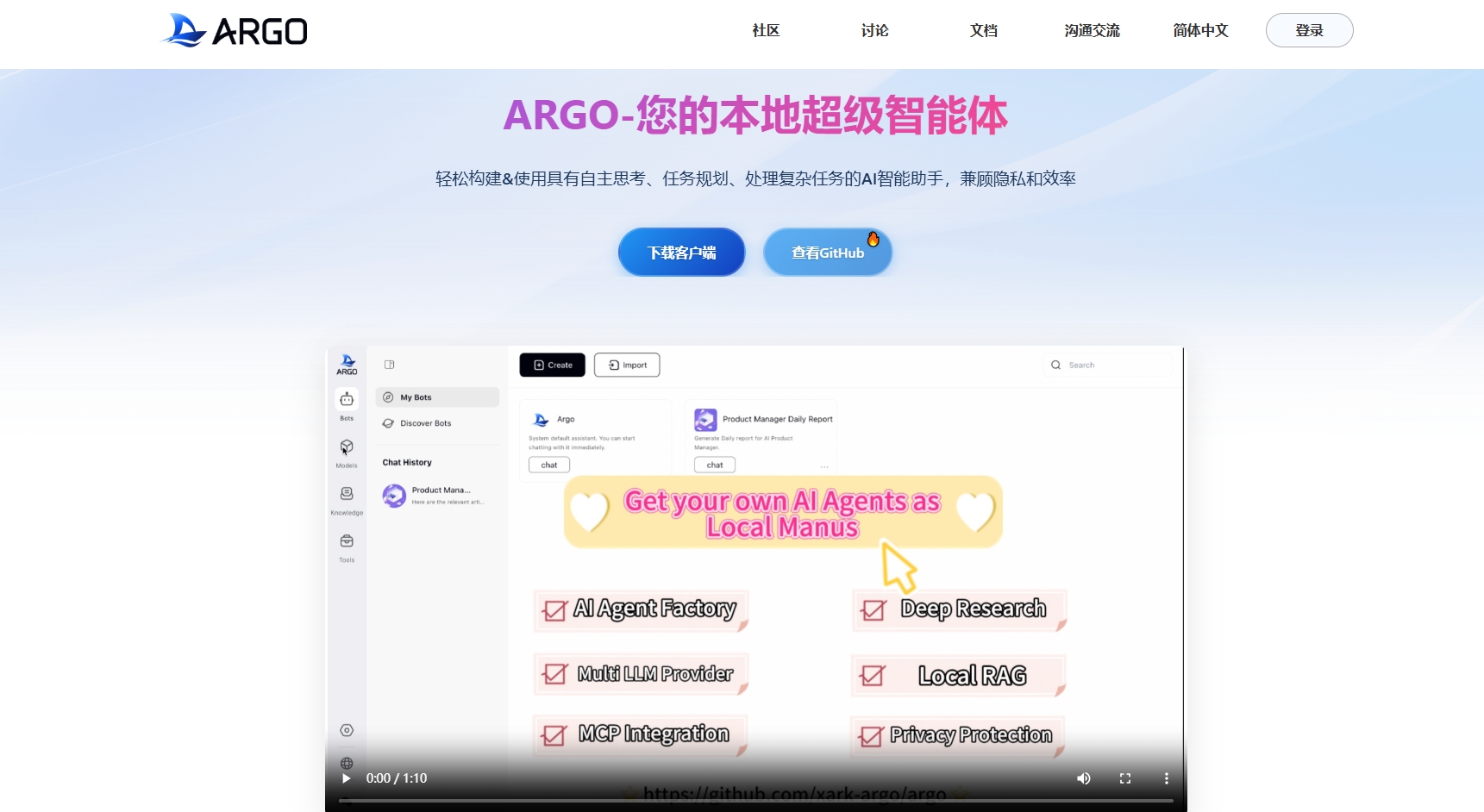
Screenshot archived from the listing page, for preview only.











