
ARTi
Free online tool for generating digital artworkCreate digital art in your browser
Highlights
What you can do with it
- Making a personalized art piece for fun
- Generating artwork to drop into a design project
- Creating digital art to share with friends
How to use it
- 1 Open the ARTi website
- 2 Choose a painting style you like
- 3 Adjust the options to shape the result
- 4 Generate the artwork, then save or share it
Who it is for
Pros
- Free to use with no purchase
- Several styles and adjustable options
- Simple enough for beginners
Limitations
- Fine control is limited compared with full design software
- Results can vary between attempts
- Free status and available styles may change over time
What ARTi is
ARTi is an online tool designed for generating digital artwork. It lets you create unique digital art pieces quickly and then save or share them with others. The tool offers a range of painting styles, customizable adjustment options, and a user-friendly interface, so both newcomers and more experienced users can experiment without a steep learning curve. ARTi is free to use, and it is aimed at art enthusiasts and designers who want a simple, no-cost way to produce visuals for personal projects, design work, or sharing.
What you can do with it
- Generate a unique piece of digital art
- Choose from multiple painting styles
- Adjust options to shape the final look
- Save the result or share it with others
Who it is for
- Art enthusiasts who want a quick creative outlet
- Designers who need usable artwork for a project
- Beginners who want to try digital art with no setup
- Anyone who enjoys making and sharing visual experiments
What to watch out for
Fine control is limited compared with full design software, so ARTi suits quick experiments more than precise, production-ready illustration. Results can vary between attempts, which means you may need to generate several versions before one fits your idea. Because it is a free tool, the available styles and features may change over time, and output can depend on server load. Treat each creation as a starting point you can refine elsewhere if you need tighter control. Run one full task end to end first, then expand once you are comfortable with the workflow and the result quality. Behavior may vary across browsers and devices, so test before production use and consult the help docs if errors appear.
FAQ
What is ARTi?
ARTi is a free online tool for generating digital artwork, with multiple painting styles and adjustable options.
Can I share what I make?
Yes. You can save your creations or share them with others.
Who is it for?
It targets art enthusiasts and designers who want a simple way to create digital art.
Why it is free
What the official page says: free to use
Free limits, trial length and features are decided by the official site and can change at any time.
Product preview
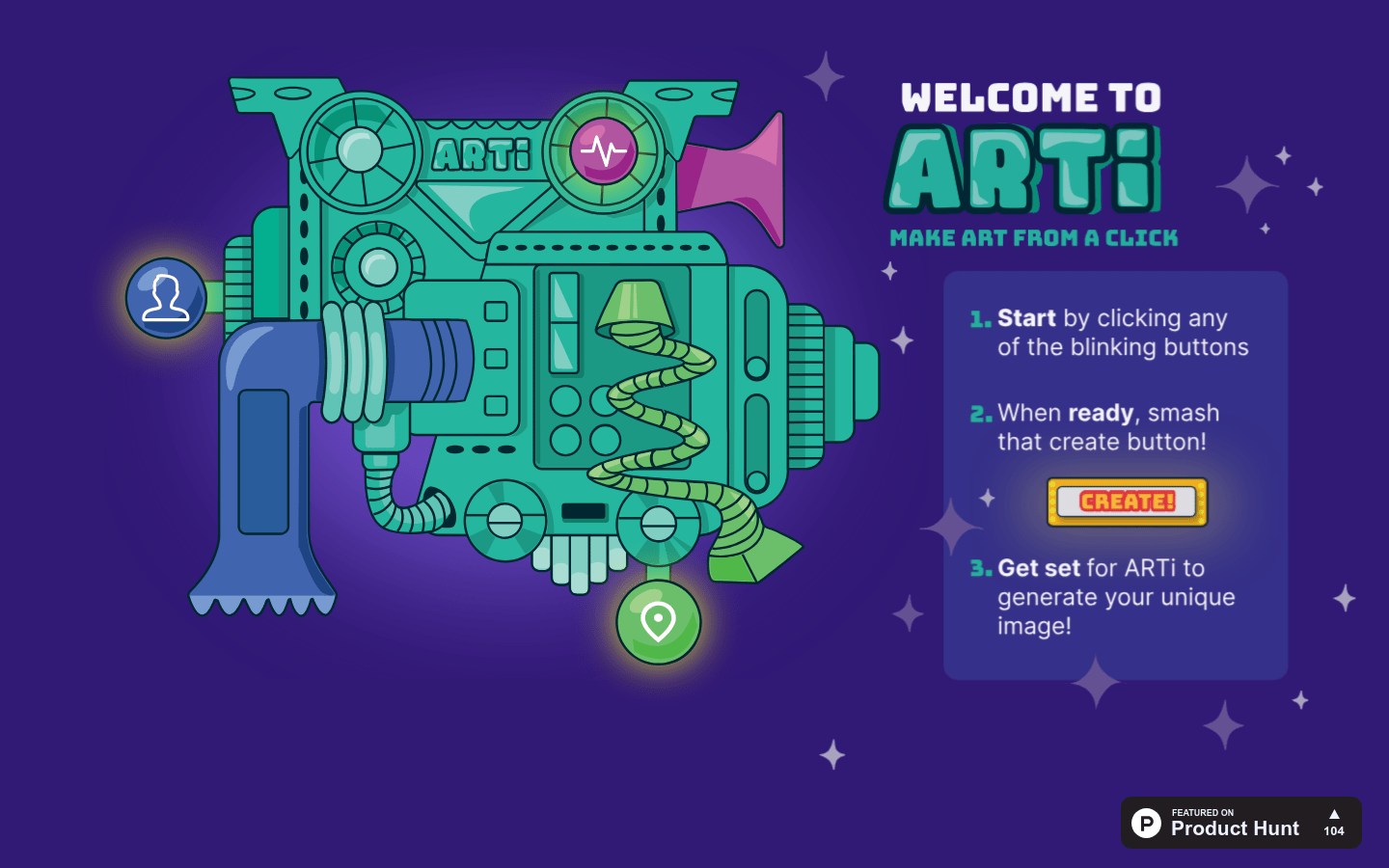
Screenshot archived from the listing page, for preview only.











