
Artvisio AI
QR code art generator with style templatesTurn plain QR codes into artistic, scannable designs
Highlights
What you can do with it
- Create an art QR code for a personal website or portfolio
- Design branded QR code art for marketing campaigns
- Upgrade packaging and promotional materials with styled codes
How to use it
- 1 Open artvisioai.com and start the free trial
- 2 Enter the URL or content your QR code should carry
- 3 Pick an art style or template
- 4 Customize colors and design options
- 5 Generate and download the art QR code
Who it is for
Pros
- Makes functional QR codes visually distinctive
- Style templates make design fast for non-artists
- Customization options allow brand alignment
- A free trial to test quality first
Limitations
- Artistic styling can reduce scan reliability, so always test before printing
- Full features sit behind paid plans after the trial, and pricing may change
- Heavy customization has a learning curve for best results
- The product also appears under the QuickQR.Art name, so confirm the official site
What Artvisio AI is
Artvisio AI, also presented under the name QuickQR.Art, is a QR code art generator. A normal QR code does its job but looks like a plain block of modules; this tool wraps the same function in artwork. You provide the content your code should point to, choose from a variety of art styles and templates, and customize design options until the code matches your project. The site emphasizes high-quality output and positions the generator for both personal creations and commercial applications, such as brand promotions, packaging, and marketing materials. A free trial is available, so you can judge the quality before committing to a paid plan.
What you can do with it
- Convert an ordinary QR code into an artistic, on-brand visual
- Choose from multiple art styles and ready-made templates
- Customize design details to fit personal or campaign aesthetics
- Produce codes for websites, portfolios, packaging, and promotions
Who it is for
- Personal creators who want a QR code that looks designed
- Designers delivering branded QR art to clients
- Businesses refreshing packaging and promotional materials
What to watch out for
Styling a QR code always risks readability: heavy artwork, low contrast, or dense patterns can make codes unscannable, so test every version on multiple phones and at small print sizes before mass production. The free trial has limits, and paid plan pricing may change, so check current terms. The service appears under both the Artvisio AI and QuickQR.Art names, so confirm you are on the official domain before entering payment details. Customization gives better results but takes experimentation; expect to iterate between style strength and scan reliability, and keep a plain code as a backup for critical uses such as payment or event access.
FAQ
What does Artvisio AI do?
It generates artistic QR codes, turning standard codes into styled visuals using templates and customization.
Is there a free option?
The site advertises a free trial so you can test the generator before choosing a paid plan.
Can I use the QR codes commercially?
The description mentions commercial applications such as brand promotion and packaging, but review the site's license terms before client work.
Why it is free
What the official page says: 免费试用免费
Free limits, trial length and features are decided by the official site and can change at any time.
Product preview
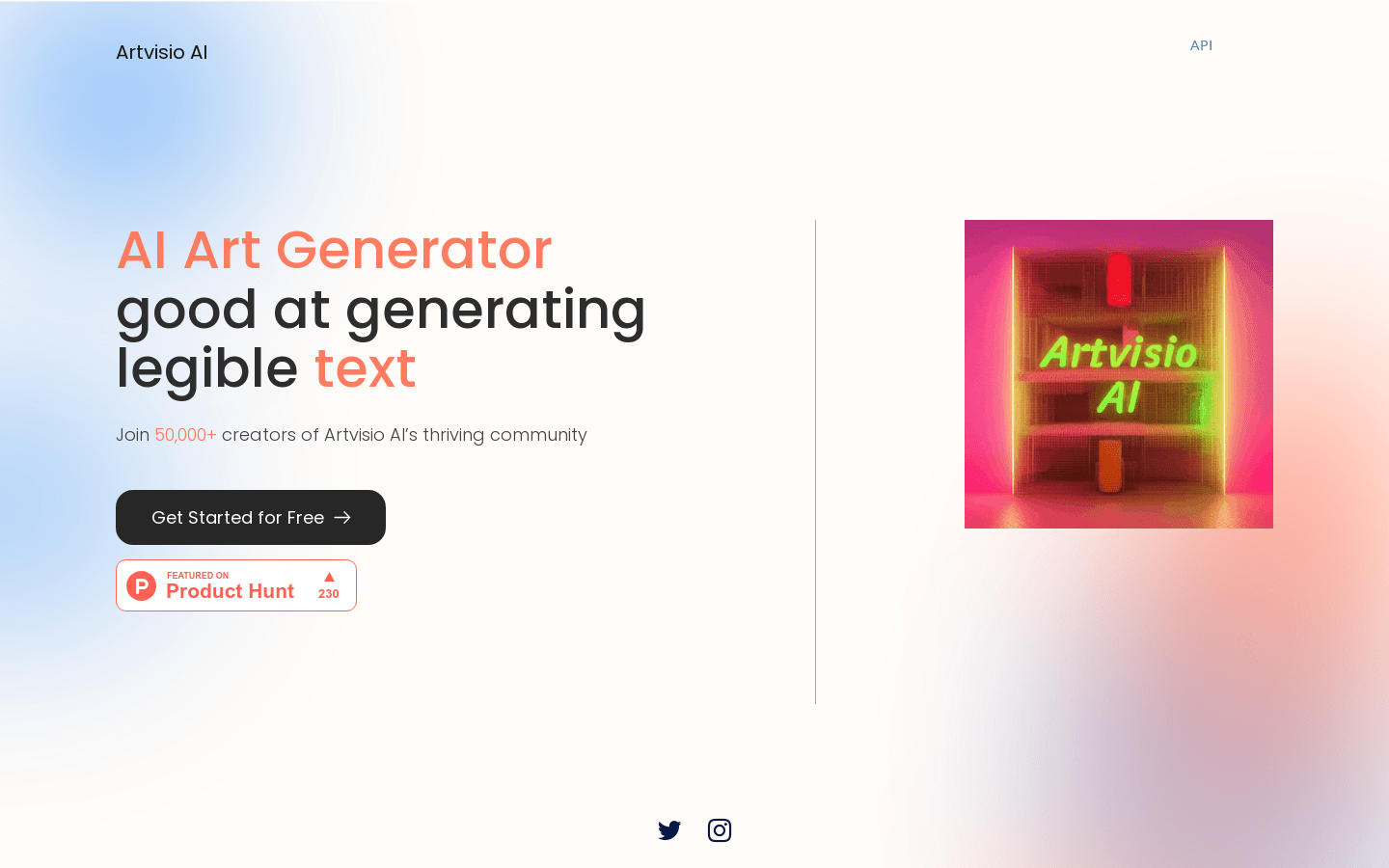
Screenshot archived from the listing page, for preview only.











