Astrocade
Free social platform to play and create games, no codingPlay, create, and share games for free
Highlights
What you can do with it
- Play a casual game with friends over a weekend
- Build and share a simple AI game without writing code
- Meet other players and grow a social circle through shared games
How to use it
- 1 Open astrocade.com in your browser
- 2 Sign in if you have an account, or register
- 3 Browse categories like Players Choice and Trending, then pick a game
- 4 Click Create and follow the tools to build your own game
- 5 Use the social features to invite friends or share what you made
Who it is for
Pros
- Completely free to use
- No coding or download needed to start playing or creating
- Social features make it easy to share and play with friends
- A wide mix of game types and a recommendation feed
Limitations
- The free model could change; treat it as free for now, not forever
- Creation tools are simple, so complex game ideas may be out of scope
- You need an account to sign in, and a stable connection for online play
- Building a good game still takes practice and time with the tools
What Astrocade is
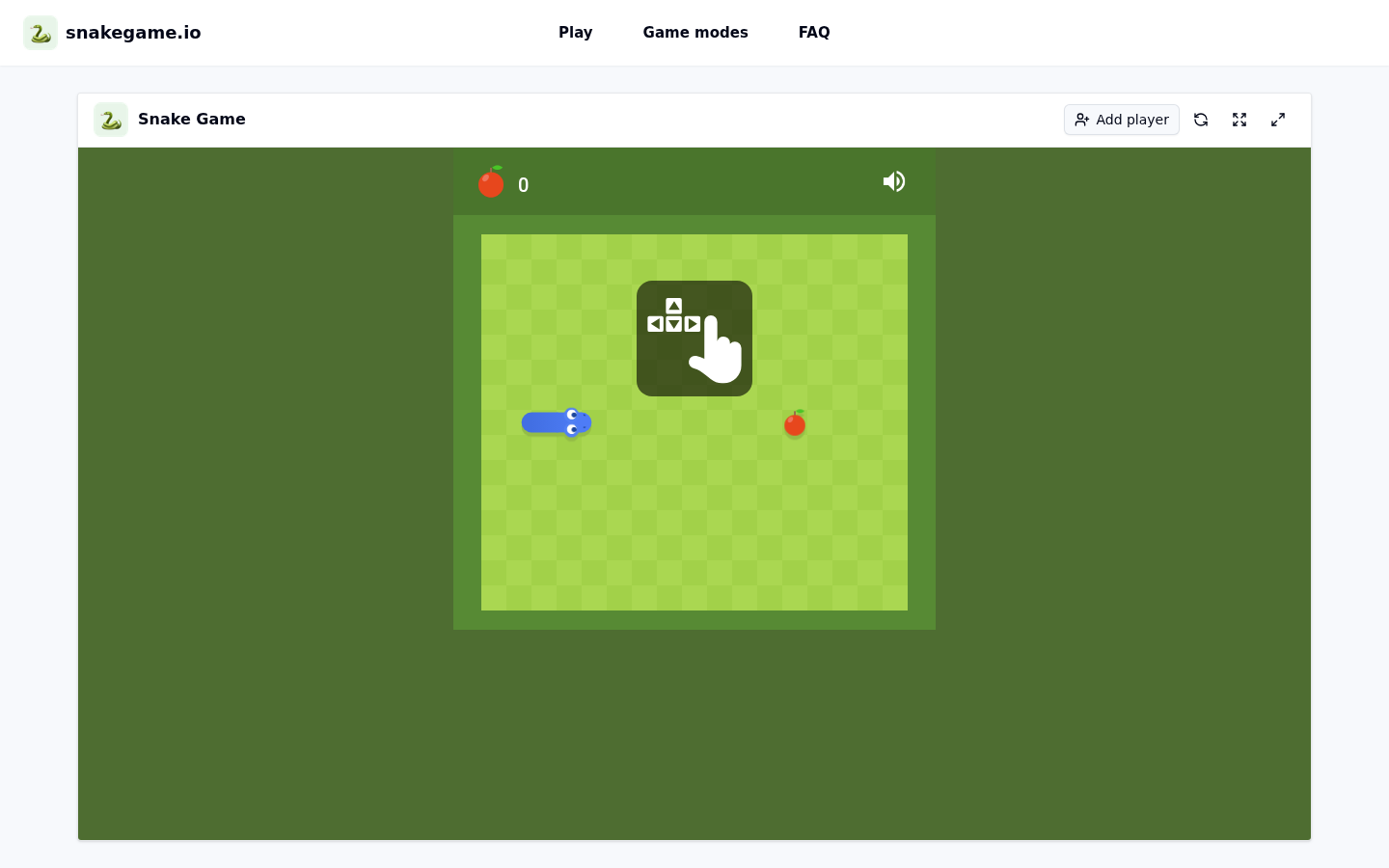
Astrocade is a free social gaming platform. It brings game playing and game making together in one place, and it does not ask for coding skills or downloads. You can open the site in a browser and start playing right away. The library includes Astrocade classic games, casual games, and AI games, and there is a steady stream of titles made by other users. Because it is social by design, you can play with friends, share your own games, and see how you rank on lists like Players Choice and Trending. Everything on the platform is free to use.
What you can do with it
- Browse and discover classic, casual, and AI games
- Start any game instantly in the browser with no download
- Create your own game using the built-in tools, no coding needed
- Share games and invite friends to play together
- Track scores and rankings on lists like Players Choice and Trending
Who it is for
- Players who want quick, casual games in the browser
- Beginners who want to make a game without learning to code
- People who like to play and share games with friends
What to watch out for
Astrocade is free right now, but that can change, so do not build long-term plans on it staying free forever. The creation tools are designed to be simple, which means very complex or large game ideas are likely out of scope. You will need to sign in with an account, and because play happens online, a stable internet connection matters. Building a game that others enjoy still takes practice and time with the tools, so expect a learning curve if you are new to game creation.
FAQ
Is Astrocade free?
Yes, the platform is free to play and create games.
Do I need to code to make a game?
No. The creation tools let you build games without any coding background.
Do I have to download anything?
No. Games run in the browser, so you can start playing instantly.
Can I play with friends?
Yes. You can invite friends to play and share the games you create.
What kinds of games are there?
You can find classic, casual, and AI games, plus whatever users create and share.
Why it is free
What the official page says: for freecompletely freefree to use
Free limits, trial length and features are decided by the official site and can change at any time.
Product preview

Screenshot archived from the listing page, for preview only.