
AudioStrip
Online vocal and instrumental splitterSplit vocals and instrumentals free
Highlights
What you can do with it
- Isolating vocals for a remix
- Pulling stems for a mix
- Transcribing a track for practice
How to use it
- 1 Open the AudioStrip website
- 2 Upload the audio file you want to split
- 3 Let the AI separate vocals and instrumentals
- 4 Preview and download the separated tracks
- 5 Use the premium plan if you need batch uploads or faster speed
Who it is for
Pros
- Free to use for basic separation
- Runs in the browser with nothing to install
- Premium has a single clear price at 5.99 pounds per month
Limitations
- Batch uploads and the faster speed are premium only
- Separation quality depends on the source recording
- Free plan terms and pricing may change
What AudioStrip is
AudioStrip is an online tool for splitting audio. You upload a track, and it separates the vocals from the instrumentals, which is the thing musicians, DJs, and producers ask for most often. The page describes high-quality algorithms, a simple interface, and fast results, and because it runs in the browser there is nothing to install. Basic use is free. A premium plan priced at 5.99 pounds per month adds batch uploading and a separation speed the site describes as ten times faster. The feature list also mentions AI-powered music transcription and instant stem processing.
What you can do with it
- Separate vocals from instrumentals in an uploaded file
- Process several songs when you are on premium
- Use AI stem processing for a quicker split
- Transcribe music for practice or arrangement work
Who it is for
- Musicians who need stems for a mix
- DJs isolating vocals to build remixes
- Producers handling general audio cleanup
What to watch out for
The free plan covers single files, so if your workflow needs batch uploading you are looking at the paid tier. Separation quality tracks the source: a clean, well-mastered recording splits far better than a muddy or heavily compressed one, and no algorithm fully removes bleed from every track. The free plan terms and the price can change, so check the site before you commit to a project. Keep a copy of the original upload, since the split is a derived version rather than a replacement. For best results, start with a small test file and review the output carefully before working on anything important. Free tiers can change over time, so it is worth checking the current limits on the official page before you rely on the tool daily.
FAQ
Is AudioStrip free?
Basic use is free. Premium costs 5.99 pounds per month and adds batch uploading plus a separation speed the site calls ten times faster.
What does it separate?
Vocals and instrumentals from audio files. It also lists AI-powered music transcription and instant stem processing.
Can I process several songs at once?
Batch uploading is listed as a premium feature, so on the free plan you handle files one at a time.
Why it is free
What the official page says: for freefree to use
Free limits, trial length and features are decided by the official site and can change at any time.
Product preview
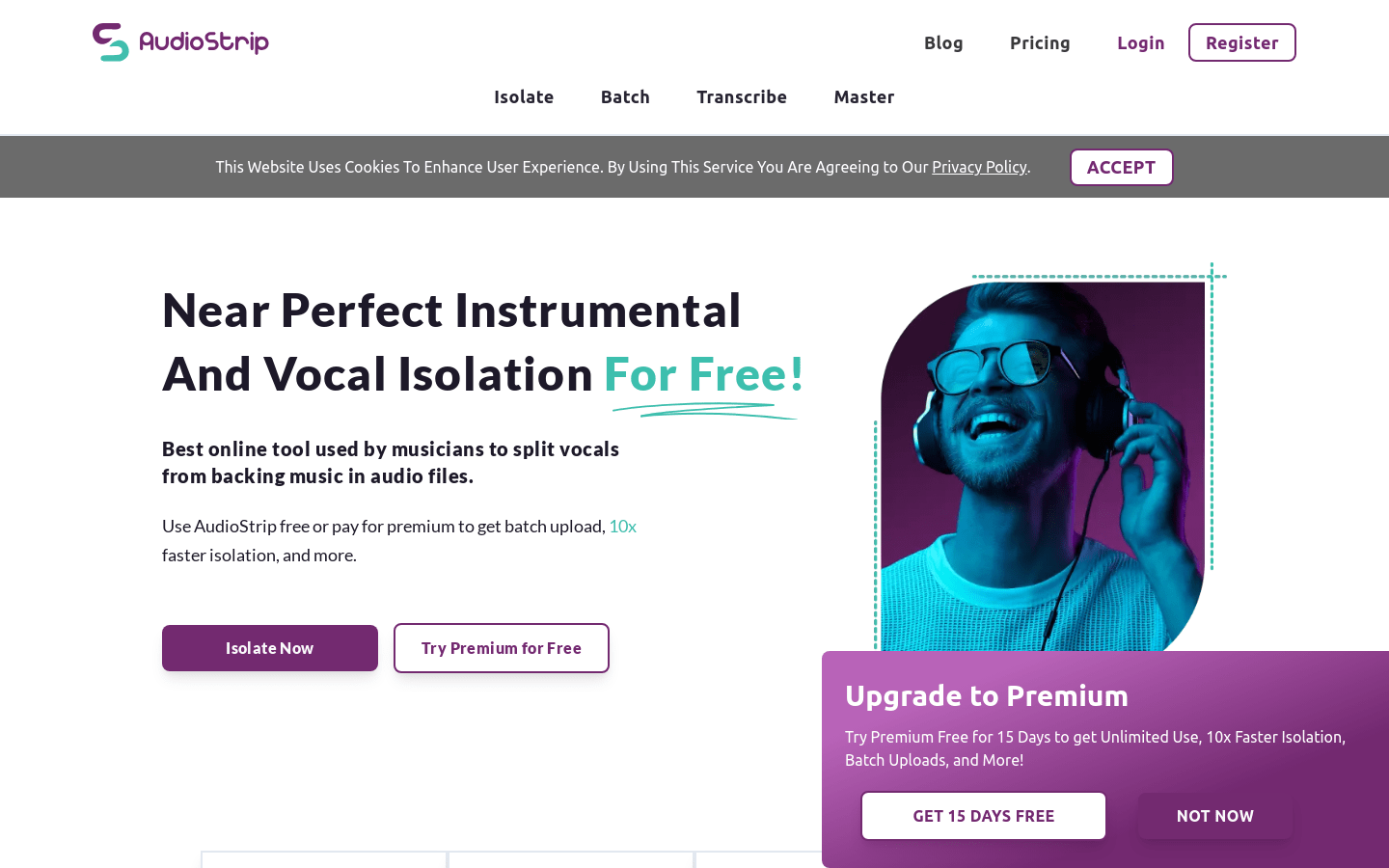
Screenshot archived from the listing page, for preview only.










