
Audo Studio
One-click AI audio cleanup for podcasts and videoStrip background noise and echo with one click
Highlights
What you can do with it
- Clean up a podcast episode before publishing
- Fix noisy audio on a YouTube video
- Tidy a recorded interview or voice memo
How to use it
- 1 Open the Audo Studio website.
- 2 Upload the audio file you want to clean.
- 3 Run the automatic cleanup pass.
- 4 Preview the result and adjust if needed.
- 5 Export the cleaned audio.
Who it is for
Pros
- One pass replaces manual noise gates and EQ work
- No audio editing background required
- Trial is available before you pay anything
Limitations
- Full use needs a paid subscription after the trial ends
- Cleanup quality depends on how noisy the source recording is
- The site was not responding when last checked, so access may vary
What Audo Studio is
Audo Studio is an audio cleanup tool built on recent audio processing and machine learning. You hand it a recording and one click removes background noise, reduces echo, and evens out volume. The pitch is that you do not touch a noise gate, an equaliser, or a compressor yourself, the tool reads the file and cleans it.
The site positions it for podcasts, YouTube videos, and other spoken audio projects. A free trial is offered, and several paid subscription plans sit behind it. When the page was last checked the site was not responding, so confirm current availability before you plan a workflow around it.
What you can do with it
- Remove background noise such as fans, traffic, and room hum in one pass.
- Reduce echo picked up in a hard-surfaced or untreated room.
- Level out volume so quiet passages and loud passages sit closer together.
- Prepare spoken content for publication without opening a full audio editor.
Who it is for
It is aimed at podcasters recording at home, video makers whose audio drifts between takes, and people sitting on folders of interviews or voice memos. Anyone who records speech and does not want to learn audio engineering will get something useful from it. Music producers needing surgical stem work should look elsewhere, since this is a spoken-voice tool.
What to watch out for
The tool cannot fix everything. Clipping, distortion, and a mic placed too far from the speaker stay in the file no matter how many passes you run. Very noisy source material will sound cleaner but never pristine.
Continued use requires a paid subscription once the trial ends, and pricing can change. Because the site was unreachable at the last check, treat availability as uncertain and always keep your original recordings so you can re-clean them if the service changes or disappears.
FAQ
What does Audo Studio actually change in a file?
It removes background noise, reduces echo, and evens out volume levels so speech sits at a consistent level.
Is there a free option?
The site offers a free trial, with several paid subscription plans behind it for continued use.
Can it save a badly recorded track?
It helps a lot with noise and echo, but clipping, distortion, and distant mic placement cannot be undone.
Which projects suit it best?
Podcasts, YouTube videos, and other spoken audio projects where one voice needs to sound clear and steady.
Why it is free
What the official page says: free trial
Free limits, trial length and features are decided by the official site and can change at any time.
Product preview
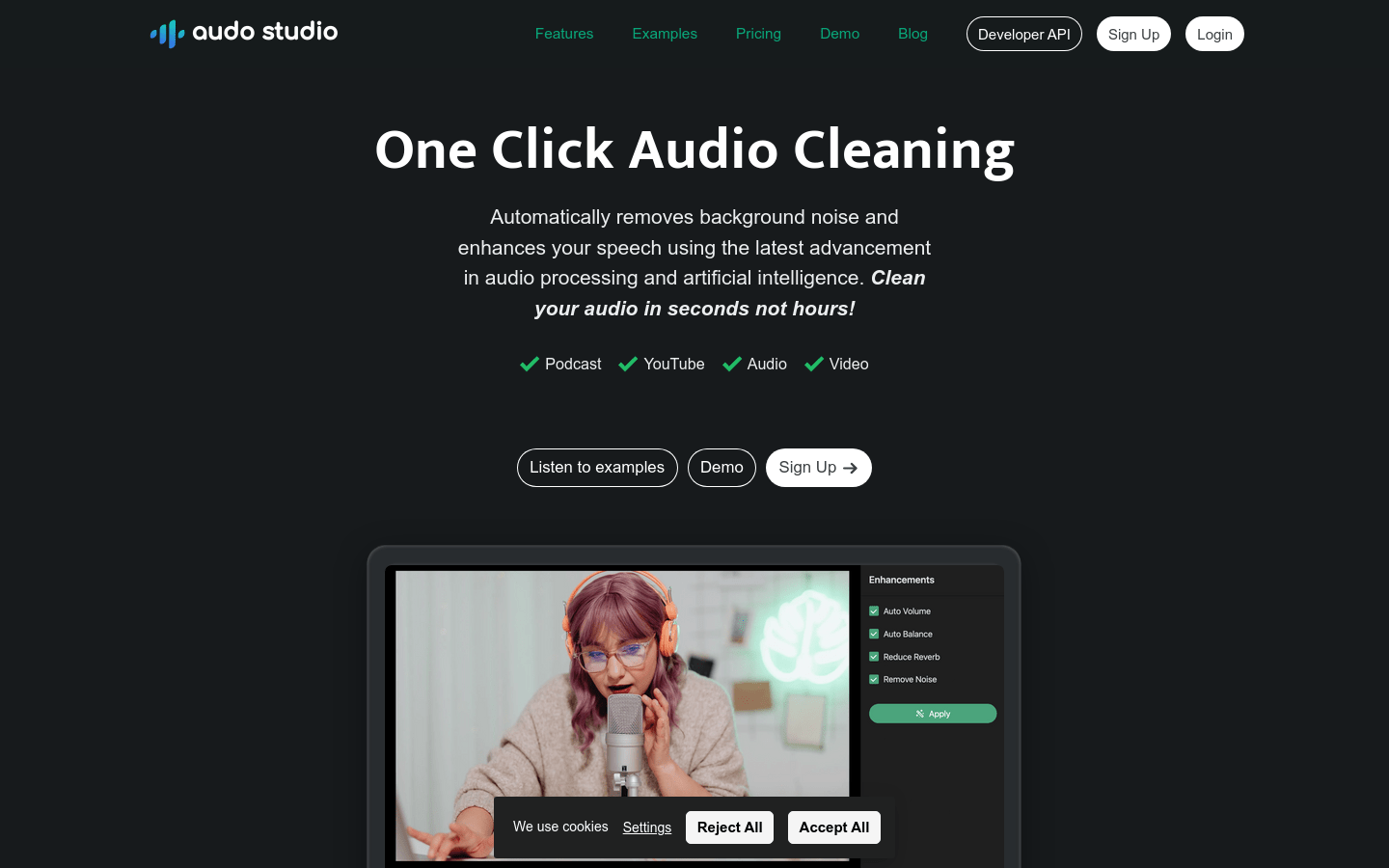
Screenshot archived from the listing page, for preview only.










