
AUDOIR
Free AI app for lyrics, music, and songsGenerate lyrics, music, and full songs with AI
Highlights
What you can do with it
- Musicians create new songs with the AI Music Generator
- Songwriting teams get inspiration from the Lyric Helper
- Singers write new lyrics with Quick Lyric AI
How to use it
- 1 Open the AUDOIR site or download the app.
- 2 Pick the AI tool you want to use.
- 3 Follow the on-screen prompts to create.
- 4 Save, export, or share your lyrics, music, or song.
Who it is for
Pros
- Free to start on web and app stores
- Several tools for lyrics, music, and full songs
- Helps with rhyme and lyric writing
- Converts lyrics into music
Limitations
- Free access and features can change over time
- Output quality varies and needs editing
- Some tools may be limited versus paid options
- Depends on the vendor platform staying available
What AUDOIR is
AUDOIR offers free AI applications for generating lyrics, music, and songs. Its tools include Quick Lyric AI, Rhyme AI, an AI Lyric Helper, AI Music Magic, an AI Music Generator, and Lyric to Music AI. They use AI to create high-quality lyrics, music, and songs and to give creators inspiration and support in their work. The apps are available on the web and on app stores, and the goal is to make music creation simpler, faster, and more fun. It is aimed at musicians, songwriting teams, and singers, though free access and output quality can vary.
What you can do with it
- Generate high-quality lyrics quickly.
- Create music based on rhythm with AI.
- Get rhyme and lyric-writing help from AI.
- Turn lyrics into a finished song.
Who it is for
- Musicians creating new songs.
- Songwriting teams seeking inspiration.
- Singers writing original lyrics.
- Hobbyists exploring AI music creation.
What to watch out for
Free access and features can change over time, so confirm current availability on the official site or app store. Output quality varies, and generated lyrics or music usually need editing to fit your style. Some tools may be limited compared with paid options. As a hosted service, availability can vary, so save and export anything you plan to use, and treat the apps as creative aids rather than finished productions. For team use, agree on naming and editing conventions in advance to avoid version conflicts or duplicated work. Name and archive exported files consistently so you can find and reuse them, and keep a backup copy of key data. Save a backup of the original file before large batch jobs, and keep an exported copy of key results in case the page or service becomes temporarily unavailable.
FAQ
Is AUDOIR free?
It offers free AI lyric, music, and song generation apps. Confirm current access on the official site.
What tools does it include?
It includes Quick Lyric AI, Rhyme AI, an AI Lyric Helper, AI Music Magic, an AI Music Generator, and Lyric to Music AI.
Where can I use it?
The apps are available on the web and on app stores.
Who is it for?
It is aimed at musicians, songwriting teams, and singers who want creative support.
Why it is free
What the official page says: 免费
Free limits, trial length and features are decided by the official site and can change at any time.
Product preview
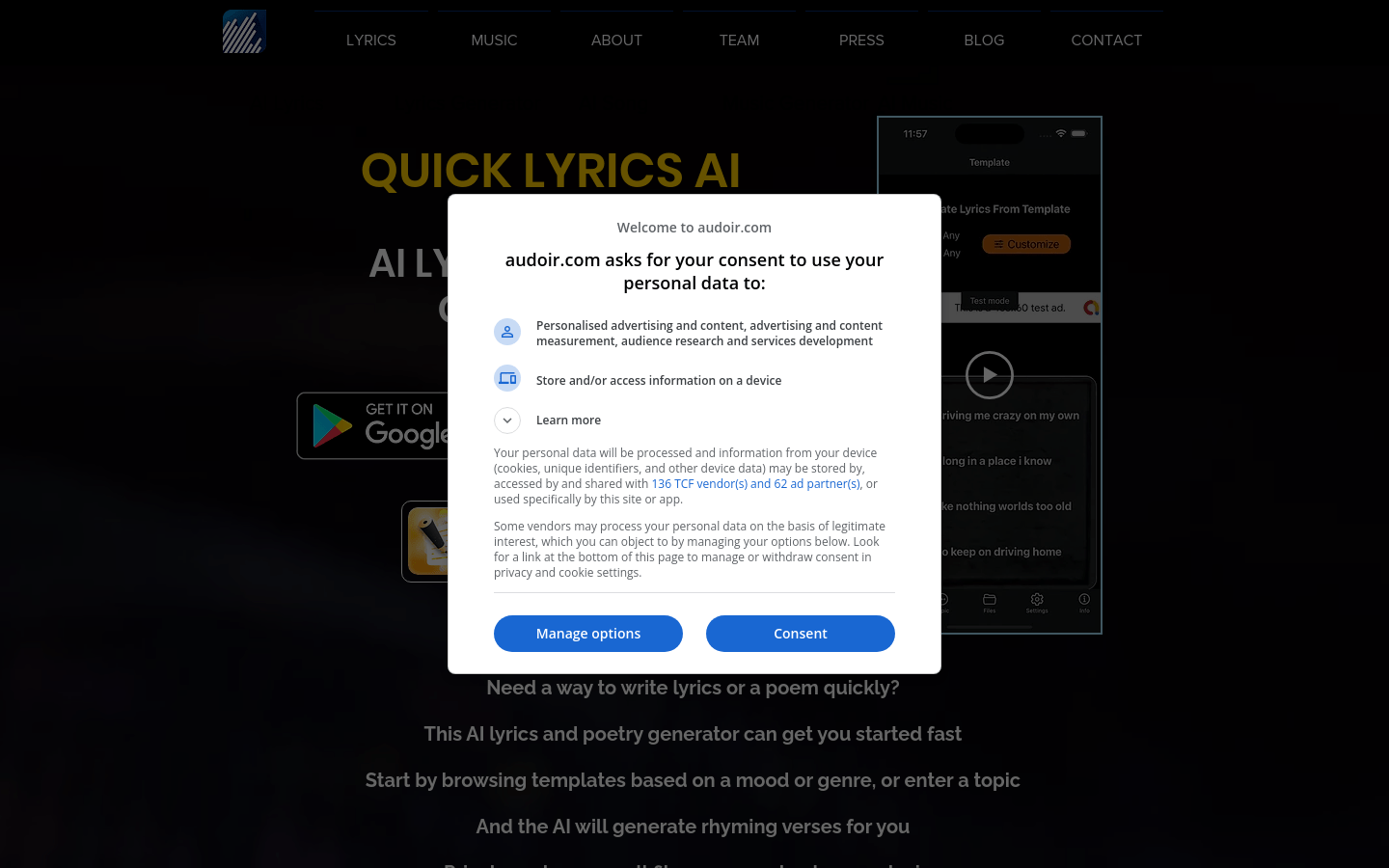
Screenshot archived from the listing page, for preview only.











