
Autoclipr
Automatic video clipping toolLong videos to vertical clips, automatically
Highlights
What you can do with it
- Turn a long video into short vertical clips
- Repurpose podcast recordings into social content
- Grow an audience with steady clip output
How to use it
- 1 Add your YouTube channel to the watchlist
- 2 Let the tool import and process the videos
- 3 Review the clips it selects
- 4 Customize captions and emojis
- 5 Publish to your social accounts or download the clips
Who it is for
Pros
- It automates the whole path from import to publishing
- Cropping follows faces and speakers for vertical framing
- A free trial is available during beta
Limitations
- Beta software can be buggy and features can shift
- The clips it picks may not match your taste every time
- The free trial has limits and publishing needs connected accounts
What Autoclipr is
Autoclipr is an AI driven tool that extracts vertical clips from lengthy videos. Instead of scrubbing through hours of footage, you add your YouTube channel to a watchlist and the tool starts working on its own. It selects popular segments, captions the audio, crops around faces and speakers for a vertical frame, and can publish straight to connected social accounts. Captions and emojis can be customized to lift audience interaction. The product is in beta and offers a free trial.
What you can do with it
- Import new videos from your channel automatically.
- Let the AI pick the segments it thinks will perform.
- Get auto captions and face aware vertical crops.
- Publish clips directly to your social accounts.
Who it is for
- YouTubers who want short form clips without manual editing.
- Podcasters turning episodes into social content.
- Social media managers who need a steady flow of posts.
What to watch out for
Beta software can break or change without warning, so keep your own copies of anything important. The clips the AI selects will not always match your judgment, and you should review each one before it goes out. Publishing requires connected accounts, so check permissions carefully, and the free trial has limits. Behavior may vary across browsers and devices, so test before production use and consult the help docs if errors appear. Features and interface details may change between versions, so review the latest notes on the page before you start. Save a backup of the original file before large batch jobs, and keep an exported copy of key results in case the page or service becomes temporarily unavailable.
FAQ
Is Autoclipr free?
It is in beta and offers a free trial.
Which platform does it pull from?
You add your YouTube channel to a watchlist and it processes those videos.
Can I edit the captions?
Yes, captions and emojis can be customized.
Is it stable?
The site says it is in beta testing, so expect changes and possible rough edges.
Why it is free
What the official page says: free trial
Free limits, trial length and features are decided by the official site and can change at any time.
Product preview
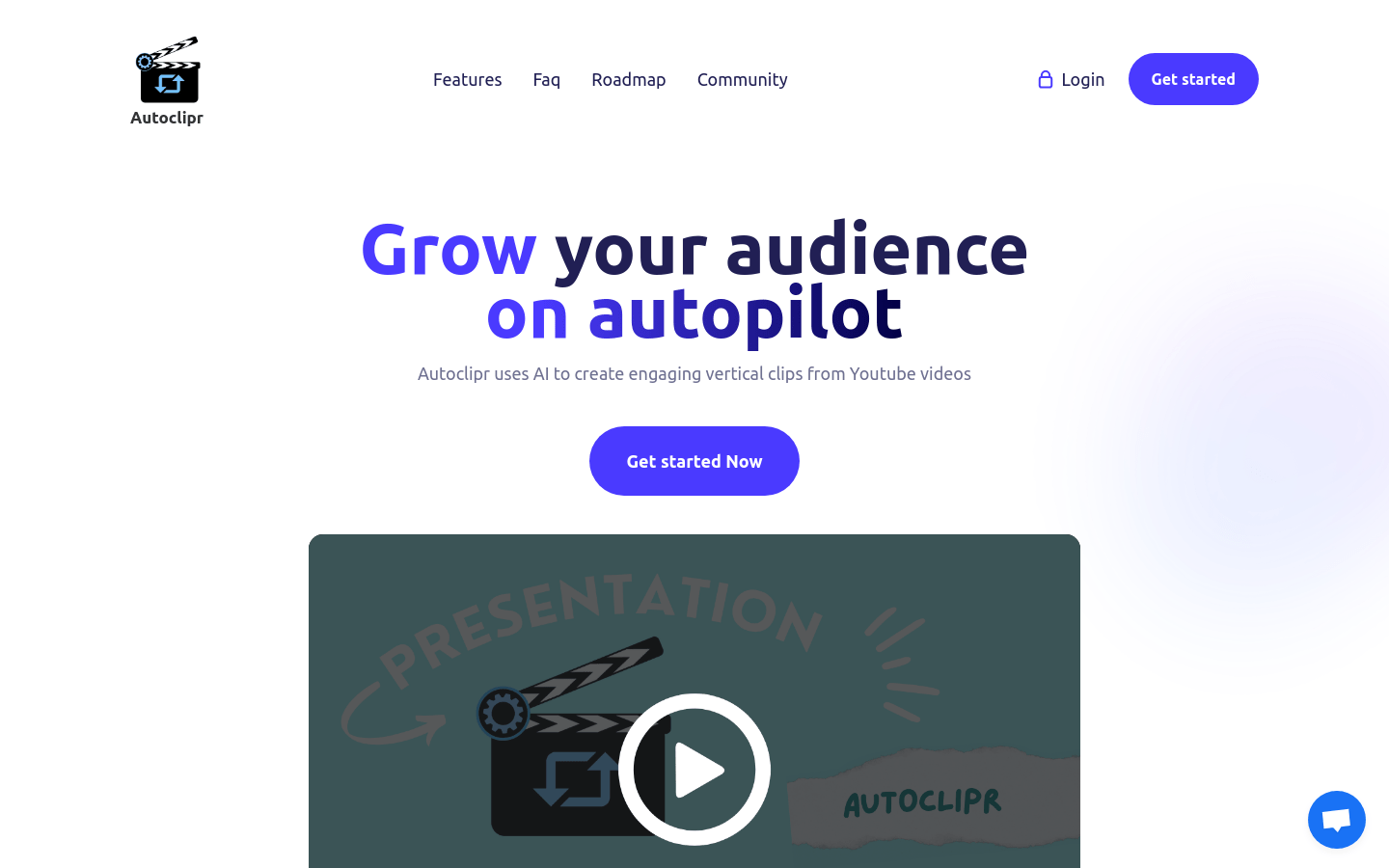
Screenshot archived from the listing page, for preview only.











