
Avian.io
Data automation for BI and AI toolsConnect data to ChatGPT, Sheets, Looker
Highlights
What you can do with it
- Pushing spreadsheet data into ChatGPT for analysis
- Feeding current data into Looker Studio dashboards
- Keeping several tools in sync from one source
How to use it
- 1 Start the 14-day free trial
- 2 Connect your built-in information to Avian
- 3 Choose the destination tool you want to feed
- 4 Map the fields and tables you need
- 5 Let the sync run and check the output
Who it is for
Pros
- No credit card required for the trial
- Covers common BI and AI destinations in one place
- Support is advertised around the clock
Limitations
- It is a trial rather than a permanent free plan
- Pricing after the trial is not described in the source
- Setup depends on your built-in information being supported
What Avian.io is
Avian is a data automation platform positioned for business intelligence work. The core idea is that companies already hold data in one place and need it in several others, so Avian sits in the middle and moves it. The destinations named on the page are the tools people actually use day to day: ChatGPT for conversational analysis, Google Sheets for spreadsheet work, and Looker Studio for dashboards. Rather than exporting and re-importing by hand, you connect a source once and let the platform keep the destinations current. The trial offer is straightforward, a 14-day free trial with no credit card required, and the site advertises customer support available 24 hours a day, which matters when a sync breaks outside business hours.
What you can do with it
- Move data from your source into ChatGPT for analysis
- Keep Google Sheets populated without manual exports
- Feed Looker Studio dashboards with current numbers
- Run one connection that serves several destinations
Who it is for
- Analysts who live in spreadsheets and dashboards
- Teams that want AI answers based on their own data
- Operations staff tired of repeated manual exports
- Companies that need several tools held in sync
What to watch out for
The offer here is a trial, not a permanent free tier, so plan for a paid plan if the connection proves useful. Our source does not describe pricing after the trial ends, which means you should ask for that before investing setup time. Compatibility is the other practical question: automation platforms support specific sources, and if yours is not on the list the trial will not answer your real problem. Finally, automated syncs still need monitoring, because a broken field mapping can quietly fill a dashboard with wrong numbers.
FAQ
Is there a free plan?
There is a 14-day free trial and the page says no credit card is required. Ongoing pricing is not described in our source.
Which tools can it connect to?
The listed destinations are ChatGPT, Google Sheets, and Looker Studio.
What kind of platform is it?
It is described as a global business intelligence data automation platform.
Why it is free
What the official page says: free trialno credit card
Free limits, trial length and features are decided by the official site and can change at any time.
Product preview
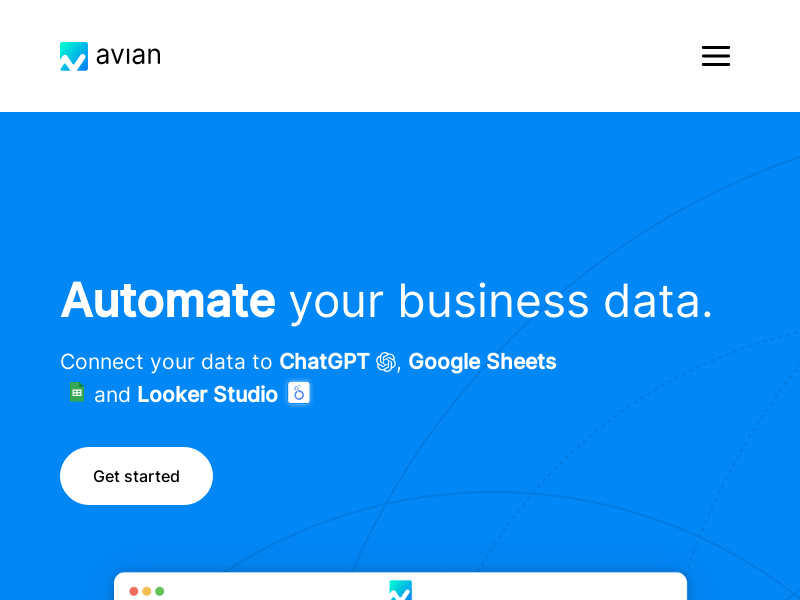
Screenshot archived from the listing page, for preview only.











