
Axiom
No-code browser automation and scrapingAutomate repetitive browser work without code
Highlights
What you can do with it
- Collecting public listings into a spreadsheet
- Copying data between internal web tools
- Scheduling a repeated browser task
How to use it
- 1 Install the Axiom extension in Chrome
- 2 Record or build a bot by selecting page elements
- 3 Test it on a small run before scaling up
- 4 Connect Zapier, Integromat or a webhook if needed
- 5 Schedule or trigger the bot and check the results
Who it is for
Pros
- No coding needed to build a working bot
- Fits into existing automation stacks
- Free runtime for a genuine test before paying
Limitations
- Scraping can conflict with a site's terms, so check before you run it
- Page layout changes can break a bot without warning
- The free runtime is limited and pricing can change
What Axiom.ai is
Axiom.ai is a code-free browser automation extension. Instead of writing scripts, you build a bot by showing it what to do on a page, and it repeats those steps for you. The listed uses are visual web scraping, data entry and spreadsheet automation, and it works on any website or web application. Bots can also be wired into Zapier, Integromat or webhooks so a browser task becomes part of a wider workflow. The free tier gives you two hours of runtime, which is enough to test a real job before deciding whether to pay.
What you can do with it
- Scrape visible data from a page into a spreadsheet
- Automate repetitive data entry between web tools
- Trigger a bot from Zapier, Integromat or a webhook
- Schedule a recurring browser task and let it run
Who it is for
- Operations and admin staff who repeat the same clicks daily
- Growth and research teams collecting publicly available data
- Anyone who wants a task automated without waiting for developer time
What to watch out for
Automating access to a website can conflict with that site's terms of service, and in some cases with the law, so read the terms before you point a bot at it and keep request volumes sensible. Bots are brittle: when a site changes its layout, a bot that worked yesterday can fail silently or fill the wrong field, so always check outputs rather than trusting them. The two hour free runtime is a trial, not a permanent allowance, and pricing can change. Do not use it to bypass logins, paywalls or access controls. Run one full task end to end first, then expand once you are comfortable with the workflow and the result quality.
FAQ
What is Axiom.ai?
It is a code-free browser automation plugin for automating website actions and repetitive tasks.
What can I automate with it?
Visual web scraping, data entry and spreadsheet automation, plus connections to Zapier, Integromat or webhooks.
How much is free?
The listing says you can use it for free for two hours of runtime, with details on the pricing page.
Why it is free
What the official page says: for free
Free limits, trial length and features are decided by the official site and can change at any time.
Product preview
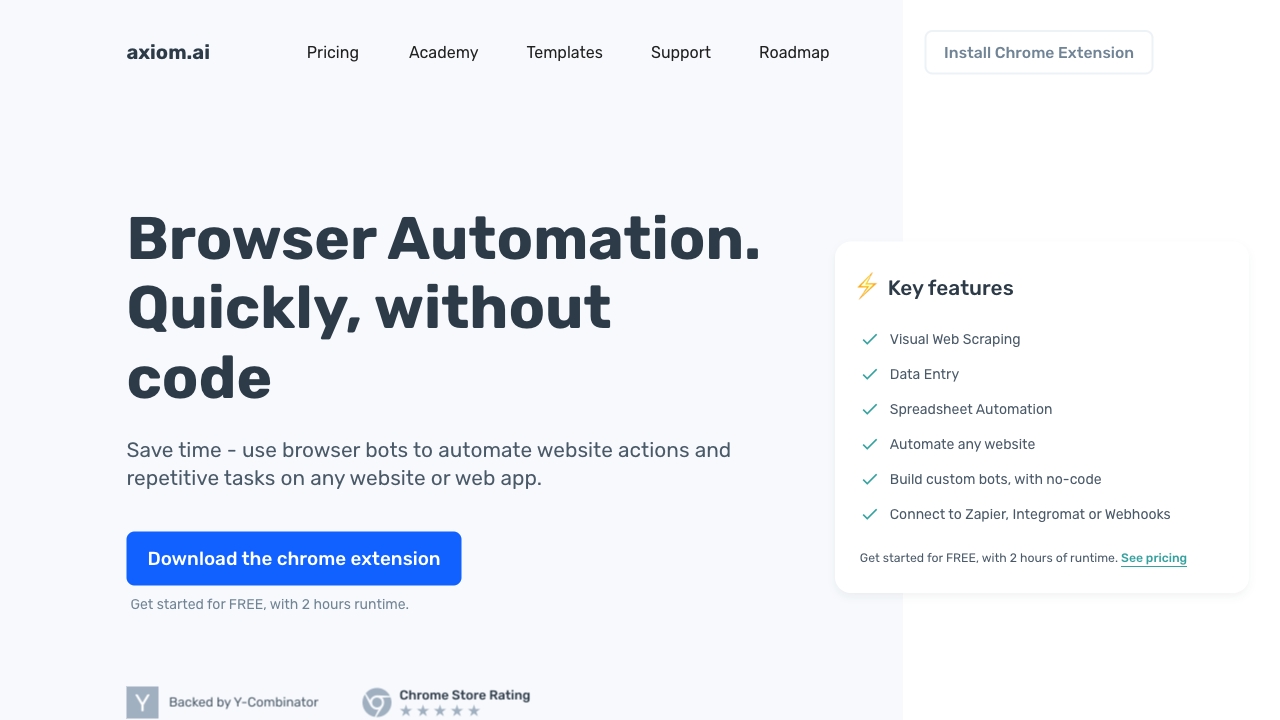
Screenshot archived from the listing page, for preview only.











