
Background Erase
Free background removalRemove image backgrounds in seconds
Highlights
What you can do with it
- Cleaning up an ID or passport photo
- Cutting a product out of a photo for a listing
- Isolating a portrait for a composite
How to use it
- 1 Open the Background Erase site.
- 2 Upload the image you want processed.
- 3 Let the tool remove the background automatically.
- 4 Download the cut out image.
- 5 Use the batch option for several files at once.
Who it is for
Pros
- Free to use
- Fast, with results in seconds
- Batch support for several files
- No manual selection or masking
Limitations
- Free service, so terms or limits can change later
- Automatic cut outs can miss fine detail such as hair or glass
- It only removes backgrounds, with no other editing tools
- Output format and resolution are not specified
What Background Erase is
Background Erase is a free AI tool that removes the background from a photo. You upload an image, and the tool returns it with the background stripped away, leaving the subject on its own. The listing says the process is fully automated and runs on a deep learning model, so there is no manual masking, lasso work or edge cleanup to do. It supports batch processing, which means you can queue several images rather than working one at a time, and it is described as completely free with no payment step mentioned. Typical uses listed are ID photos, product images and portraits.
What you can do with it
- Remove a background from a photo in one click.
- Process several images in a batch.
- Cut out products for listings and shop pages.
- Isolate a portrait for a composite or a new background.
Who it is for
- Anyone who needs an ID photo background changed.
- Sellers preparing product images for a listing.
- Photographers cutting out portraits.
- Users who want a quick cut out without editing software.
What to watch out for
It is free right now, and free tools can change their terms, add limits or introduce paid tiers later, so do not build a business process around it staying free. Automatic background removal works well on clear subjects but struggles with fine detail such as hair, glass, shadows or busy backgrounds, so check the edges before you use the result. The tool only removes backgrounds; it does not crop, retouch, upscale or replace them, and there is no manual brush to fix mistakes. Output format and resolution are not specified in the listing, so test with one image before running a large batch.
FAQ
Is Background Erase free?
The listing describes it as completely free.
Does it handle several images at once?
Yes, batch processing is listed among its features.
What is it used for?
The listing names ID photos, product images and portraits.
Why it is free
What the official page says: completely free
Free limits, trial length and features are decided by the official site and can change at any time.
Product preview
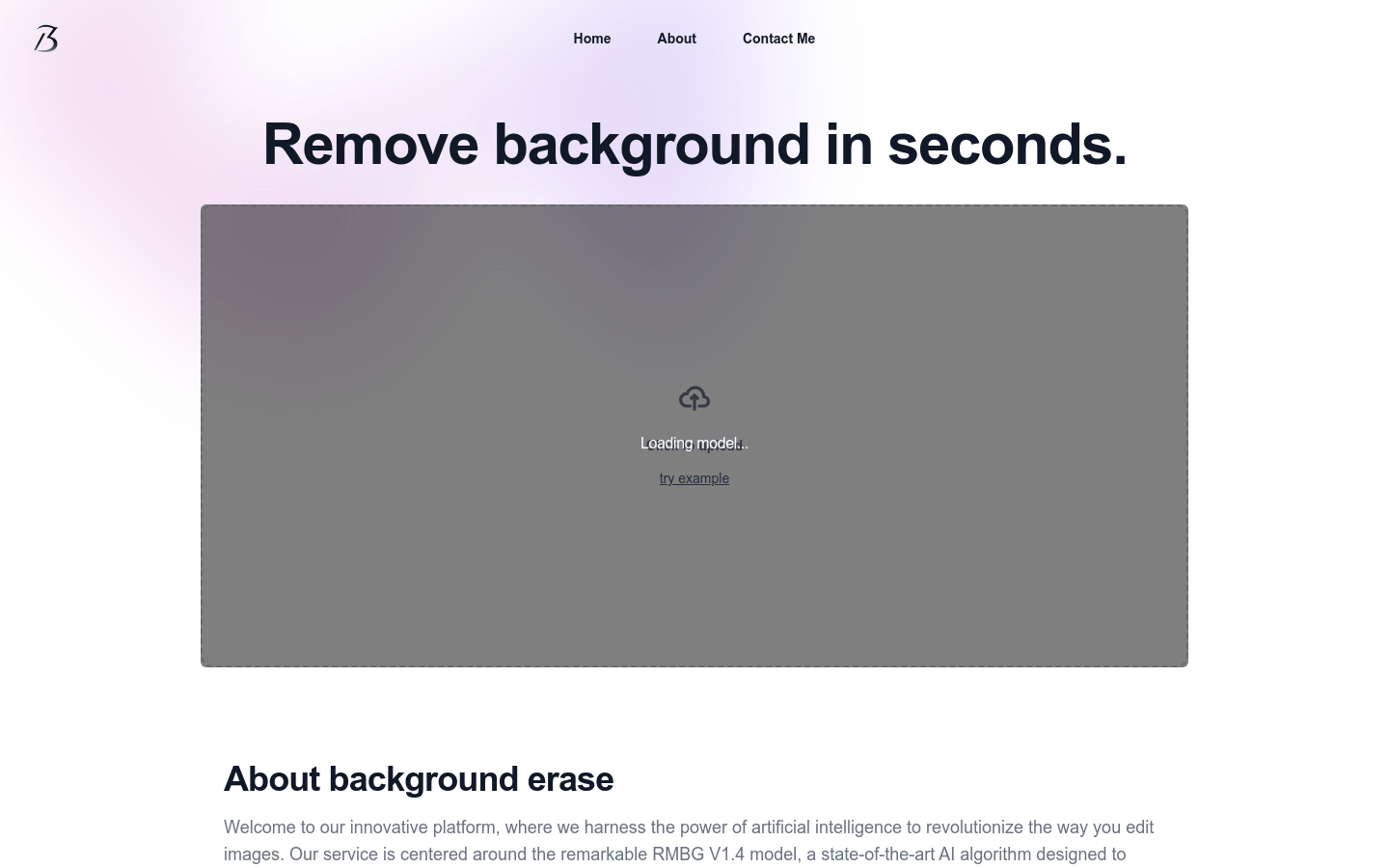
Screenshot archived from the listing page, for preview only.











