
Banana AI – Free AI Photo Editor
Prompt based AI photo editorDescribe the edit, get a new photo
Highlights
What you can do with it
- Restyling a selfie for social media
- Replacing a product photo background
- Trying age or style variations of a portrait
How to use it
- 1 Log in and upload your photo
- 2 Type a prompt describing the edit
- 3 Click generate and wait a moment
- 4 Preview, download or share the result
Who it is for
Pros
- No editing skills or software needed
- Fast turnaround on simple edits
- Free access after login
Limitations
- Prompt wording strongly affects the result
- Free access, limits and login rules can change
- Fine detail work still needs a real editor
What Banana AI is
Banana AI is an AI photo editor that works from text prompts. You upload a photo, describe the change you want, and the system applies it, aiming to keep the subject's identity and features consistent through the edit. The listed effects cover 3D doll conversion, background replacement, lighting adjustment, style conversion into looks such as watercolour, oil painting, anime or cyberpunk, colour changes and age transformation. It is described as producing results in one to two seconds and as free to use after logging in.
What you can do with it
- Replace a photo background from a text prompt
- Convert a photo into a different artistic style
- Adjust lighting direction, intensity and mood
- Change colours or show a younger or older version of a subject
Who it is for
- Social media users who want a quick stylised photo
- E-commerce sellers who need cleaner product images
- Creators experimenting with portrait variations
What to watch out for
Prompt wording drives everything, and a vague instruction gives a vague result, so be specific about what should change and what should stay. Edge cases such as hair, glasses, hands and fine text are where AI editing still struggles, and lighting that does not fit the original scene looks obviously wrong. Free access, limits and the login requirement can change. For professional retouching, colour critical work or anything published at scale, a conventional editor with real layers and masks still gives more control. Behavior may vary across browsers and devices, so test before production use and consult the help docs if errors appear. Features and interface details may change between versions, so review the latest notes on the page before you start.
FAQ
What does Banana AI do?
It edits photos using text prompts, including background replacement, style conversion, colour change, lighting and age effects.
Is it free?
The listing says it can be used for free after logging in.
How fast is it?
The listing claims results in one to two seconds.
Why it is free
What the official page says: for free
Free limits, trial length and features are decided by the official site and can change at any time.
Product preview
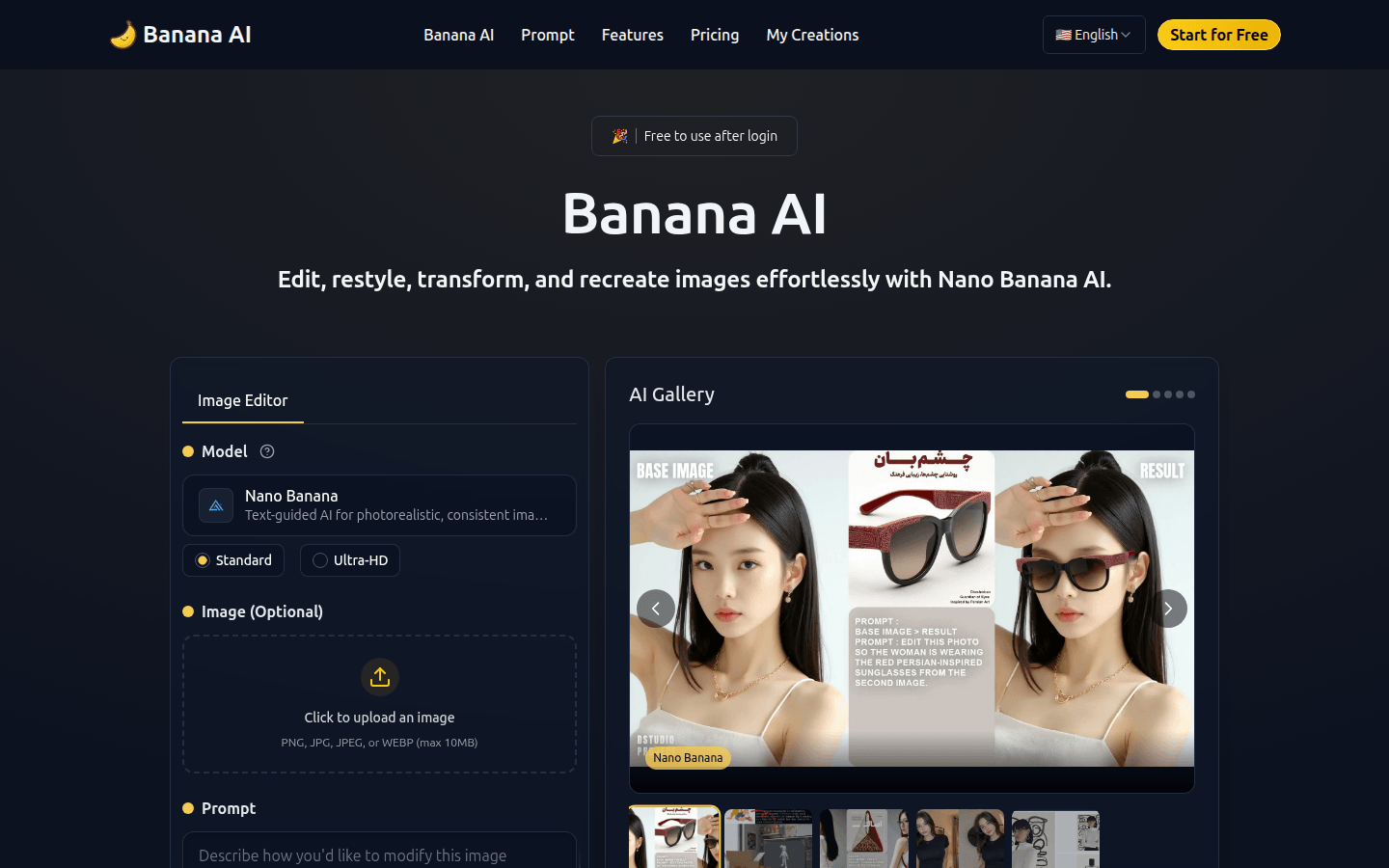
Screenshot archived from the listing page, for preview only.











