Banana Prompt
Prompt library for Nano Banana200 prompt pages you can copy
Highlights
What you can do with it
- A photographer used portrait prompts for dramatic city reflection shots
- A marketer drew on marketing prompts for product posters and videos
- A creative worker built infographics and storyboards from the prompt set
How to use it
- 1 Visit bananaprompt.ai in your browser.
- 2 Log in or register if the page asks you to.
- 3 Filter the prompt market by creative type, such as portraits or marketing.
- 4 Search inside the filtered collection for the prompt you need.
- 5 Copy the prompt text or open the page for full details, then create from it.
Who it is for
Pros
- Saves time compared with writing prompts from scratch
- Reference images show roughly what the prompt is meant to produce
- Filtering and search make a large library usable
Limitations
- Free and paid content are not always clearly separated, so check before you count on a page
- Prompt behavior depends on the target model, and the same text can return different results
- Quality varies from entry to entry in a large user-contributed style library
What Banana Prompt is
Banana Prompt is an online prompt library aimed at users of Nano Banana Pro. It collects roughly 200 prompt pages that span images, videos, infographics, portraits, and other creative categories, and it presents them as reusable production briefs rather than loose text. Every entry includes copyable prompt text plus reference images and structural information, which helps you understand the intent behind the words instead of guessing. You can filter the market by the type of creative work you are doing and then search inside that active collection, which matters when a library is this size. Some pages look free and some may sit behind a payment step, so treat access as something to confirm per page.
What you can do with it
- Browse and copy prompts across several creative categories
- Read reference images and structure notes before you generate
- Filter by creative type, then search within that collection
- Turn a prompt into visual output in your own image or video tool
Who it is for
- Creative workers who need a fast starting point for a brief
- Marketers producing posters, ads, and short promotional video
- Photographers looking for portrait and lighting inspiration
- Anyone who writes more prompts than they want to
What to watch out for
A prompt library is only as good as its fit with the model you are using, and the same text can behave differently across versions, so expect to adjust wording. Free and paid pages are not always clearly marked, which means you may reach a payment step after you have already found something you like. Quality is uneven across a large collection, and the reference images are examples of intent rather than a guarantee of your output.
FAQ
How many prompts are available?
The platform says it has about 200 prompt pages covering several creative categories.
Do I need an account?
The steps mention logging in or registering if necessary, so some pages may require it.
Can I copy the prompts?
Yes. Each prompt provides copyable text along with reference images and structure notes.
Why it is free
What the official page says: 免费
Free limits, trial length and features are decided by the official site and can change at any time.
Product preview
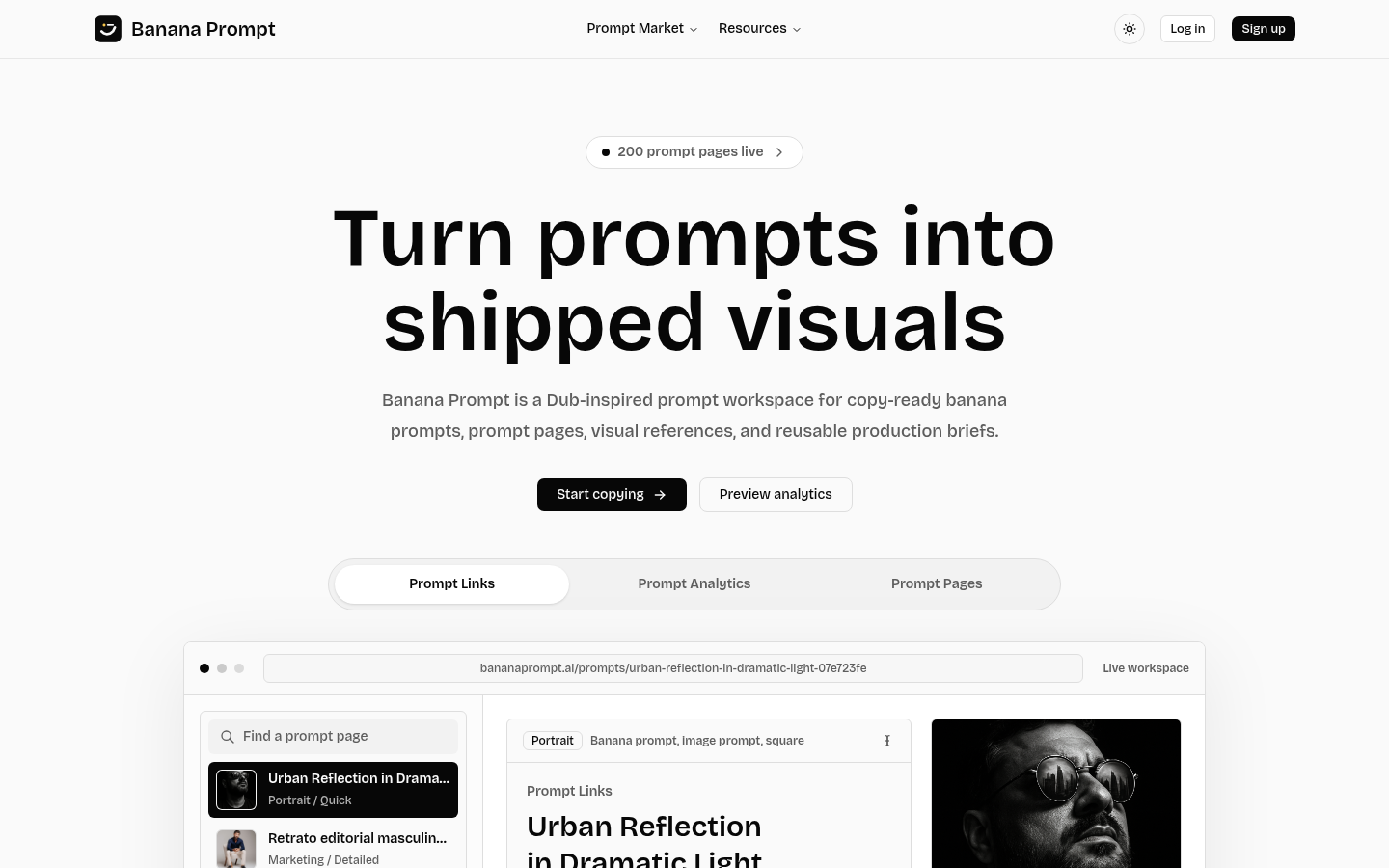
Screenshot archived from the listing page, for preview only.