
Barbie Font Generator
Free Barbie font generatorMake Barbie style text, export as PNG
Highlights
What you can do with it
- Create eye catching text for social media posts
- Design fun invitations for kids parties
- Add Barbie style lettering to digital art projects
How to use it
- 1 Open the Barbie Font Generator website
- 2 Type the text you want to style
- 3 Adjust size, color, and effects like shadow, outline, or glow
- 4 Check the live preview until it looks right
- 5 Export as PNG and choose a transparent or white background
- 6 Download the finished design
Who it is for
Pros
- Free to use with no registration
- Live preview makes editing quick
- Exports clean PNG files for print or screen
- Works on mobile and desktop browsers
Limitations
- The free tool and its features could change or add limits
- It is a single style tool, not a full font or design suite
- Output is a PNG image, not an editable font file
- Results depend on your text length and chosen effects
What the Barbie Font Generator is
The Barbie Font Generator is an online tool for making Barbie style text art. According to its page, you type your text and then adjust the size, color, and effects such as shadows, outlines, and glow to build a bold, playful look. It is completely free to use and needs no registration, and it works on phones and tablets as well as desktop. A real time preview shows your changes as you make them, so you can tune the design until it looks right. When you are done, you export the result as a PNG file and choose a transparent or white background. The tool is meant for social media posts, party invitations, and creative projects, in both digital and print form.
What you can do with it
- Type text and style it in a Barbie look
- Adjust size, color, shadow, outline, and glow
- Preview changes live before exporting
- Download a PNG with a transparent or white background
Who it is for
- Social media users who want themed, eye catching text
- People making party invitations and fun graphics
- Designers adding playful lettering to a project
- Anyone creating printable or digital craft items
What to watch out for
The tool is free now, but free access and the set of effects could change or gain limits in future updates. It is a single style generator, not a full font library or design suite, so it will not cover every project. It exports a PNG image rather than an editable font file, which means you cannot install the lettering as a system font. Very long text or heavy effects may look different across devices, so check the preview on the screen you plan to use. Be mindful that Barbie is a trademarked brand when you publish your designs.
FAQ
Is the Barbie Font Generator free?
The page states it is completely free to use without registration.
Do I need an account?
No, you can create and download designs without signing up.
What can I customize?
You can change font size, color, and add shadow, outline, or glow effects.
What format does it download?
It exports your design as a PNG image, with a transparent or white background option.
Does it work on mobile?
Yes, the page says it supports mobile phones and tablets with a real time preview.
Why it is free
What the official page says: completely freefree to use
Free limits, trial length and features are decided by the official site and can change at any time.
Product preview
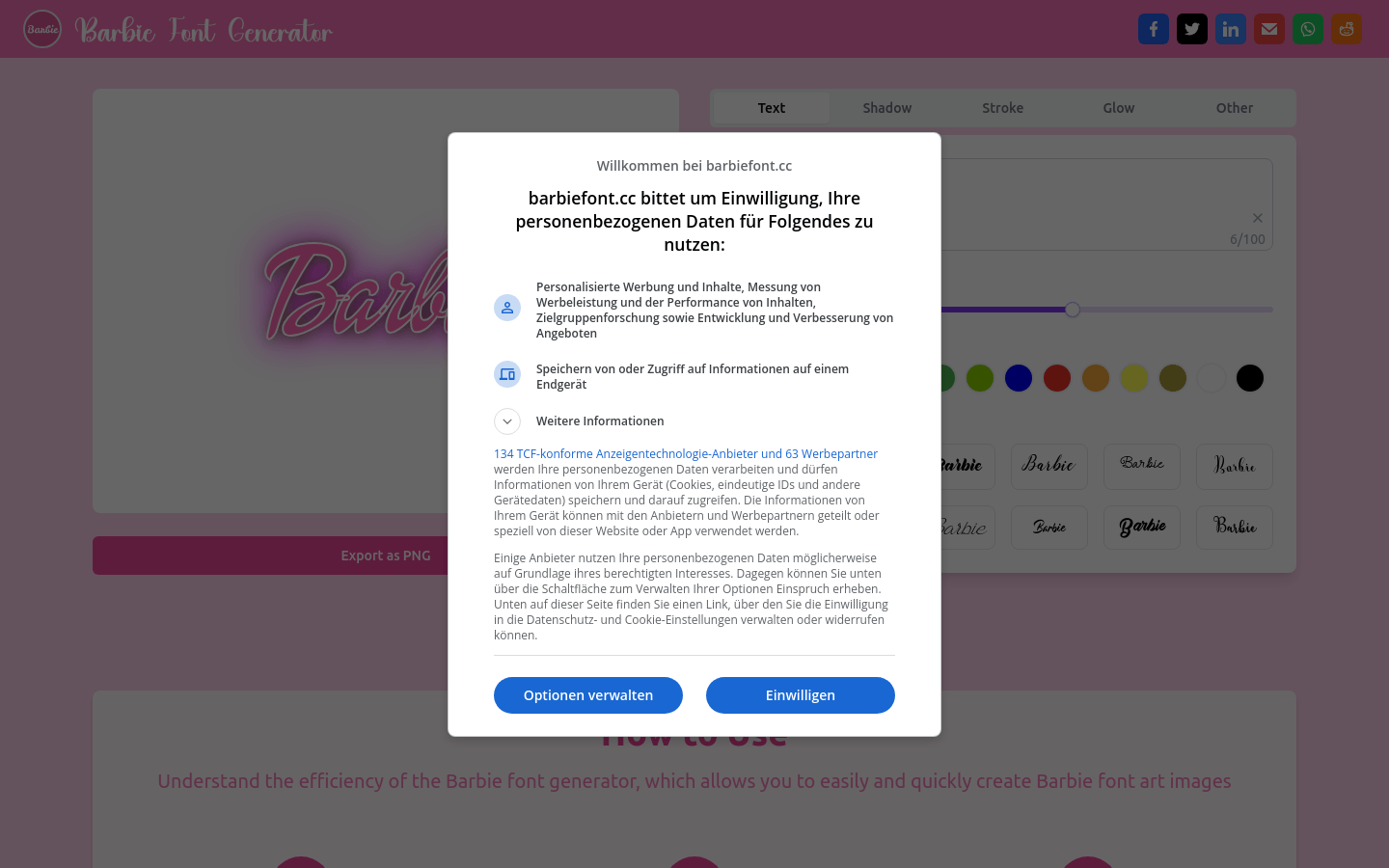
Screenshot archived from the listing page, for preview only.











