
Blackbox AI
AI coding assistant with autocomplete, debugging, and agentsCode faster with AI autocomplete and autonomous agents
Highlights
What you can do with it
- A financial startup uses Blackbox AI to automate repetitive coding tasks
- A large company uses the autonomous agent for automated testing and deployment
- A university introduces Blackbox AI into programming courses for students
How to use it
- 1 Visit the Blackbox AI website or plugin market and install the extension for VS Code or JetBrains
- 2 Log in with your account and configure preferences for your development habits
- 3 Start typing code and accept the gray inline suggestions with the Tab key
- 4 Click the AI debugging suggestion when you encounter errors to apply fixes
- 5 Set up an autonomous agent to handle automated testing or deployment tasks
Who it is for
Pros
- Wide language and editor support
- Free version available to start
- Agents reduce repetitive manual work
Limitations
- The free version is limited compared with paid tiers
- AI suggestions require review because they are not always correct
- Autonomous agent actions need careful setup and oversight
- Behavior can change as the underlying AI models are updated
What Blackbox AI is
Blackbox AI is a coding assistant that combines real-time code autocomplete, debugging help, and autonomous AI agents. It supports more than 20 programming languages, including Python, JavaScript, TypeScript, and Go, and plugs into popular editors such as VS Code and JetBrains. As you type, it suggests inline completions you can accept with a keystroke. The debugging assistant spots logic errors and syntax issues and offers one-click fix suggestions. An autonomous agent can take over repetitive work such as testing, deployment, and monitoring, and you can choose between cloud and local execution depending on your project. The product describes its user base as ranging from beginners to professionals at Fortune 500 companies, with over 30 million users, and pricing ranges from a basic free version to enterprise plans.
What you can do with it
- Get real-time autocomplete suggestions in 20+ languages
- Identify logic errors and syntax issues with fix suggestions
- Assign repetitive tasks like testing and deployment to an autonomous agent
- Work inside VS Code or JetBrains, in the cloud or locally
Who it is for
- Professional developers who write code every day
- Teams that want to automate testing and deployment steps
- Students learning programming concepts with AI assistance
- Enterprise groups that need scalable, secure development tooling
What to watch out for
The free version is limited compared with paid tiers, so professional teams will likely need a subscription. AI suggestions still require review, because autocomplete and debugging hints are not always correct and can introduce mistakes if accepted blindly. Giving an autonomous agent control over testing or deployment needs careful setup and oversight, especially on important projects. Since the assistant relies on underlying AI models, behavior and capabilities can change as those models are updated.
FAQ
Is Blackbox AI free?
There is a basic free version, and pricing ranges up to enterprise plans.
Which languages and editors does it support?
It supports more than 20 languages including Python, JavaScript, TypeScript, and Go, and integrates with VS Code and JetBrains.
What can the autonomous agent do?
It can handle repetitive workflows such as testing, deployment, and monitoring.
Can I run it locally?
Yes. You can choose between cloud and local execution depending on your project needs.
Why it is free
What the official page says: free version
Free limits, trial length and features are decided by the official site and can change at any time.
Product preview
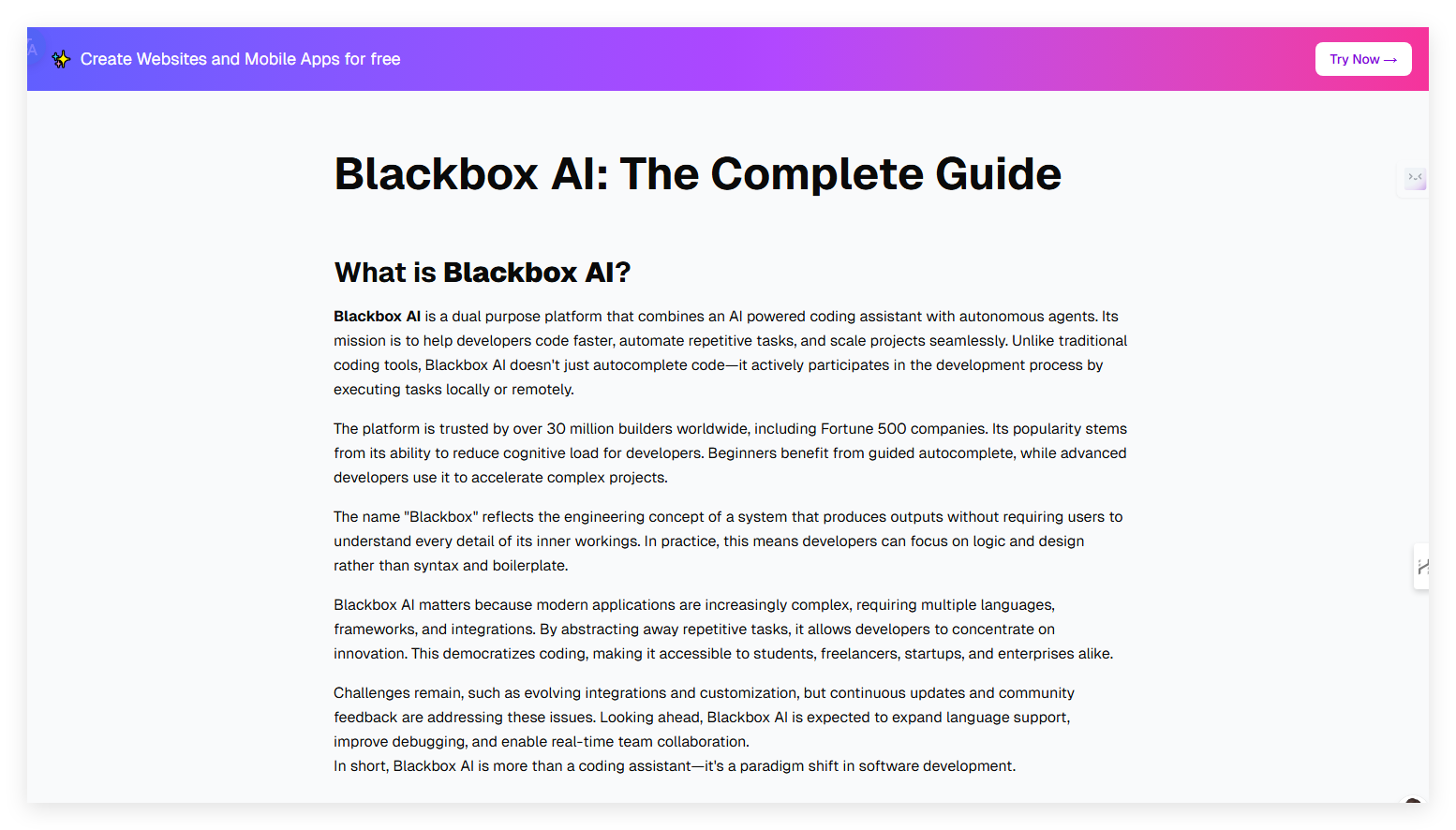
Screenshot archived from the listing page, for preview only.











