
Blink.new
AI no-code app builderBuild apps by chatting with AI, no coding.
Highlights
What you can do with it
- Build a CRM system to track customers.
- Create an AI customer support chatbot platform.
- Develop an AI interview screening platform.
How to use it
- 1 Visit blink.new and register or log in.
- 2 Click create project and describe your app to the AI.
- 3 Configure the database and authentication settings.
- 4 Preview, then publish to deploy.
Who it is for
Pros
- Free to use to start.
- Fast, no-code app creation.
- Database, auth, hosting, and SSL included.
Limitations
- Free terms and limits may change.
- No-code builds can run into limits on complex needs.
- You still need to review and configure what AI generates.
What Blink.new is
Blink is an AI application builder. Its main job is to let you build websites, SaaS, and mobile applications in a short time by chatting with AI, with no coding required. You describe what you want, and the system generates the app, sets up a database automatically, and adds built-in authentication to keep it secure. You do not need to set up servers or databases yourself to get a working first version. It also provides file storage with CDN acceleration, edge functions and APIs, AI model integration, and global hosting with SSL. The aim is to lower the barrier to app development so that both developers and non-developers can build. It is offered for free use.
What you can do with it
- Chat with AI to generate a website, SaaS, or mobile app.
- Let the system set up the database and authentication for you.
- Add AI models, edge functions, and APIs to extend features.
- Store files with CDN and deploy with global hosting and SSL.
Who it is for
- Developers who want to validate ideas fast.
- Entrepreneurs who need to launch a product quickly.
- Business staff building internal tools like a CRM.
- Students learning how apps are put together.
What to watch out for
Free use may come with limits, and the terms can change, so check the current rules before you plan a big build. No-code tools can run into limits on very complex or unusual requirements, so large projects may still need custom code. The AI generates a starting point, not a finished product, so you must review and configure the database, authentication, and other settings yourself. For anything mission-critical, plan to test thoroughly, since generated apps can have gaps you only find in use. Treat the output as a draft you refine.
FAQ
Do I need to code to use Blink?
No, you describe the app to the AI and it builds it.
Is Blink free?
It offers free use, with limits you should confirm.
What comes built in?
Database setup, authentication, file storage with CDN, edge functions, APIs, and hosting with SSL.
Why it is free
What the official page says: 免费使用免费
Free limits, trial length and features are decided by the official site and can change at any time.
Product preview
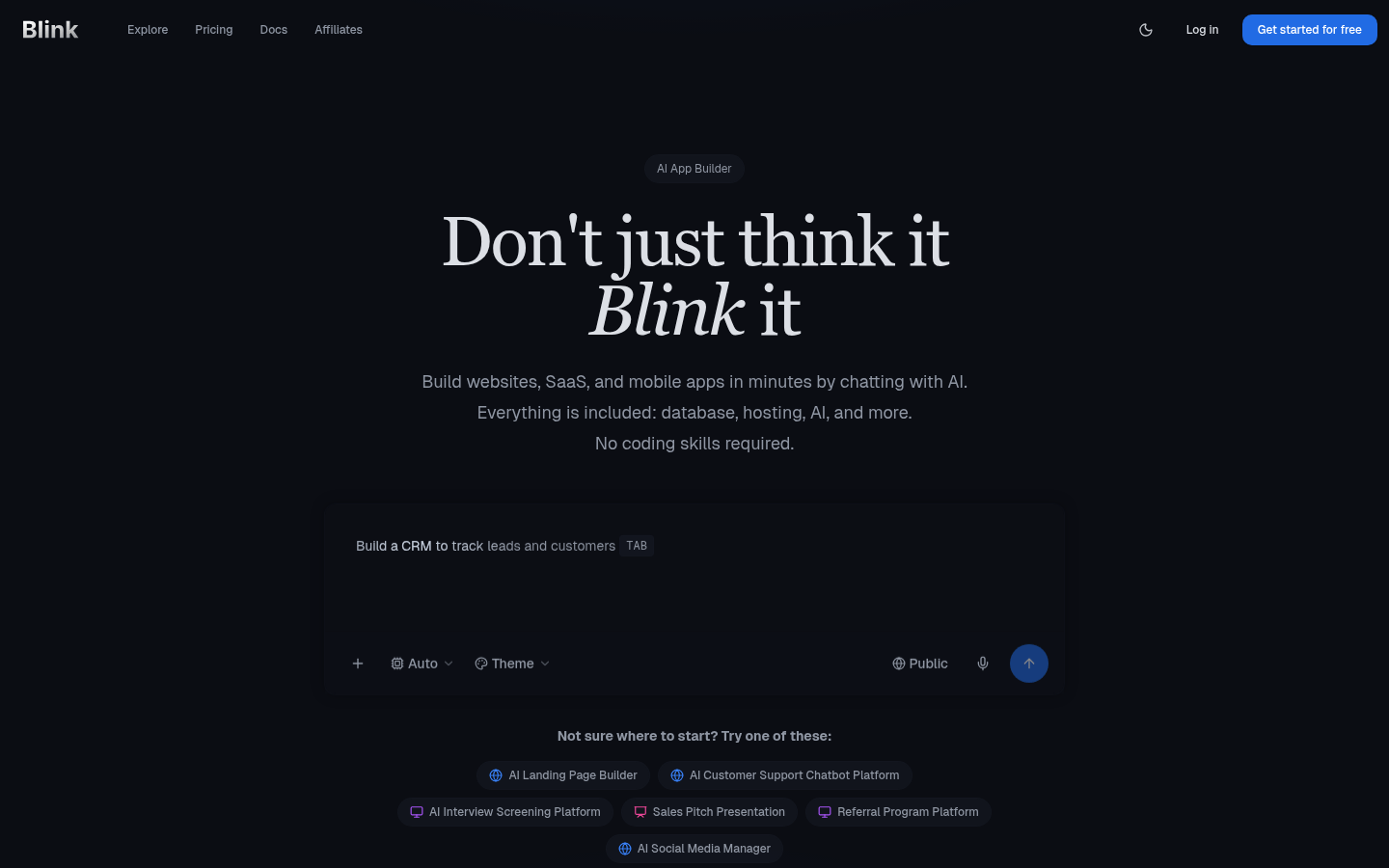
Screenshot archived from the listing page, for preview only.











