
Blog Assistant
AI blog article generatorSEO articles in minutes, free to try
Highlights
What you can do with it
- A blogger drafts a long post on a topic they already know well, then edits the result
- A marketer produces a batch of SEO articles to fill out a content calendar
- A site owner runs the free first use to see whether the style suits their brand
How to use it
- 1 Open the Blog Assistant site and start the free first run without entering card details
- 2 Describe the topic, the audience, and any points the article must cover
- 3 Review the generated outline, content, keywords, and call to action
- 4 Edit the draft in your own voice, check every fact, then publish
Who it is for
Pros
- Covers outline, body, keywords, and call to action in a single generation
- Free first use with no credit card required
- Useful for getting past the blank page on long posts
Limitations
- The free run is a trial step, what a paid plan costs is not spelled out in the listing, and free rules can change at any time
- Output still needs fact checking and a human rewrite before publishing
- The site markets the text as hard to detect, and submitting AI written work as your own can break school, publisher, or platform rules, with the consequences falling on you
- The feature list stops at generation, so editing happens outside the tool
What Blog Assistant is
Blog Assistant is an AI powered blog writing tool for long-form articles. Rather than starting from an empty document, you describe the topic and the tool returns a package that includes an outline, the article body, keywords, and a call to action. The site says the first use is free, with no credit card required and no hidden fees, so you can test the workflow before you spend anything. Articles are meant to be long enough to hold a reader and written with search in mind. The site also pitches the output as realistic and natural to read, which is the part to treat with care.
What you can do with it
- Turn a topic into a full draft, including structure and keywords, in one pass
- Get a call to action written for you, so the post ends with an ask instead of trailing off
- Run the free first use to see whether the style suits your site
- Use the draft as a base and rewrite it in your own voice
Who it is for
- Bloggers who publish on a schedule and need drafts quickly
- Marketers and SEOs filling out a content calendar
- Writers who would rather edit something than face a blank page
What to watch out for
The listing is thin on what the free run actually covers and what a paid plan costs, and free access on a site like this can change without notice, so verify the current terms before you build a workflow around it. The output is a draft, not a finished article, so facts, names, numbers, and quotes all need checking by a person. One point deserves saying plainly: the site advertises that its text is hard to detect. If your school, publisher, client, or platform requires original work or disclosure of AI assistance, passing generated text off as your own can break those rules, and the consequences fall on you rather than the tool. Treat the generator as a drafting aid and keep the editorial judgement with yourself.
FAQ
Is Blog Assistant free?
The site says you can try it for the first time without a credit card and without hidden fees. What happens after that run is not detailed in the listing, so treat the free part as a trial.
What do I get from one generation?
An article outline, the article content, keywords, and a call to action.
Can I publish the output as it is?
You should not. The draft needs fact checking and rewriting in your own voice, and if your school or platform requires original work or disclosure of AI help, follow those rules.
Why it is free
What the official page says: for freeno credit card
Free limits, trial length and features are decided by the official site and can change at any time.
Product preview
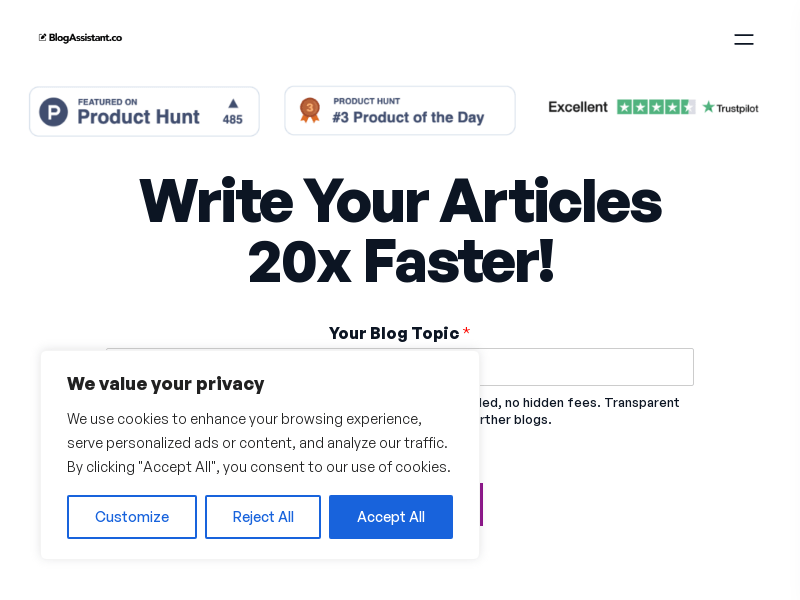
Screenshot archived from the listing page, for preview only.











