
Bolt.new Chrome Extension
Code snippet manager for ChromeYour snippets, one click away
Highlights
What you can do with it
- Inserting common HTML and CSS snippets while building pages
- Keeping database queries and API calls at hand
- Syncing snippets across development machines
How to use it
- 1 Search for Bolt.new Extension in the Chrome Web Store
- 2 Click Add to Chrome to install it
- 3 Click the extension icon to open the interface
- 4 Create, edit, and organize your snippets
- 5 Use import and export to sync between devices
Who it is for
Pros
- Free to use
- Snippets stay available across environments
- Import and export makes migration simple
Limitations
- Pinning and color coding are not available yet
- Snippets live in the browser, so a browser change means re-setup
- Free terms may change as features are added
What the Bolt.new Chrome Extension is
The Bolt.new Chrome Extension is a browser plugin for developers. It keeps your personal code snippets one click away, so inserting a common block of markup, a style rule, a database query, or an API call does not mean digging through old projects. You create, edit, and organize snippets inside the extension, move them between machines with import and export, and adjust the settings to match how you work. The site describes it as free to use. It is a small utility aimed at speed rather than a full snippet platform with team sharing, and that focus is the main thing to understand about it.
What you can do with it
- Retrieve a snippet instantly in any programming environment
- Create, edit, and organize your own snippet library
- Import and export snippets between devices
- Customize the extension settings to your liking
Who it is for
- Front-end developers reusing HTML and CSS blocks
- Back-end developers storing queries and API calls
- Mobile developers who work across several machines
What to watch out for
Pinning and color coding are listed as upcoming, so the organization tools are basic for now and the page says more features are still to come. Snippets live in the browser, which means switching browsers or profiles means setting everything up again unless you export first. Since the extension is free today, that could change as new features ship, so keep an export of your library somewhere safe. It speeds up recall, but it does not check your code for you. For best results, start with a small test file and review the output carefully before working on anything important.
FAQ
How do I install it?
Search for Bolt.new Extension in the Chrome Web Store and click the Add to Chrome button.
Can I move snippets to another computer?
Yes. There is an import and export feature that transfers snippets between devices.
Are pinning and color coding available?
Not yet. They are listed as upcoming features, so they are not usable today.
Why it is free
What the official page says: 免费使用免费
Free limits, trial length and features are decided by the official site and can change at any time.
Product preview
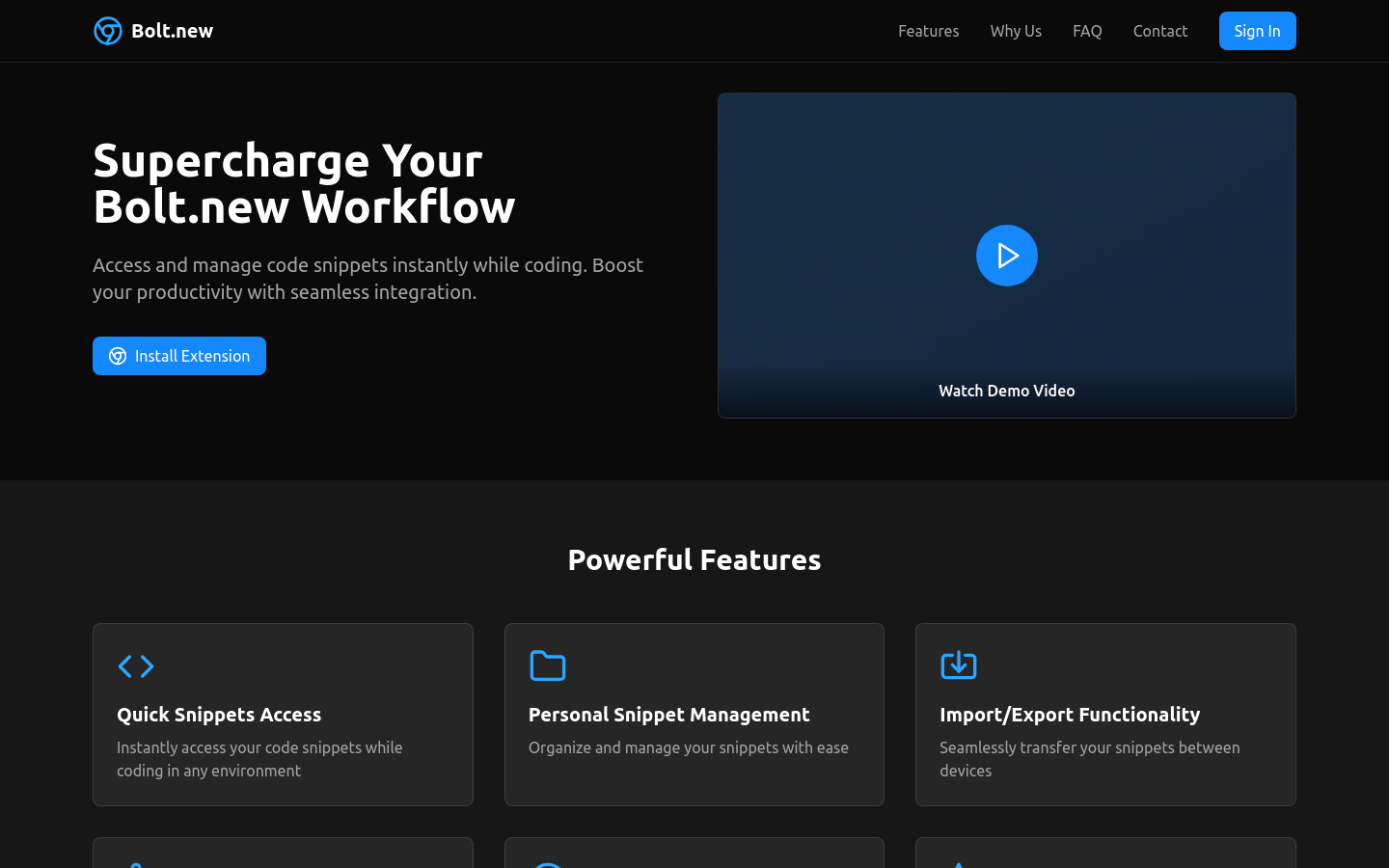
Screenshot archived from the listing page, for preview only.











